February 8, 2026
AI keyboard for clear writing anywhere
If you do most of your writing on a phone, the keyboard is where clarity either happens or stalls. An AI keyboard is not about perfect grammar; it’s about helping ideas move from thought to text without the extra loops of rewriting and second-guessing. This post explains why a keyboard-level assistant matters, what it changes in day-to-day writing, and how RewriteMate supports clearer messages across apps without pulling you out of your flow.
Why an AI keyboard matters for everyday writing
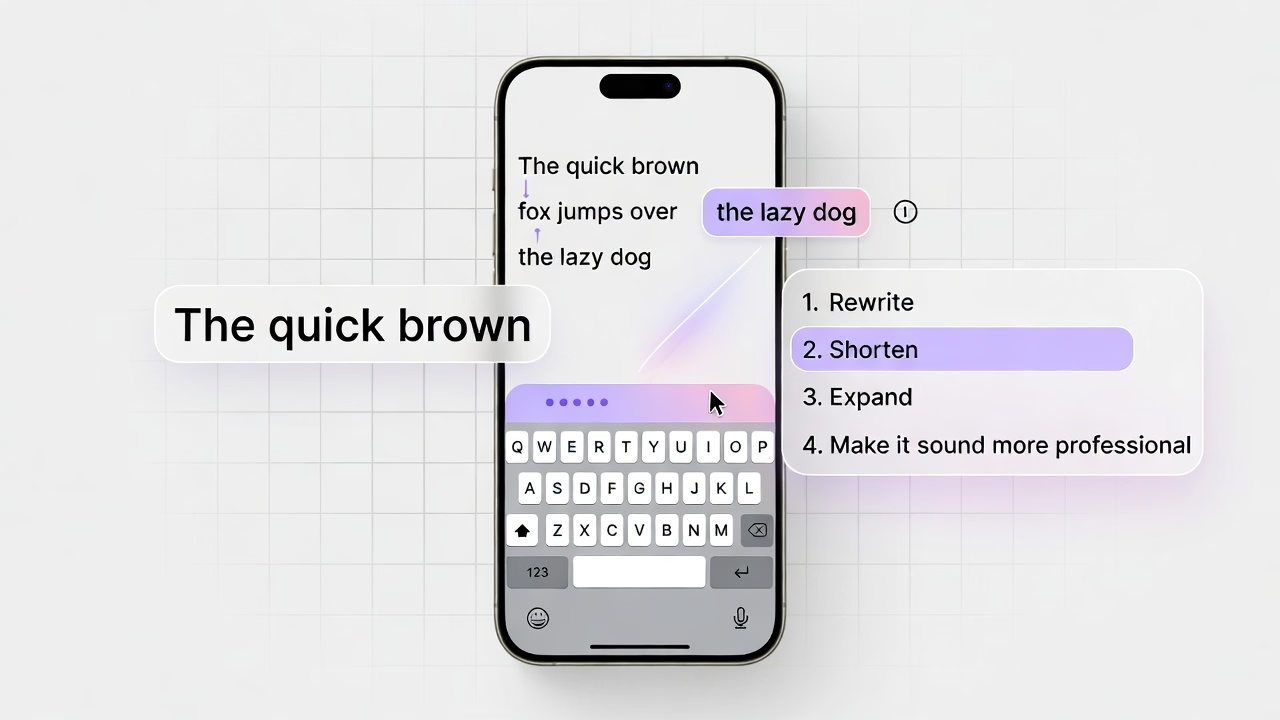
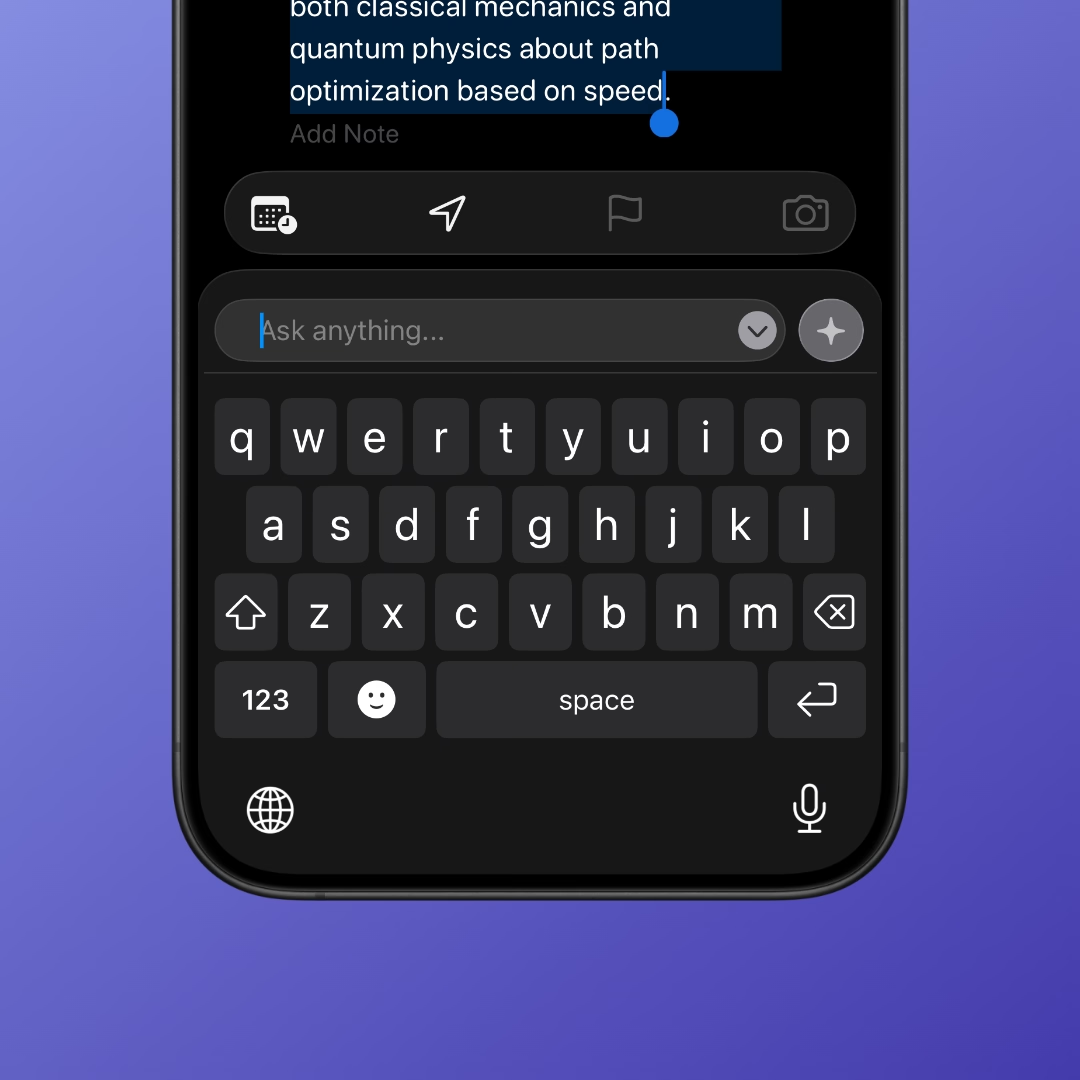
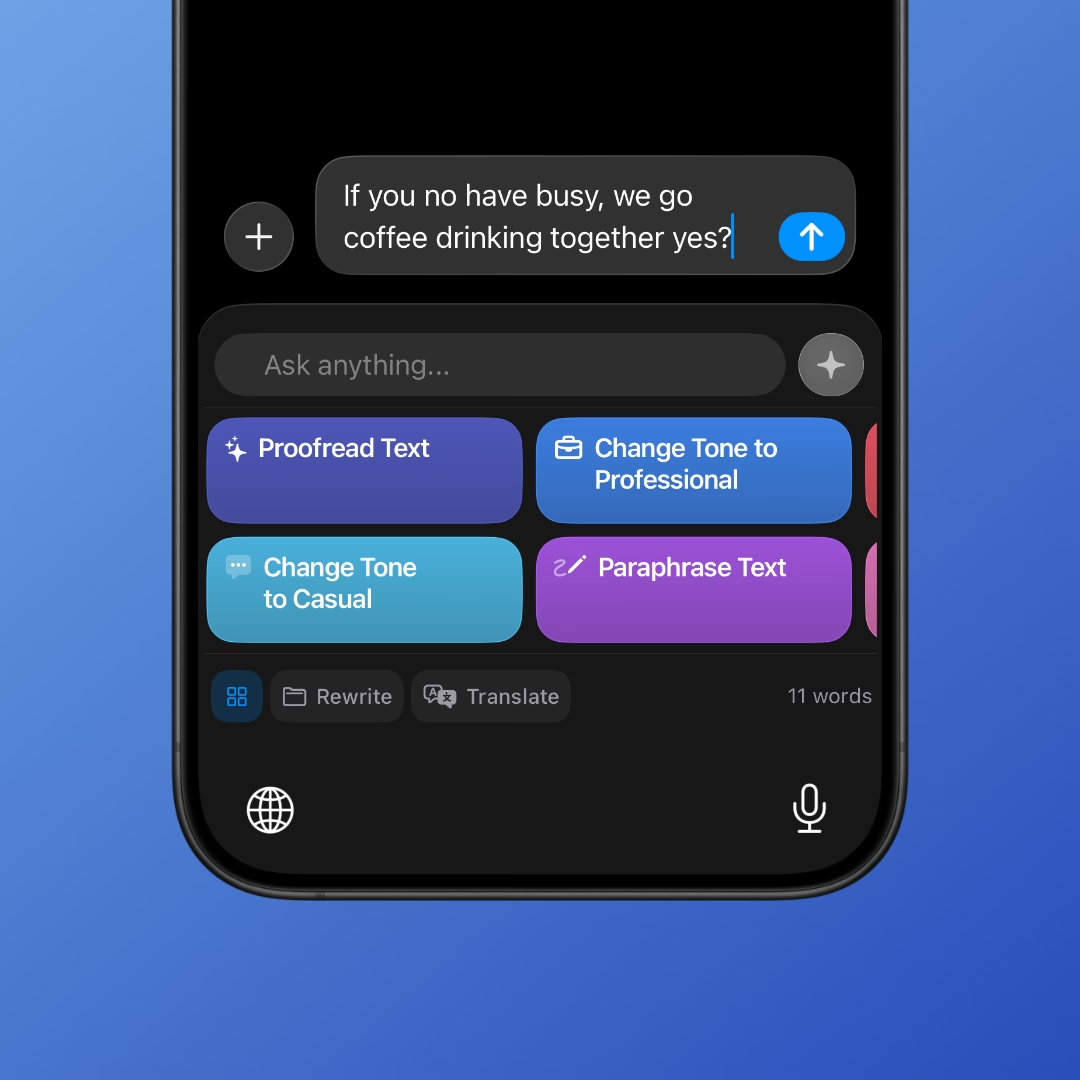
Most writing help arrives too late. You draft in one app, copy into another, tweak, then paste back. That time adds up, and it’s especially draining when you are writing in a second language or under time pressure. An AI writing keyboard helps at the moment of hesitation. It suggests cleaner phrasing, offers tone adjustments, and lets you rewrite text anywhere without interrupting your flow.
RewriteMate focuses on that moment. Instead of promising “better writing” in the abstract, it reduces the friction that makes short messages feel heavy. You keep the words that sound like you while trimming the effort it takes to get them out.
Mobile-first writing is now the default
Mobile is no longer a backup device for writing. It is where most of our daily communication happens, from quick emails to long captions. Recent global data shows that mobile devices account for a majority of web usage, which mirrors how often we draft and send text from our phones. This shift makes a reliable iOS keyboard rewriter or cross-platform AI keyboard more practical than a separate app.
What changes in practice is subtle but real. You can revise a sentence, soften a tone, or make a request clearer without stopping the conversation. The result is not flashy; it is simply less friction and fewer loops of doubt.
People who write a lot ask thoughtful questions before letting a keyboard assist them. These are the ones we hear most often.
Does it change my voice?
RewriteMate is designed to preserve your phrasing and intent. It gives options rather than overwriting. You stay in control of what you send.
Do I have to trust one perfect suggestion?
No. The value is in variation. If a rewrite does not sound like you, you can keep your original or tweak the suggestion. It is assistance, not replacement.
Is it only for “formal” writing?
Not at all. Casual replies, captions, and short notes benefit most because they are the messages you send dozens of times a day.
How RewriteMate fits into real workflows
RewriteMate works where your writing already happens. It sits behind the keyboard so you can:
- refine tone in emails without switching apps
- clean up quick messages before sending
- adjust clarity in captions, comments, or replies
- move between phone and desktop with consistent writing support
This is why terms like macOS writing assistant and rewrite text anywhere resonate. The product lives at the point of writing, not in a separate editor, and that is the difference that reduces hesitation.
An AI keyboard is most valuable when it removes the small frictions that make writing feel harder than it should. RewriteMate helps you refine tone, clarify intent, and send messages with confidence without leaving the app you are already using. If writing on mobile feels heavier than it needs to be, try letting the keyboard do the first pass so you can focus on what you want to say.
Write better everywhere
Rewrite, rephrase, and refine text instantly without switching apps.

Felix Tran
Indie Developer & RewriteMate Founder