February 7, 2026
AI Writing Tools Comparison: A Better Mobile Workflow
If you’re searching for an ai writing tools comparison, you probably already know the usual suspects — Grammarly, ChatGPT, and Apple Writing Tools — and you want to know which workflow is actually easiest day to day. That’s the real question for mobile writers: not just what the tool can do, but how often it forces you to switch apps, copy‑paste, or lose your place.
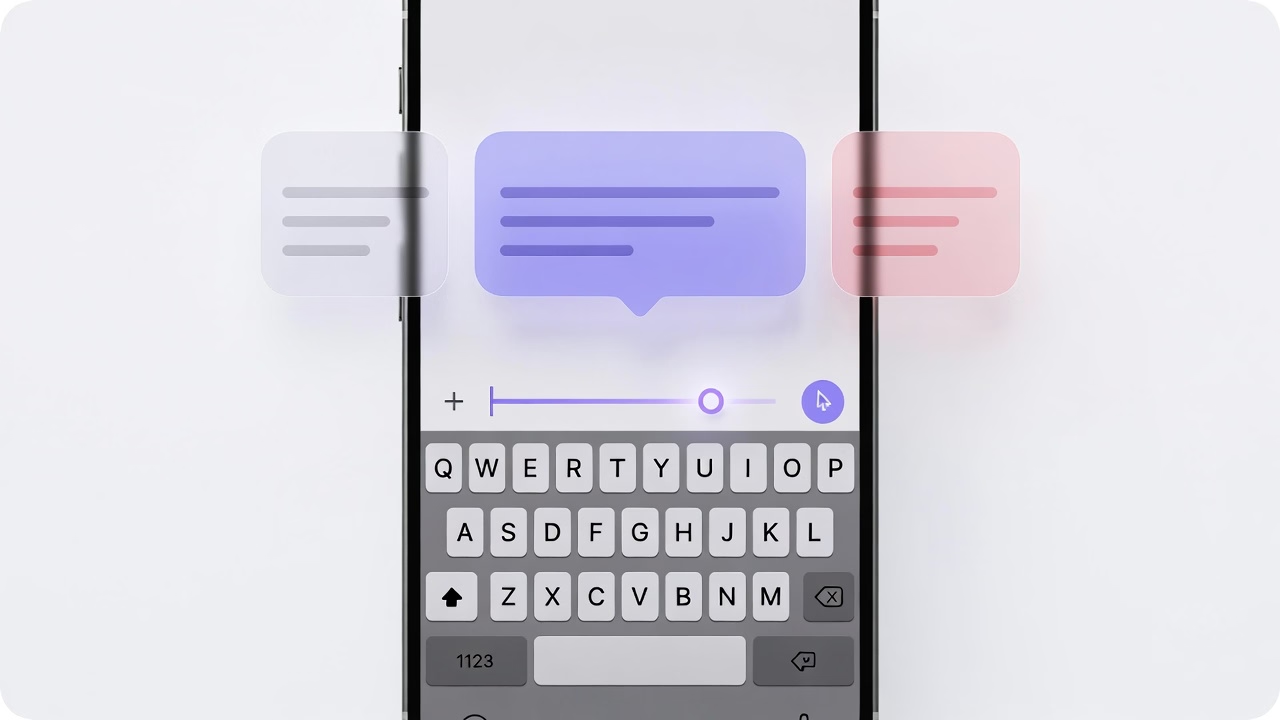
The thesis here is simple: system‑level, in‑keyboard assistance cuts that friction. Instead of bouncing between apps or browser tabs, you can rewrite, summarize, and adjust tone where you’re already typing.


Why People Use AI Writing Tools
Whether you call them artificial intelligence writing tools or ai writing assistants, people adopt these products for the same core jobs‑to‑be‑done:
- Clarity: tighten messy drafts or fix grammar fast
- Tone control: make a message more professional, friendly, or concise
- Speed: reduce the time it takes to write and edit
- Confidence: avoid mistakes before hitting send
This is why ai writing assistant searches keep rising. The tools genuinely help, especially for emails, messages, and short content where quick improvements matter. If you’re researching the best ai writing software, it’s usually because you already know the category works — you’re just trying to find the least painful way to use it on a phone.
Where These Tools Start to Break Down
The friction shows up when the workflow doesn’t match how people actually write on mobile. Three pain points appear repeatedly:
- Context switching is costly. Research from UC Irvine notes it can take around 23 minutes to return to a concentrated state after an interruption, and typical workers switch tasks frequently. That makes copy‑paste loops and app‑hopping feel more expensive than they seem.
- Mobile is a primary device for many users. Pew reports 15% of U.S. adults are “smartphone‑dependent,” meaning they rely on a smartphone without home broadband. That increases reliance on mobile‑first writing workflows.
- System‑level tools still have coverage gaps. Apple’s Writing Tools are available in many places you type, but only on compatible devices and within regions and languages that support Apple Intelligence. That leaves a large portion of users with partial or inconsistent access.
In short: the tools are good, but the workflow around them often isn’t.
What a Better Solution Looks Like Today
A better workflow is less about another “all‑in‑one” app and more about where the help appears. The best experience today looks like:
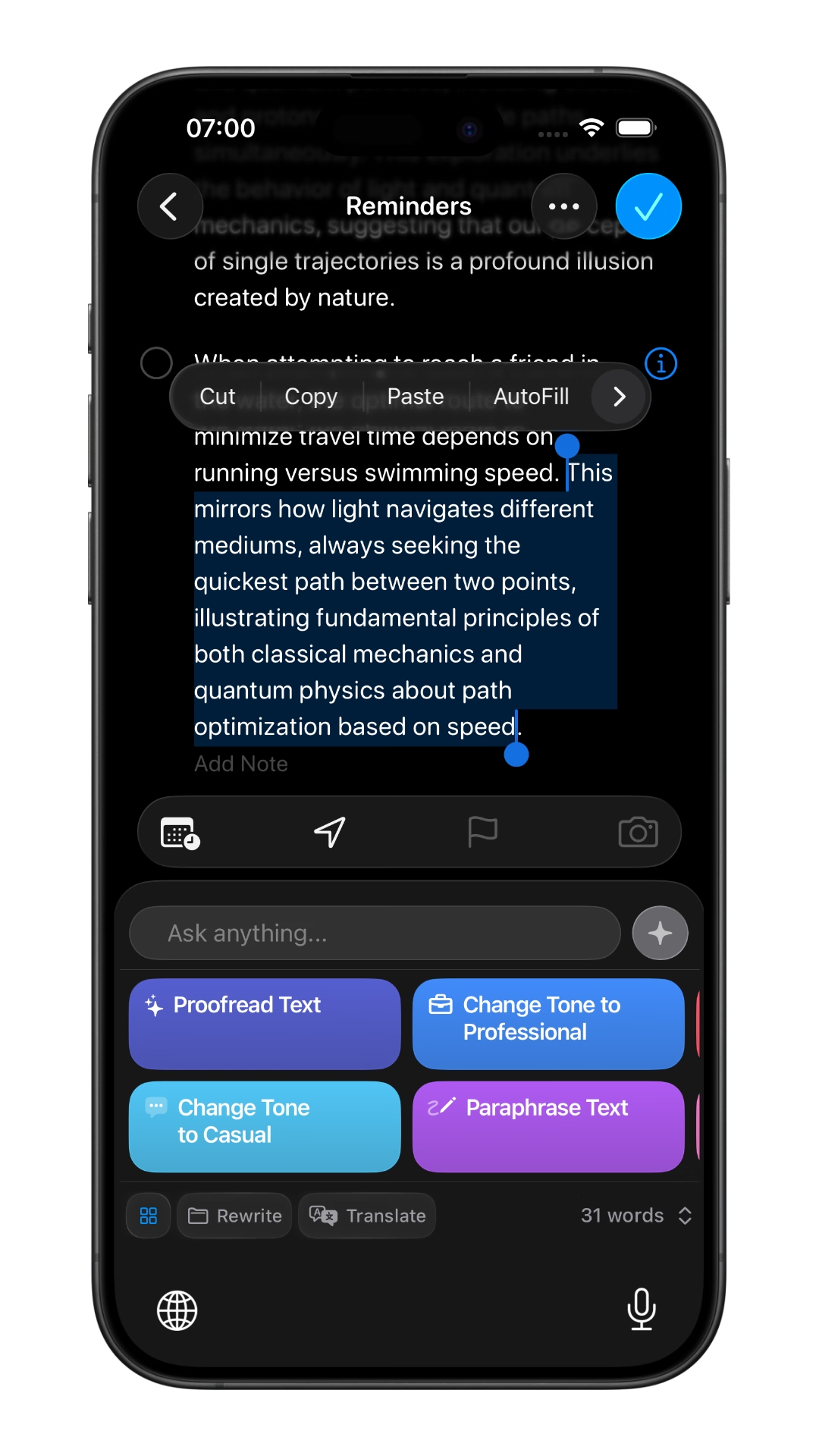
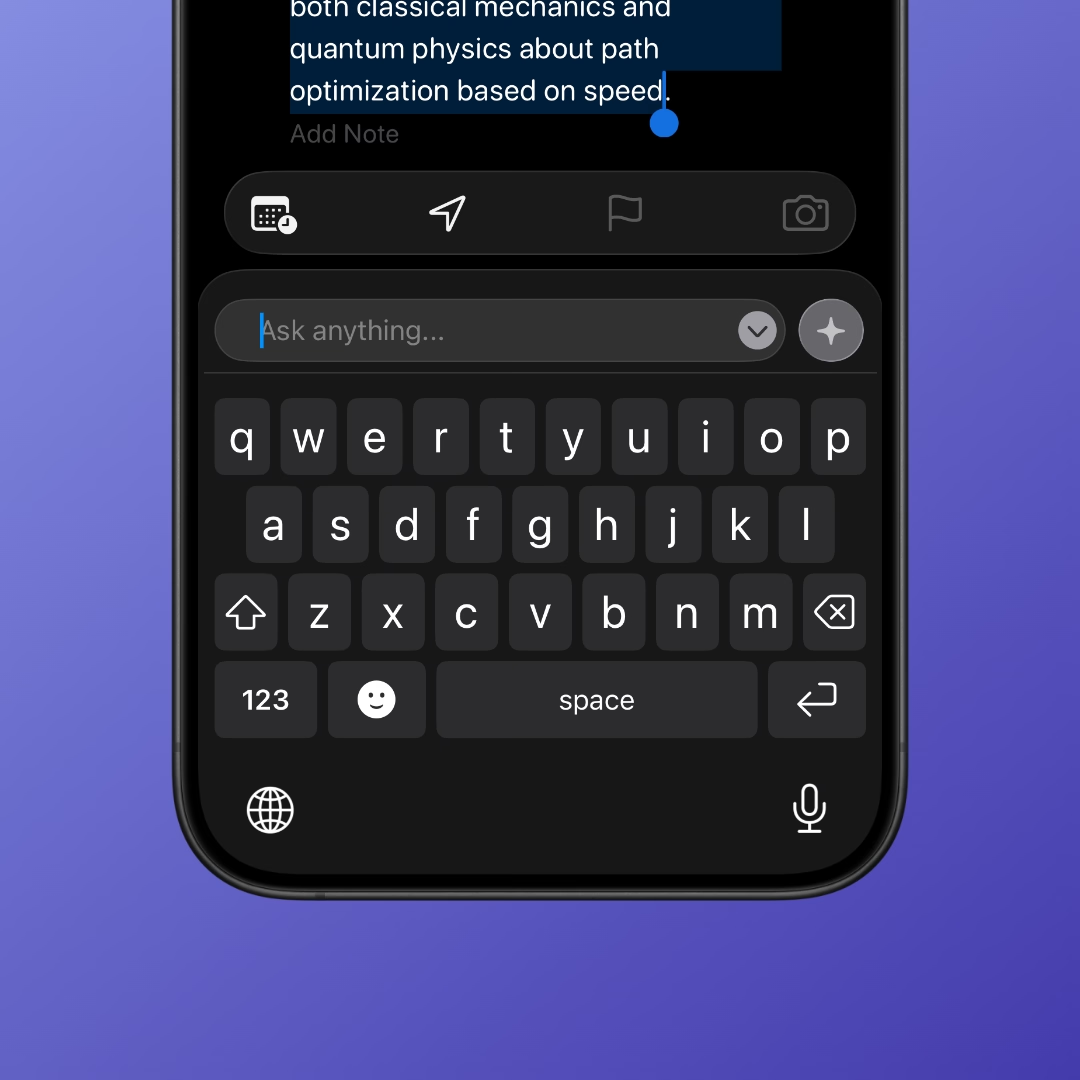
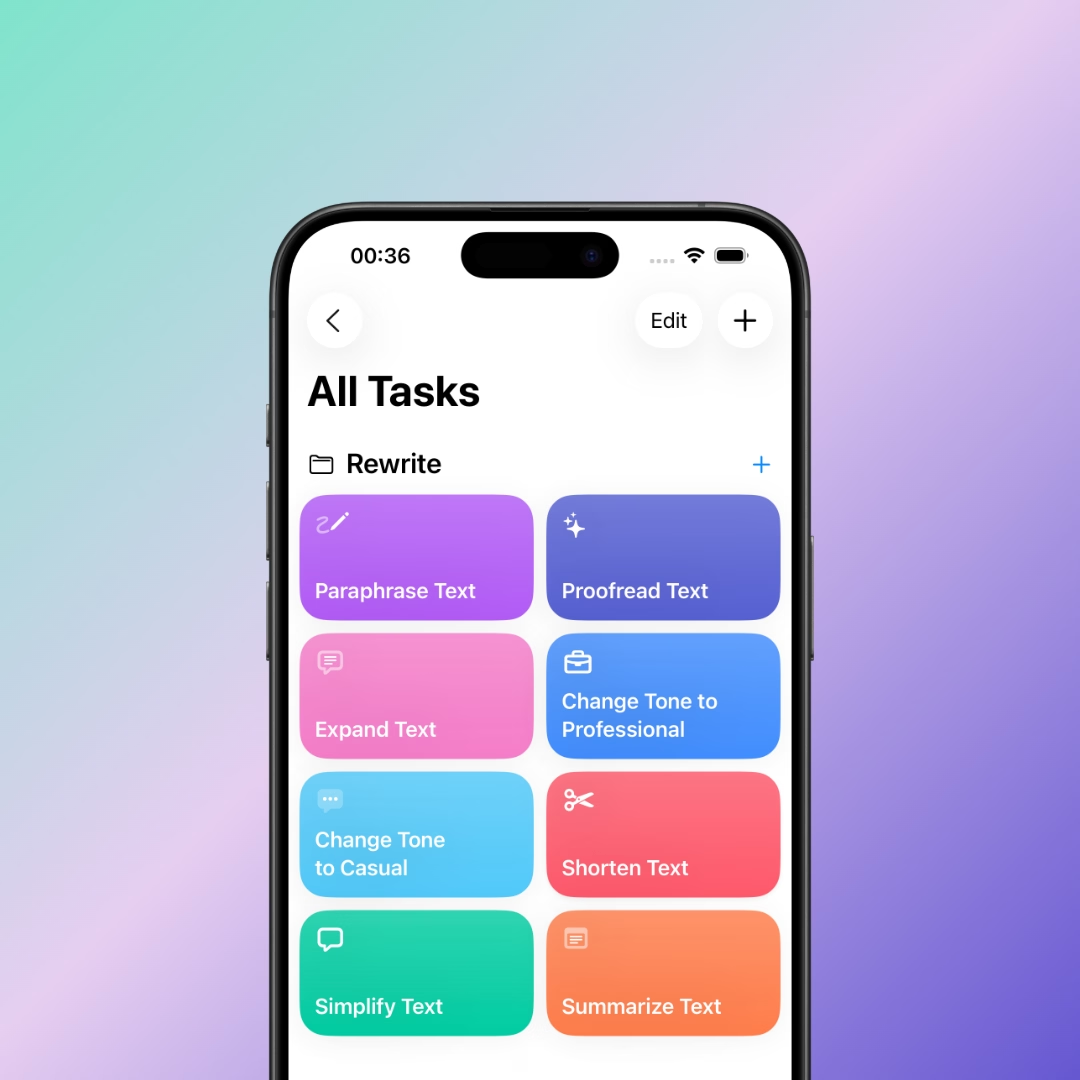
- In‑keyboard rewriting so you never leave the current app
- System‑level access across email, notes, messaging, and browsers
- Lightweight actions (rewrite, summarize, adjust tone) that keep you in flow
Common objections are reasonable: does it respect privacy, is it accurate, and will it work in the apps you use? The right approach is transparent about what gets processed, lets you keep control of the output, and focuses on quick, reversible changes rather than long‑form generation.
Who This New Approach Is Best For
This in‑keyboard model is especially useful for:
- Busy communicators: sales, support, and founders who write short messages all day
- Mobile‑first workers: anyone who does most of their writing on iPhone
- Frequent editors: people who constantly rephrase, clarify, or tone‑shift copy
If you’re comparing ai writing assistants or hunting for the best ai writing software for mobile, prioritize workflow friction over feature lists.
Conclusion
A good ai writing tools comparison isn’t just a checklist — it’s a workflow test. The popular tools are useful, but they often rely on context switching or limited device support. In‑keyboard assistance is the more modern alternative because it keeps you in the place you’re already writing.
If you’re deciding between established options, it’s worth trying a workflow that reduces app‑hopping and keeps edits in‑context. Compare, test, and choose the one that feels effortless.
Write better everywhere
Rewrite, rephrase, and refine text instantly without switching apps.

Felix Tran
Indie Developer & RewriteMate Founder