June 28, 2026
Apple Intelligence Skipped Your iPhone. Here's What I Use.
Millions of iPhone 13 and 14 users were locked out of AI writing tools. There are better workarounds than copy-pasting into Notes.
I bought an iPhone 14 Pro the month it came out. Less than a year later, Apple Intelligence launched — and my phone didn't qualify for a single feature of it. Not Writing Tools, not Smart Reply, not any of it.
This wasn't a glitch or a missing update. The A16 chip in the iPhone 14 Pro — the same chip reviewers called a monster at launch — sits one generation below the A17 Pro required to run Apple Intelligence. Hardware, not software. No iOS update will ever change it.
And here's what makes this worse: even if you have the right iPhone, you might still hit a wall in the apps you use most.
Which iPhones Actually Qualify — and Which Don't
Apple Intelligence runs on the iPhone 15 Pro, iPhone 15 Pro Max, and every model in the iPhone 16 and 17 families. That's the full iPhone eligibility list, and it's shorter than most people expect.
Left out entirely: the standard iPhone 15 and iPhone 15 Plus, and everything from iPhone 14 and older — regardless of when you bought it, what you paid, or which version of iOS you're running. The iPhone 14 Pro Max with its then-flagship A16 chip? Not eligible. Every iPhone 13? Not eligible.
The cutoff is the A17 Pro chip. Every iPhone below that threshold is locked out permanently — no software update will ever change the requirement.
Even the Right iPhone Has the Problem
Here's the part that surprises most people when they find out.
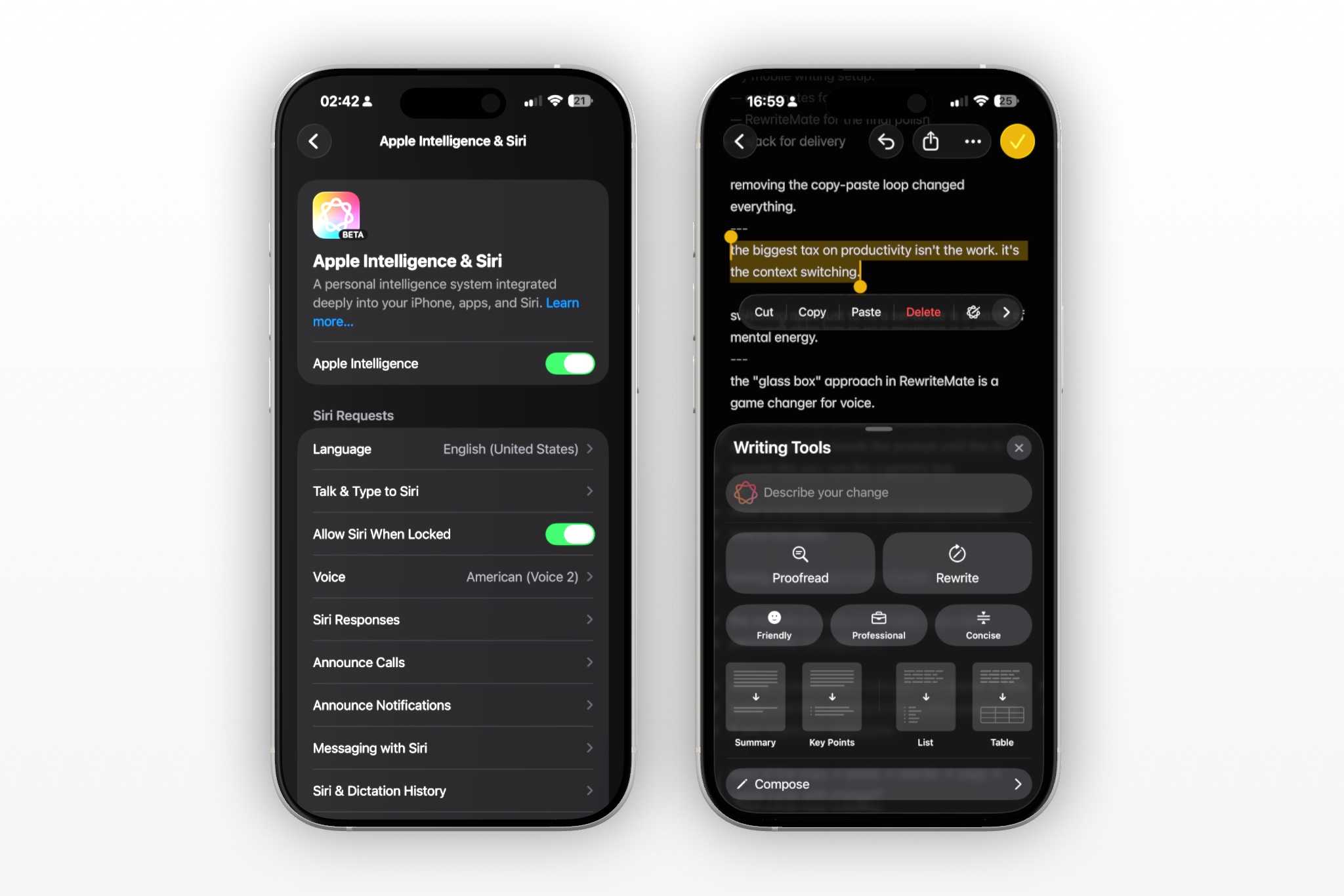
Apple Intelligence Writing Tools — the features that rewrite, summarize, and adjust tone directly in text fields — don't work automatically everywhere. iOS apps have to opt in to support them. And they can also opt out.
WhatsApp, Instagram, Facebook, Messenger, and Threads all disabled Apple Intelligence Writing Tools starting in December 2024. Meta made that decision to steer users toward Meta AI instead, and there's nothing Apple can do from the outside to override it. The Writing Tools that work in Messages, Mail, and Notes simply don't appear in any Meta app on iPhone.
Even on a brand-new iPhone 17, the apps where most people actually type don't support the AI writing features Apple markets.
If you search for "Writing Tools not working in WhatsApp," the top advice is: open Apple Notes, paste your message there, use Writing Tools to fix it, then copy the result back into WhatsApp. That's the official workaround. For one sentence. In the app you were already in.
Why the Workarounds Recreate the Problem
When native tools aren't available, the instinct is to route around them. The workarounds aren't hard to find — copy to Notes, switch to ChatGPT, access Instagram through Safari instead of the app — and none of them actually solve anything.
Every one of those workarounds involves leaving the app you're in. Opening a second tool. Waiting. Editing the output. Copying back. Returning. Pasting.
The workaround for not having AI writing tools in your app is to use AI writing tools in a different app. Which is the problem people had before AI writing tools existed.
The friction didn't go away. It moved. And because the move costs four to six steps every single time, most people stop bothering. They send the message they already have — the one that isn't quite right — because the effort to fix it costs more than the fix is worth.
That's the real failure of every workaround in this category. They assume people will accept added steps in exchange for better output. They won't. Not consistently. Not on a phone.
Write better everywhere
Rewrite, rephrase, and refine text instantly without switching apps.
What I Actually Use
A keyboard extension called RewriteMate solved both of these problems for me in a way Apple Intelligence structurally cannot — not on older hardware, and not in the apps that block it.
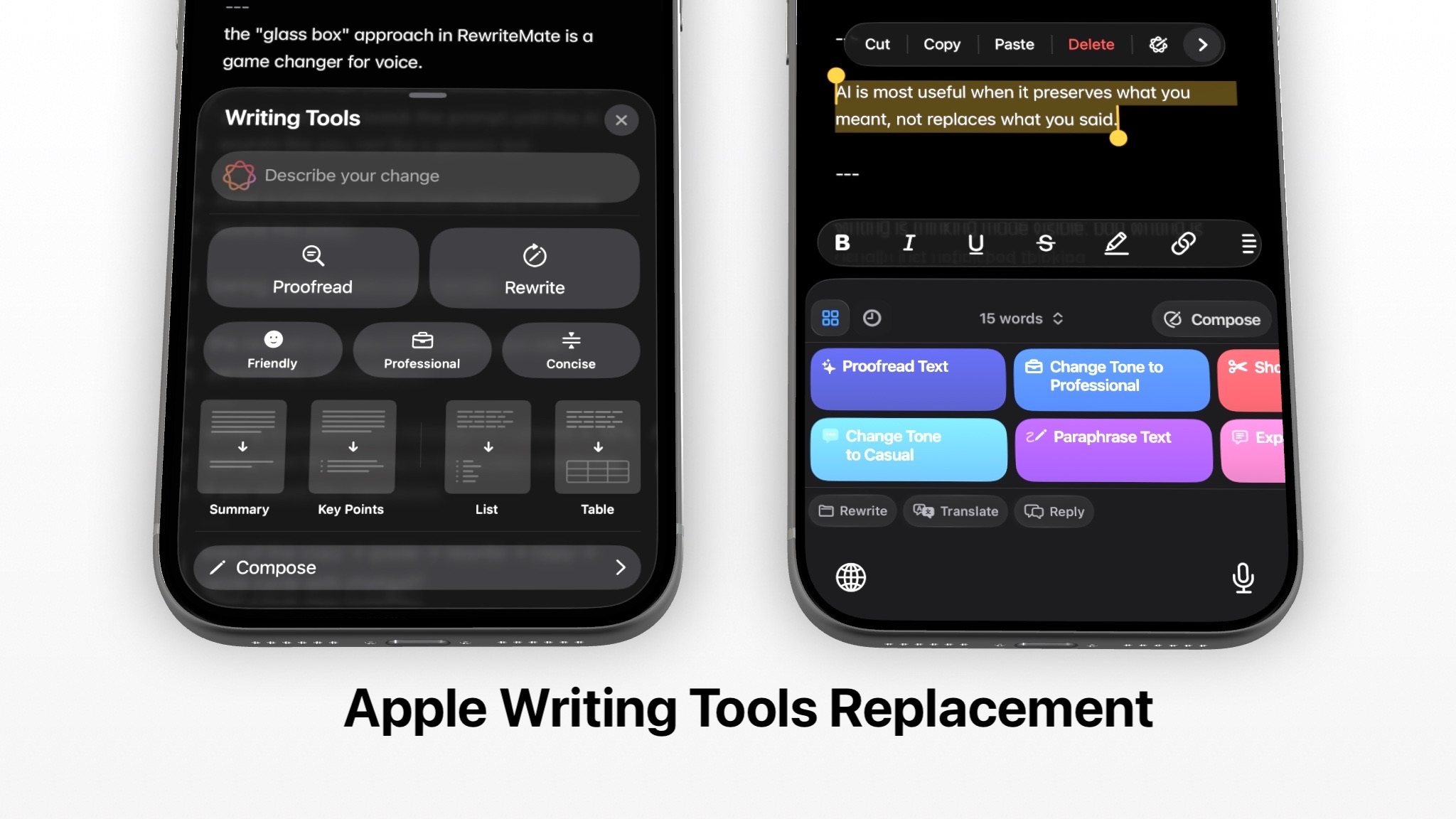
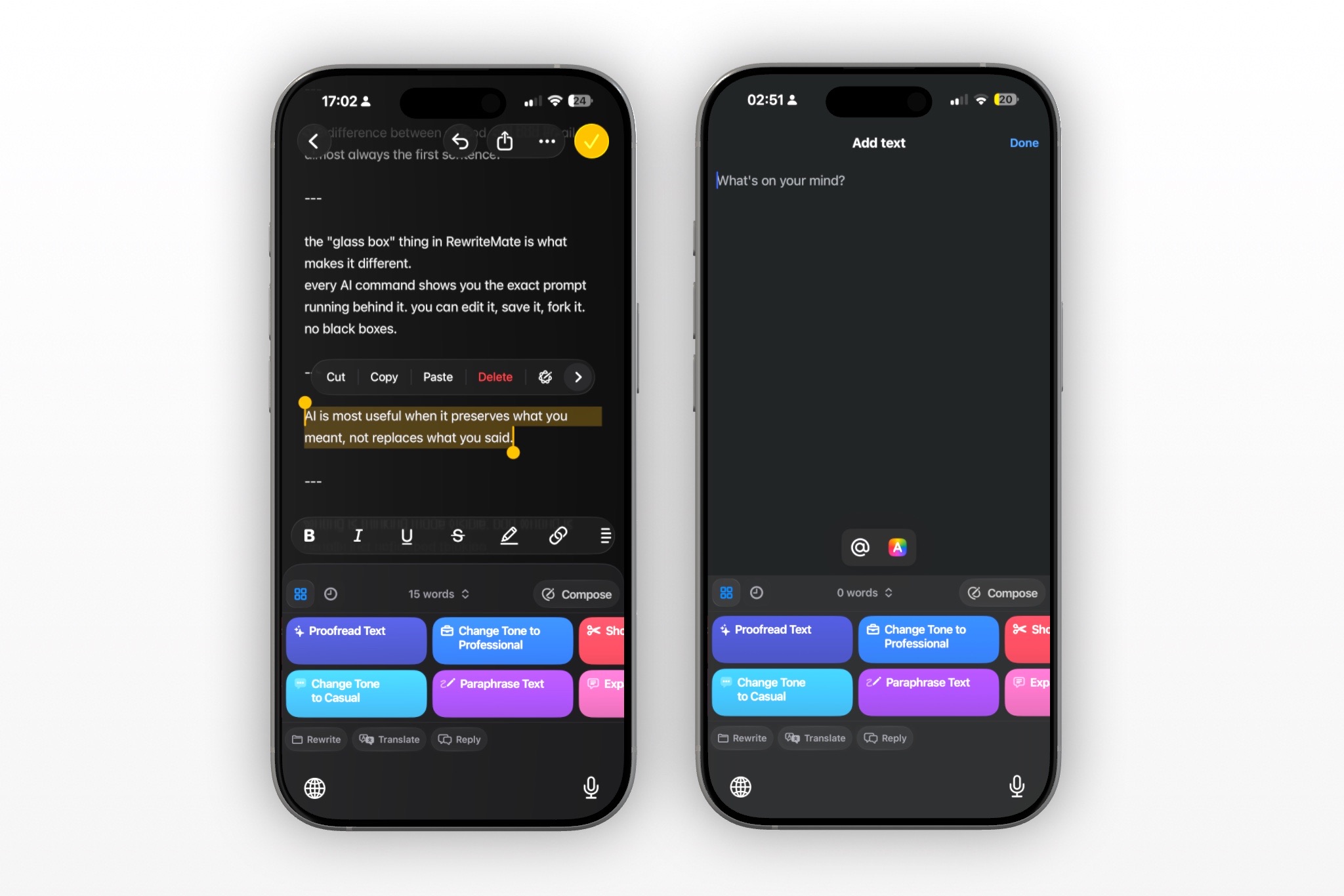
It works at a different level than Apple Intelligence Writing Tools. Instead of relying on each app's developer to opt in, it runs as an iOS system keyboard extension. When you select text in any app, a command bar appears above the keyboard — Paraphrase, Change Tone to Professional, Fix Grammar, Translate, and more — and the rewrite happens in place. No copy-paste. No app-switching. The message stays on screen.
A keyboard extension sits below the app layer. There's nothing for WhatsApp or Instagram to block.
Because it operates through the keyboard rather than through an app-level integration, no third-party developer can disable it. It works in WhatsApp. In Instagram. In Gmail, Slack, LinkedIn, Notes, Threads, Messages — anywhere there's a text field on iOS.
What's Worth Knowing Before You Try It
It doesn't try to replicate everything Apple Intelligence does. No notification summaries, no on-device image generation, no Siri integration. It does one thing: take text you've already written and make it say what you meant it to say — more clearly, more naturally, or in the right register for the context.
The built-in commands cover the common ground: proofread, paraphrase, change tone, shorten, expand, translate. For anything more specific, custom commands let you define exactly how the AI should rewrite — and save that definition for one-tap reuse. "Fix this but keep my structure." "Make it sound warmer without being casual." "Cut to two sentences." Your recurring writing patterns, encoded once, usable anywhere.
On privacy: only the text you explicitly select is ever sent for processing. The keyboard doesn't read everything you type. It acts on what you ask it to, and nothing else.
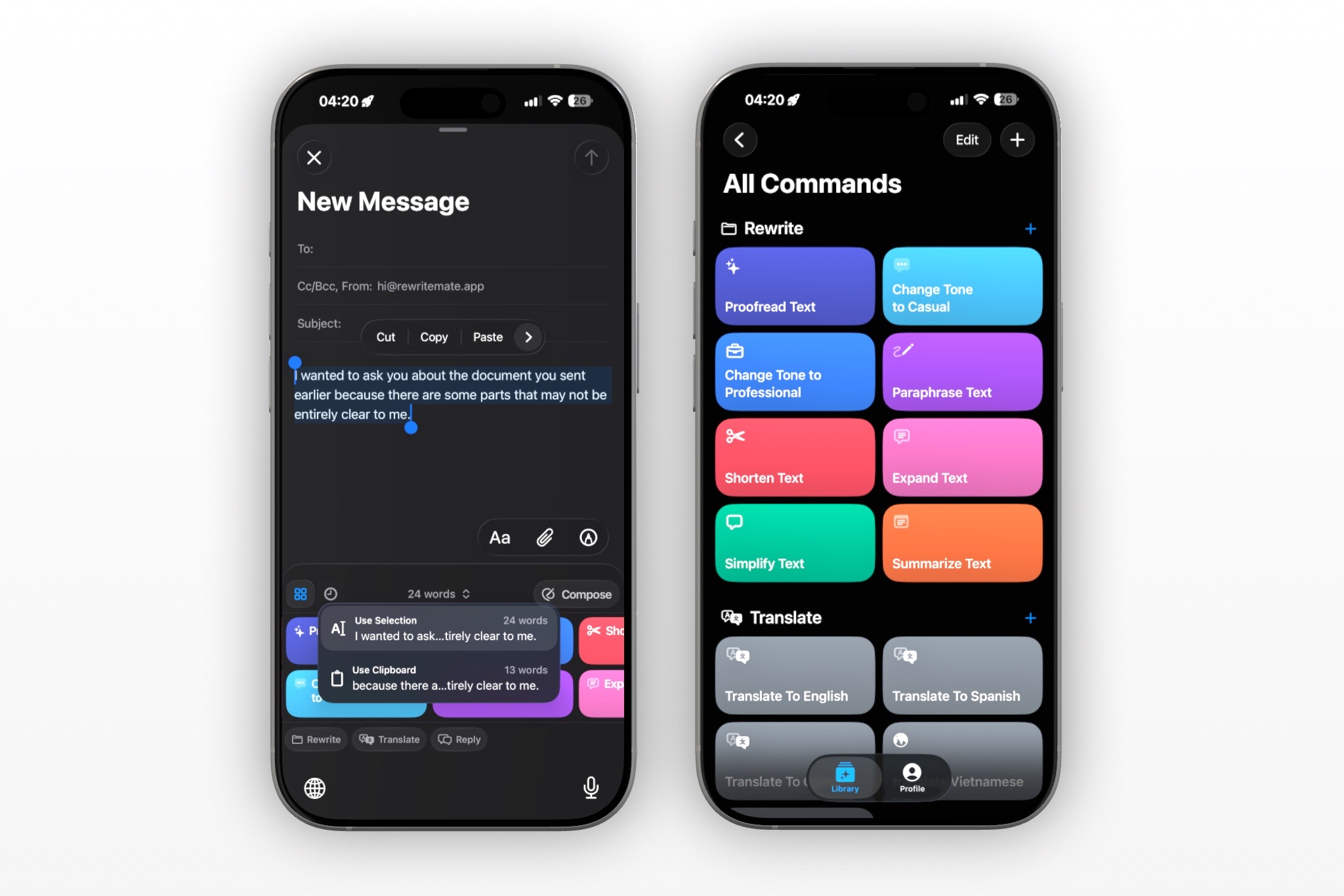
A keyboard that waits for your instruction has a fundamentally different relationship with your text than one that processes everything you type.
If Apple Intelligence Hasn't Reached You Yet
The eligibility list will eventually shift. More iPhone models will cycle through. More apps may restore Writing Tools support. The feature set will grow.
But the timeline for any of that isn't yours to control. If your iPhone doesn't qualify today, or if you spend most of your day writing in WhatsApp and Instagram, you're waiting on decisions that Apple, Meta, and hardware upgrade cycles will make without asking you.
Waiting for Apple Intelligence to reach your device is a reasonable plan. Waiting for Meta to re-enable it in WhatsApp is a different bet entirely.
A keyboard that works on any iPhone, in any app, without needing a hardware upgrade or a developer's opt-in is a different kind of answer to that problem.
If you want to try it, RewriteMate is free to download on the App Store. Takes about a minute to set up.
Are you on an older iPhone, or have you run into the Writing Tools gap in WhatsApp or Instagram? I'd be curious what workaround you've been using — or whether you've stopped trying.
Related articles
Keep reading
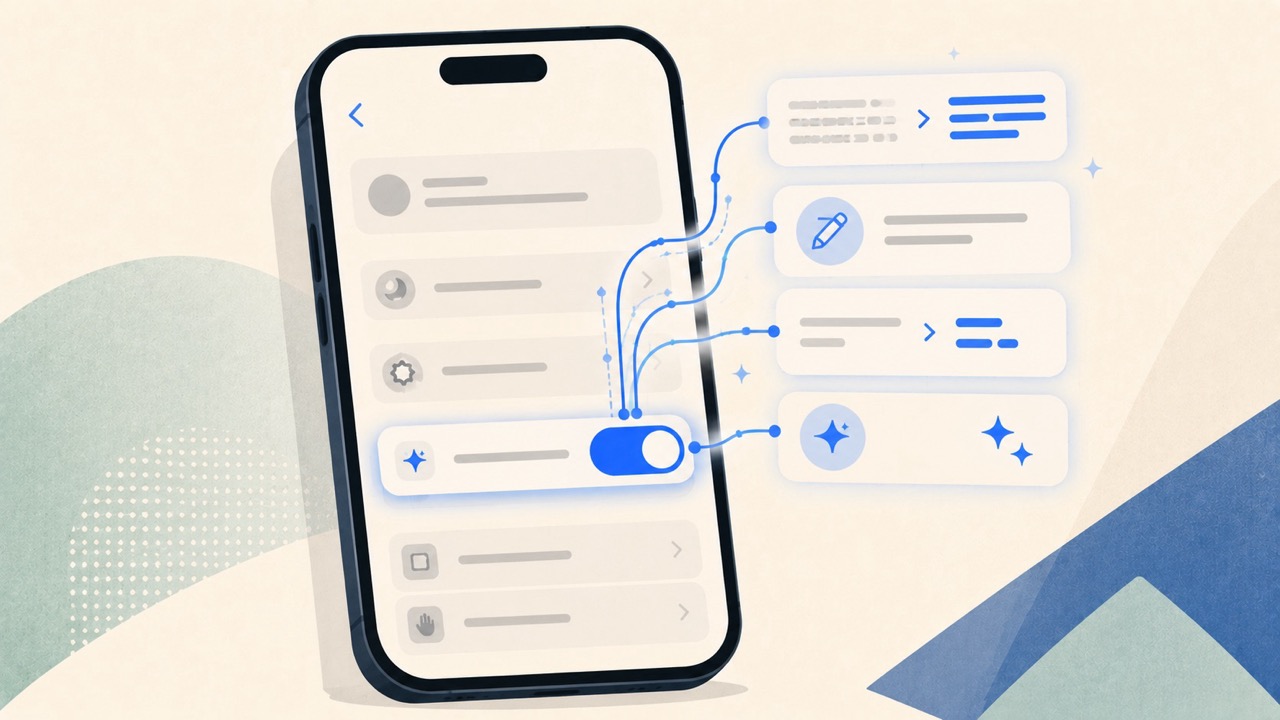
How to Turn On Apple Intelligence and Writing Tools on iPhone
Learn how to enable Apple Intelligence and use Writing Tools on a compatible iPhone, plus what to check when the feature is missing and an alternative for unsupported devices.
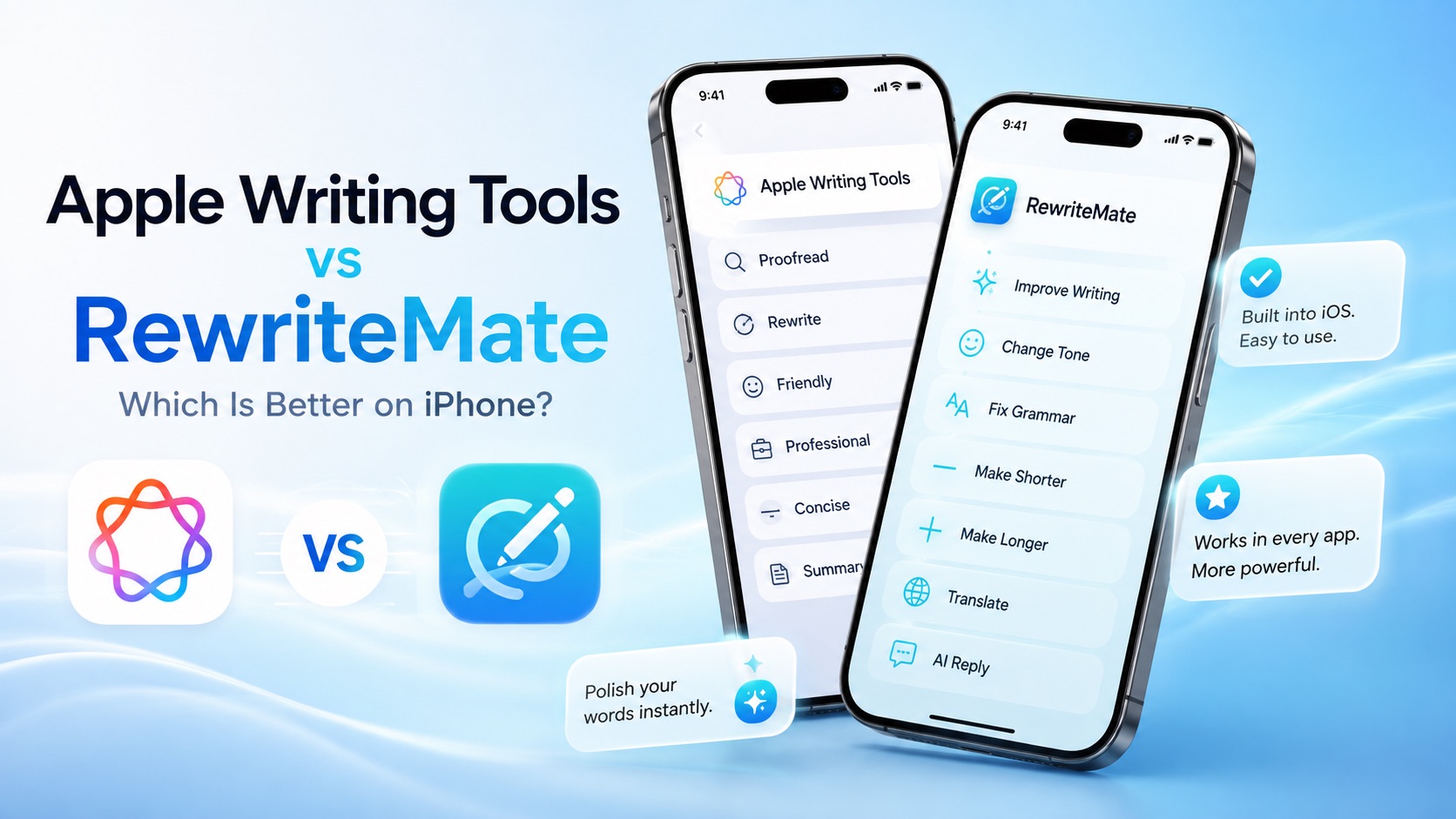
Apple Writing Tools vs RewriteMate: Which Is Better on iPhone?
Compare Apple Writing Tools and RewriteMate to see which AI writing solution is best for iPhone. Learn the differences in AI rewriting, keyboard workflow, customization, privacy, and everyday productivity.
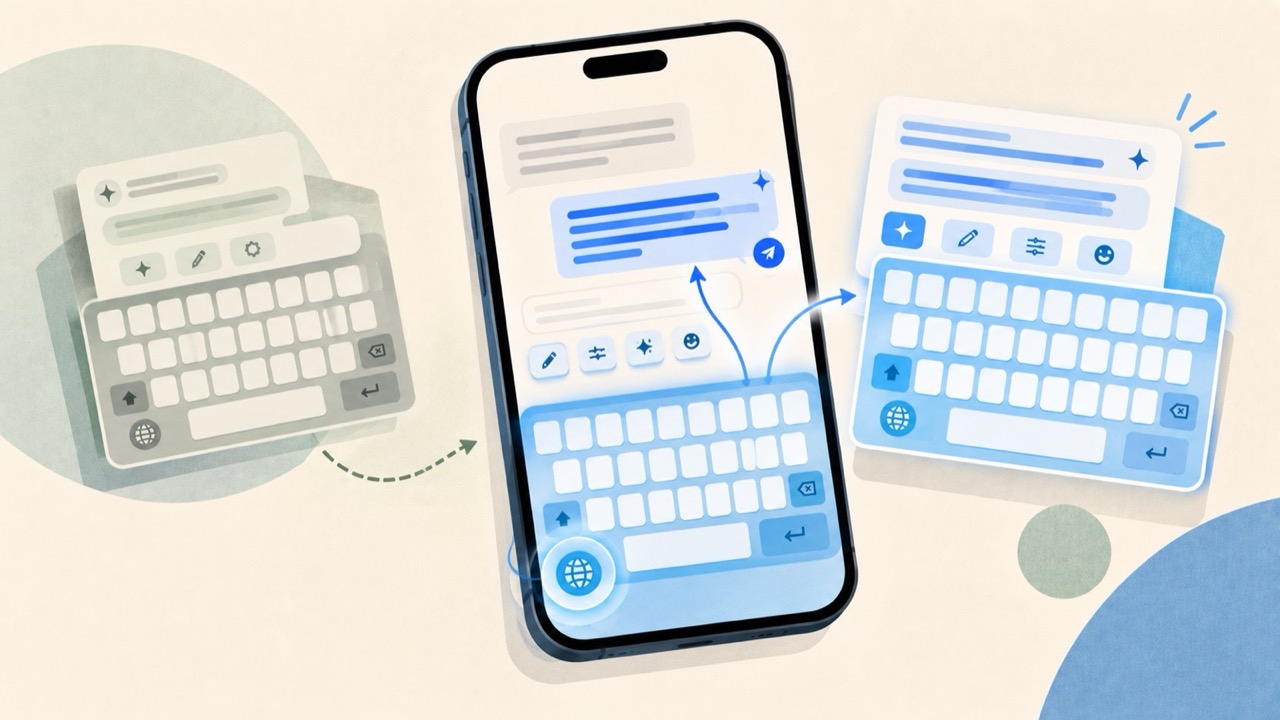
Best CleverType Alternative for iPhone
Compare CleverType alternatives for iPhone based on the writing workflow you need: grammar correction, tone changes, custom prompts, built-in Apple tools, and keyboard-based editing.

Felix Tran
RewriteMate Dev & Editorial Lead
Write about everyday workflows, systems that help ideas move faster, from first draft to finished work.