January 27, 2026
How an AI Writing Keyboard Improves Mobile Typing
Introduction
An AI writing keyboard is quickly becoming an essential tool for anyone who writes frequently on their phone. From emails and messages to notes and social posts, mobile typing now accounts for a large share of everyday communication. Traditional keyboards, however, were never designed to help with clarity, tone, or structure.
This article explains how AI writing keyboards work, why they matter, and how tools like RewriteMate help users write more clearly and efficiently—without switching apps.
How AI Writing Keyboards Transform Mobile Communication
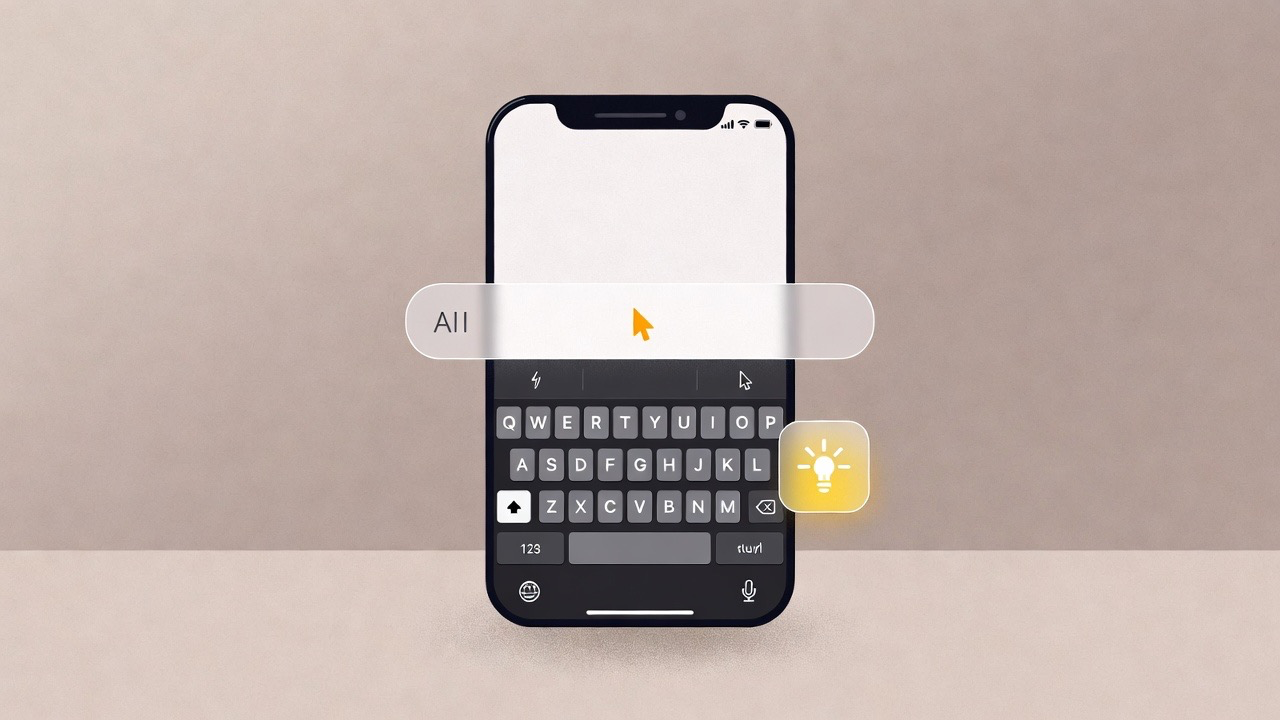
Standard mobile keyboards focus on speed and autocorrect. An AI-powered keyboard goes further by acting as a real-time keyboard writing assistant. It understands context, improves phrasing, and suggests alternatives while you type.
For writers, professionals, and non-native English speakers, this can mean:
- Fewer grammar mistakes in quick messages
- Clearer tone in emails and work chats
- Less time spent rewriting or copying text into another app
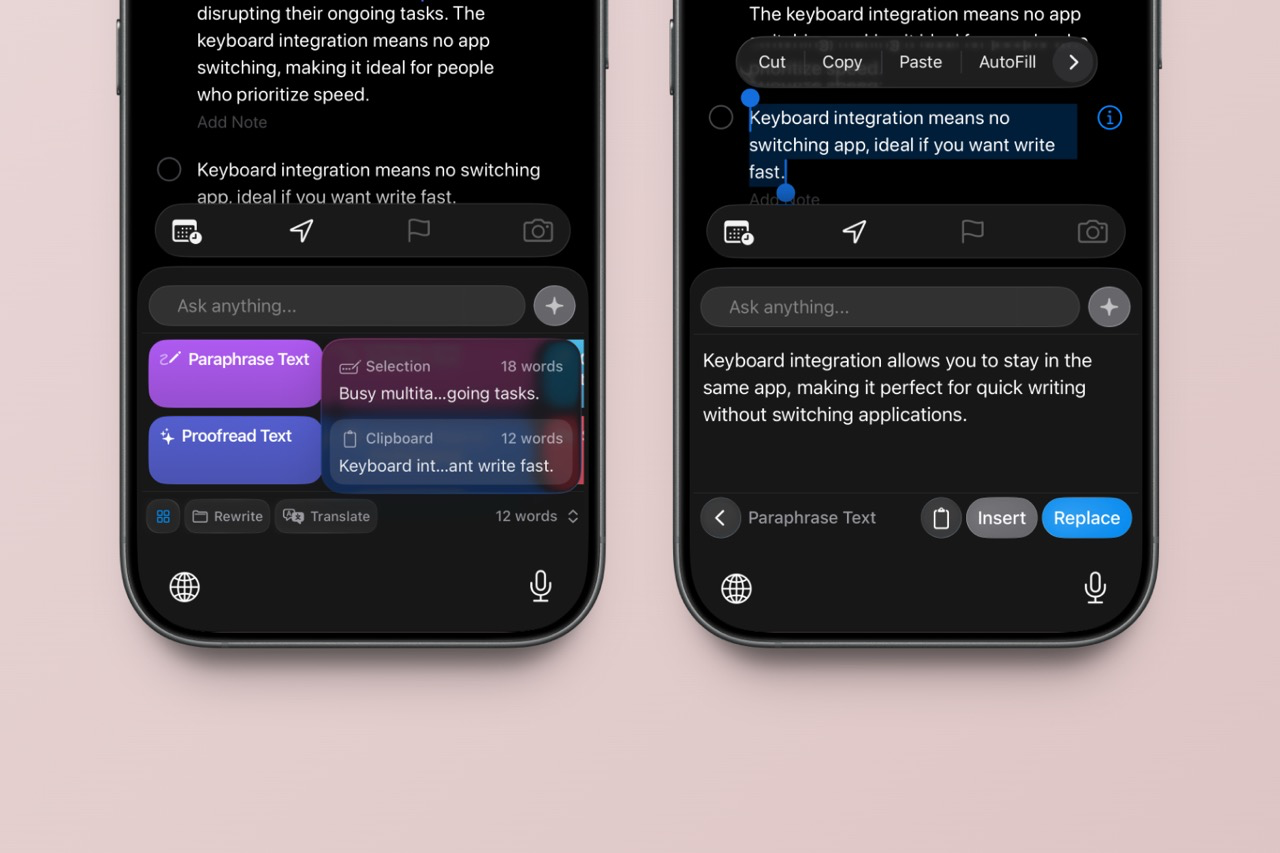
An AI keyboard for writers stays in the background until needed, helping refine text without interrupting the writing flow. Instead of fixing mistakes after sending, users can write with more confidence from the start.
Key Features to Look for in an AI Keyboard App
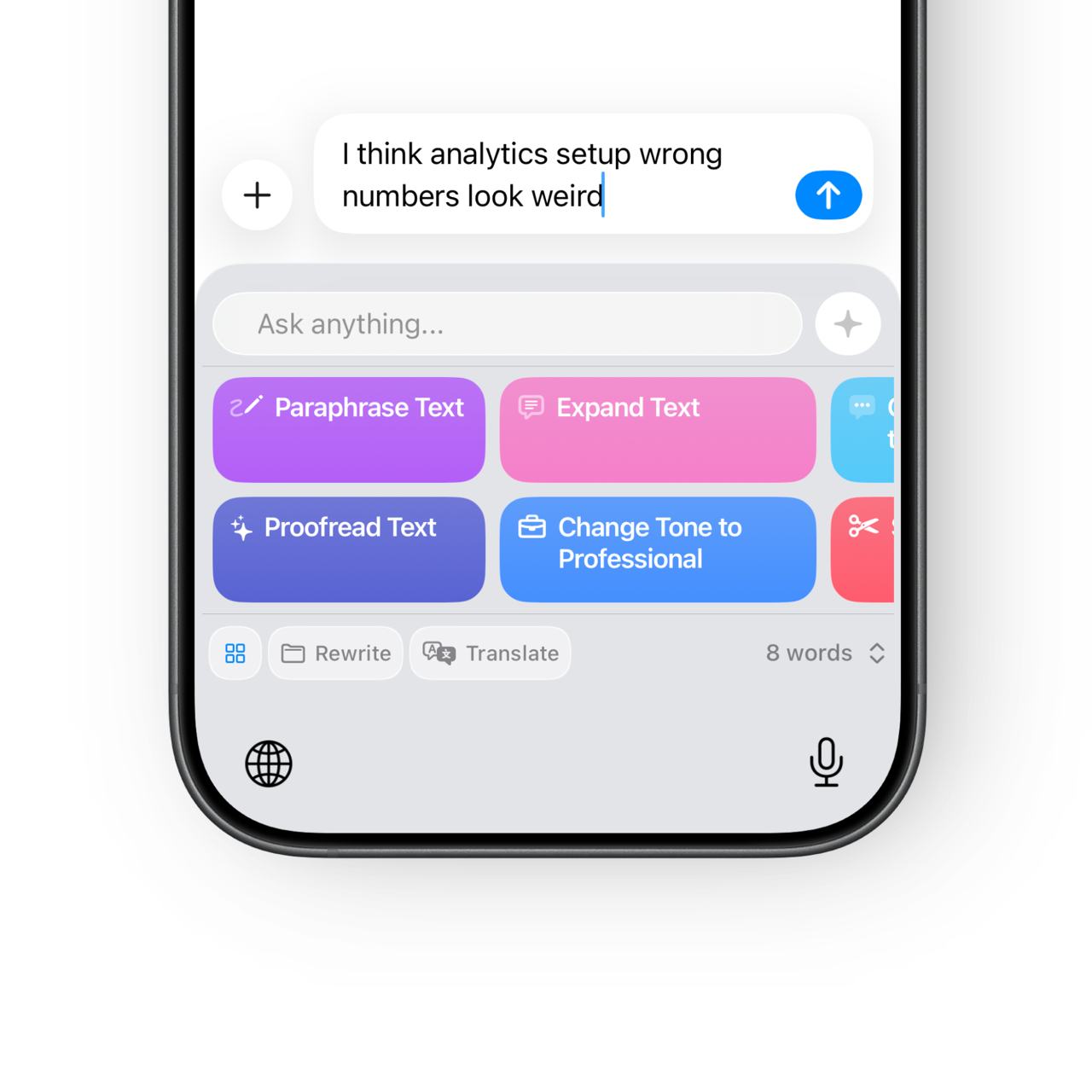
Not all AI keyboards offer the same level of assistance. A well-designed AI text keyboard app typically includes:
Grammar and clarity support
AI suggestions improve sentence structure and readability, not just spelling.
Tone adjustment
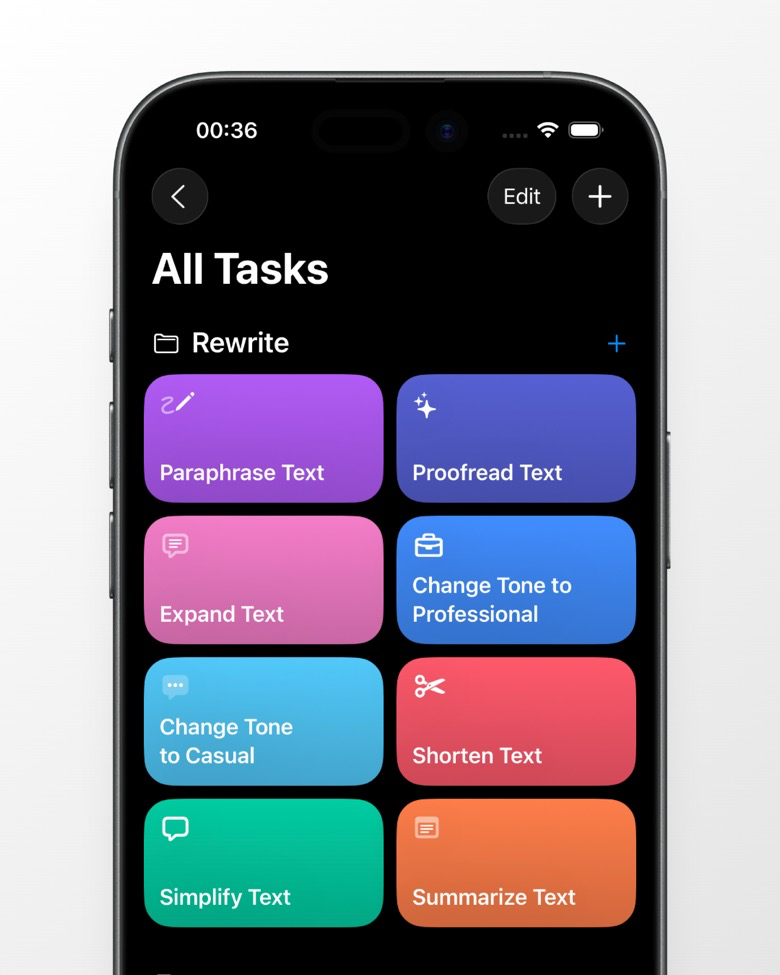
Switch between casual, professional, or neutral tone depending on the situation.
Paraphrasing and rewriting
An AI keyboard paraphrase tool helps restate ideas clearly without changing meaning.
Productivity impact
Studies on AI-assisted writing tools consistently show reductions in editing time and improvements in message clarity. Even small improvements add up when writing dozens of messages per day.
These features are especially useful on mobile, where rewriting long text is slower and more error-prone than on desktop.
Common Questions About AI Writing Keyboards
Are AI keyboards safe to use?
Most reputable AI keyboards clearly explain how text is processed and stored. It’s important to review privacy policies and choose tools that prioritize user control.
Do they work in all apps?
Yes. Because they replace the system keyboard, AI writing keyboards work inside messaging apps, email clients, notes, and social platforms.
Will they slow down typing or drain battery?
Modern AI keyboards are designed to be lightweight. Performance impact is typically minimal, especially on newer devices.
Are they only for professional writing?
No. Many users rely on AI keyboards for everyday communication—texts, comments, and quick replies—where clarity still matters.
Sound clear, natural, and confident in every message.
Polish emails, chats, and posts with an AI keyboard built for real communication.
Choosing the Right AI Writing Keyboard
The best AI writing keyboard depends on how and why you write. If you send frequent work emails, tone control and grammar support are key. If you write in multiple languages, look for strong multilingual capabilities. Testing a few options helps identify which keyboard feels most natural during daily use.
RewriteMate, for example, focuses on staying simple and fast while offering powerful rewriting and tone tools directly inside the keyboard.
An AI writing keyboard changes how people write on their phones by adding clarity, confidence, and speed to everyday typing. Instead of switching apps or rewriting messages later, users can improve text in real time—right where they type.
If mobile writing is a daily habit for you, trying an AI keyboard like RewriteMate is a practical step toward clearer communication and a smoother workflow.

Felix Tran
Indie Developer & RewriteMate Founder