March 3, 2026
The Best AI Writing Assistant for Sales Reps: Optimizing Mobile Follow-Up Workflows
An AI writing assistant for sales reps has become less of a nice-to-have and more of a daily necessity. Most reps now handle a constant stream of outbound emails, LinkedIn replies, SMS follow-ups, CRM notes, and internal updates from their phones between meetings. The challenge is not just writing faster, but writing clearly while context-switching under pressure.
For quota-carrying teams, each message can affect response rates and pipeline momentum. A rushed sentence with unclear intent or awkward tone can quietly reduce trust. On mobile, that risk gets worse because every copy-and-paste step adds physical friction and breaks mental flow.
Why General Purpose AI Falls Short for Sales Reps
General AI tools can generate strong text, but they often fail in live selling workflows. When a rep has to leave Mail, Messages, LinkedIn, or CRM mobile screens to open a separate app, paste text, edit output, and paste again, the moment is already gone.
That interruption adds both time cost and cognitive load. Reps lose thread context, forget what the prospect asked, and spend extra effort reformatting output for the original app. In sales communication, speed and accuracy need to happen inside the moment of writing, not before or after it.
How Sales Reps Use RewriteMate to Improve Follow-Up Quality
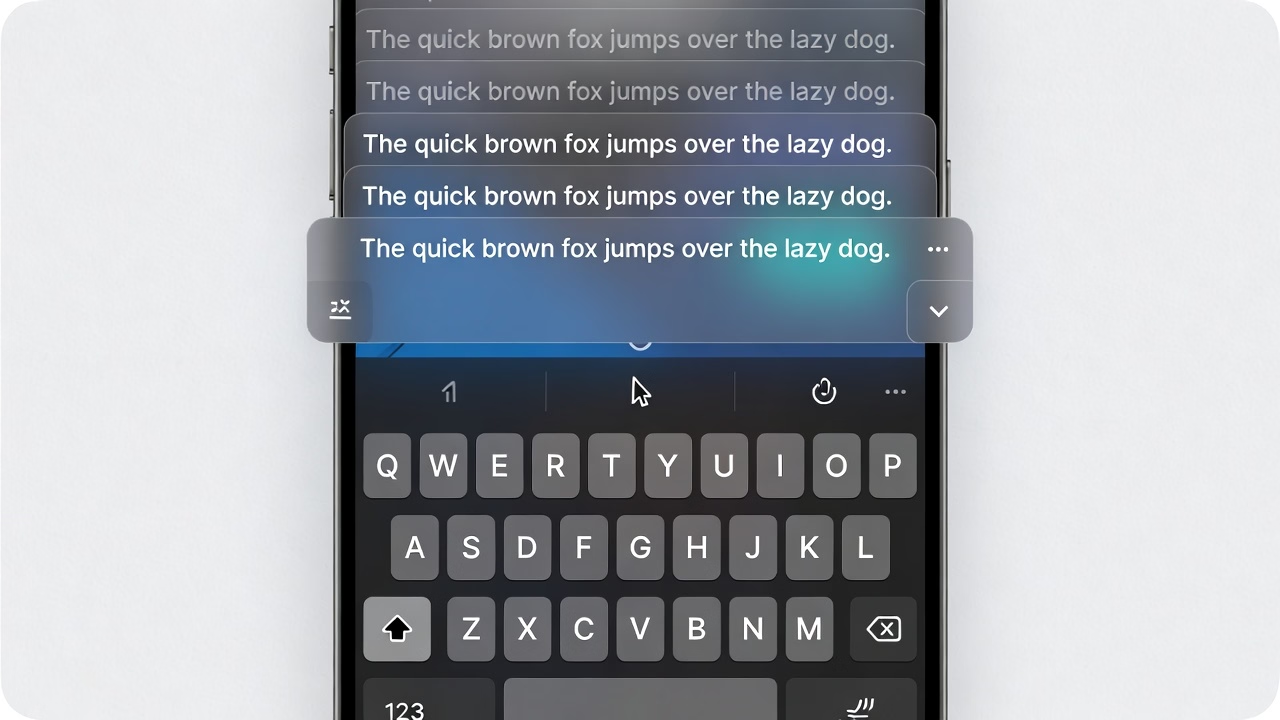
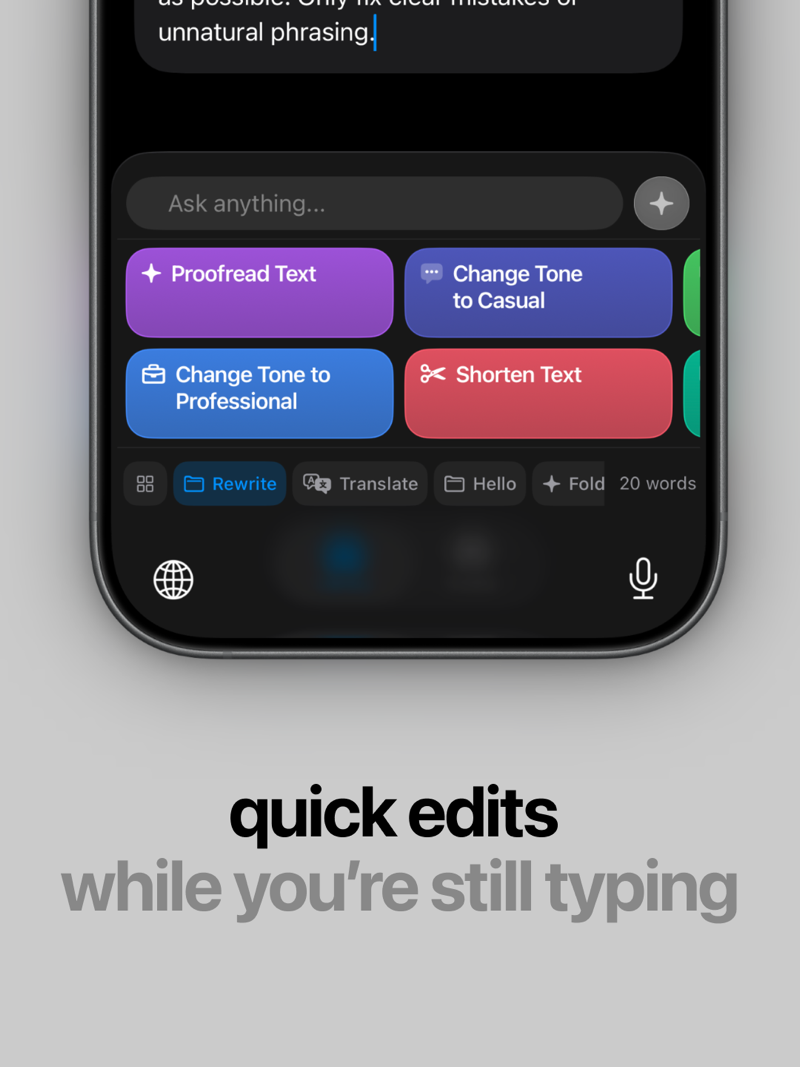
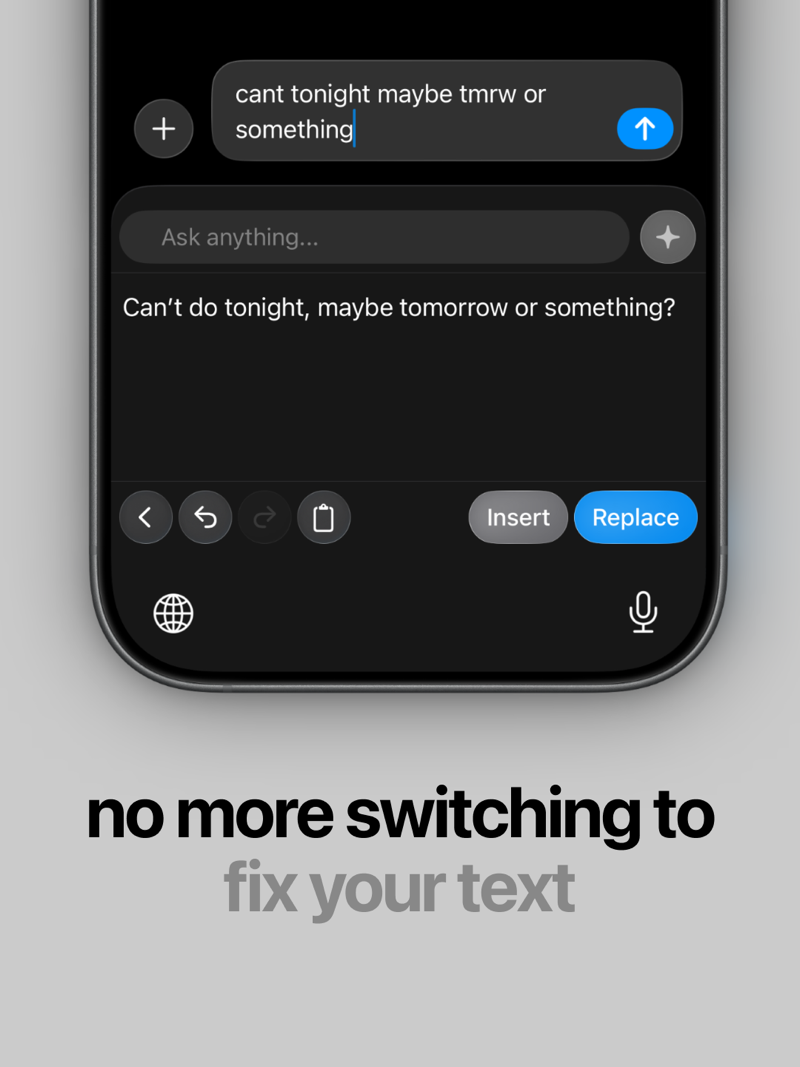
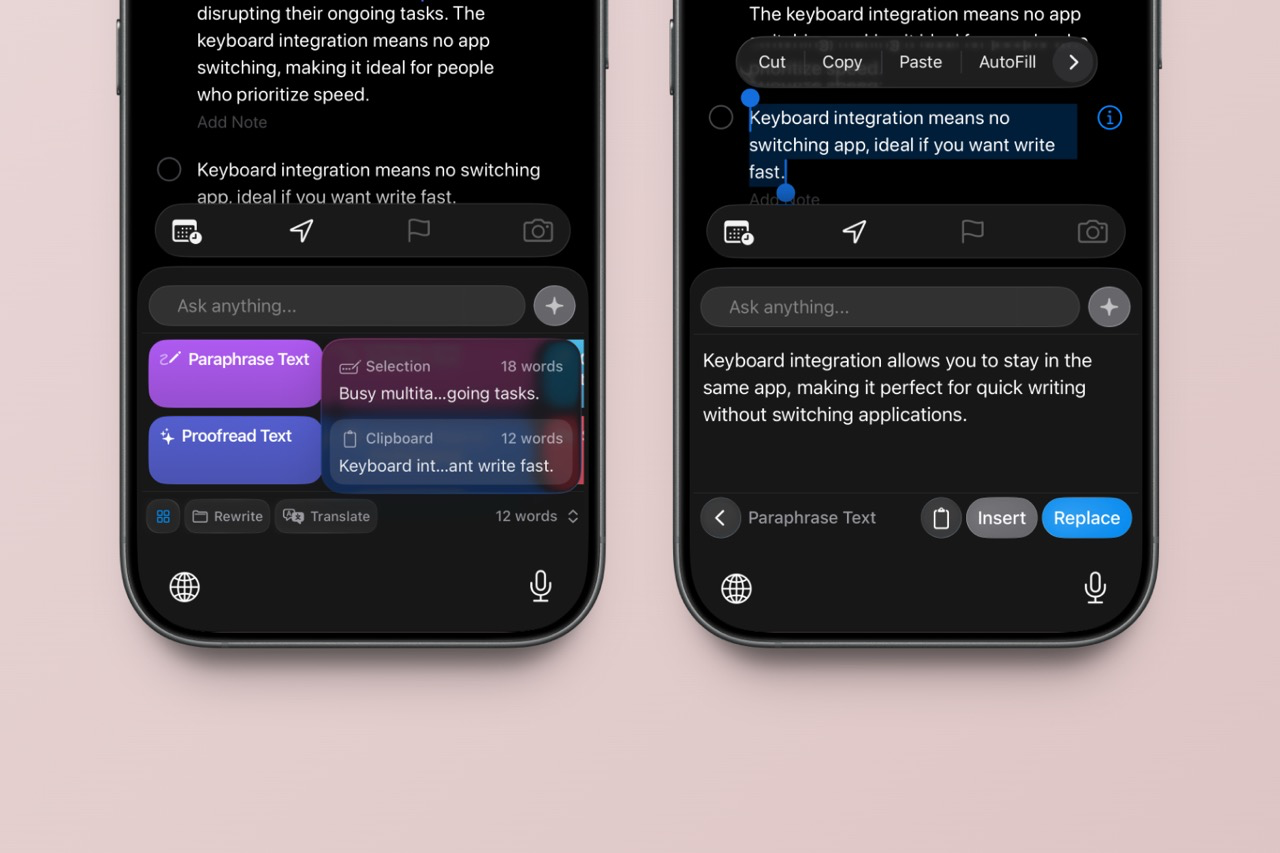
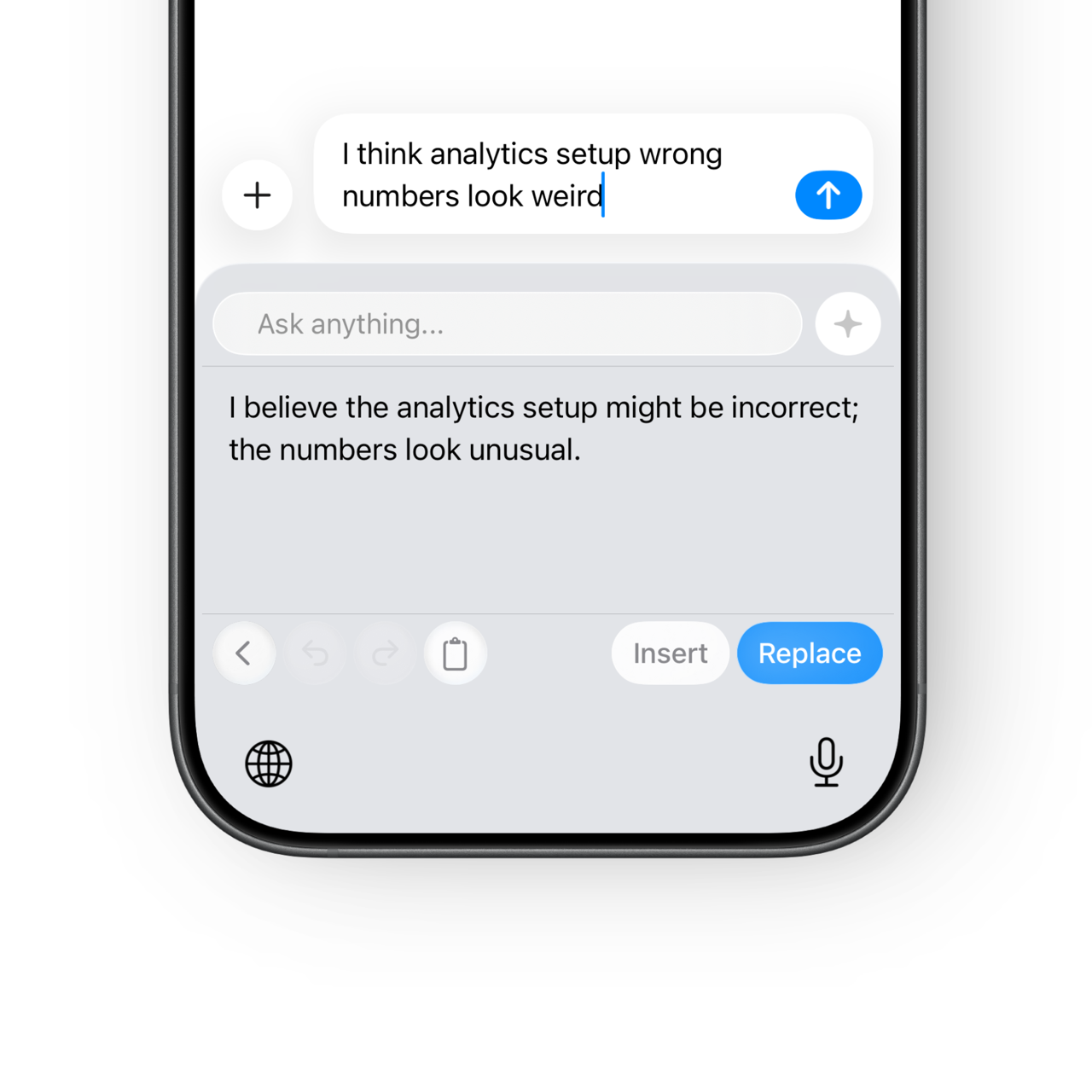
RewriteMate keeps writing in place through an In-Keyboard workflow. A rep can highlight draft text in the host app or use clipboard content, open the RewriteMate keyboard, choose a command, then review output in preview before applying it with Replace, Insert, or Copy.
A common workflow looks like this: quick bullet points after a call become a polished follow-up email with better structure and professional email tone. If the result needs adjustment, the rep can tap Retry without rebuilding context from scratch.
Because RewriteMate works as a system-level keyboard extension, it supports secure, consistent execution where reps already type. API keys are configured in-app and stored securely, while writing actions stay anchored to the current app workflow.
Key Features for Sales Reps
- Clarity under pressure: Turn rough drafts into concise, readable sales follow-up email writing without leaving the current conversation.
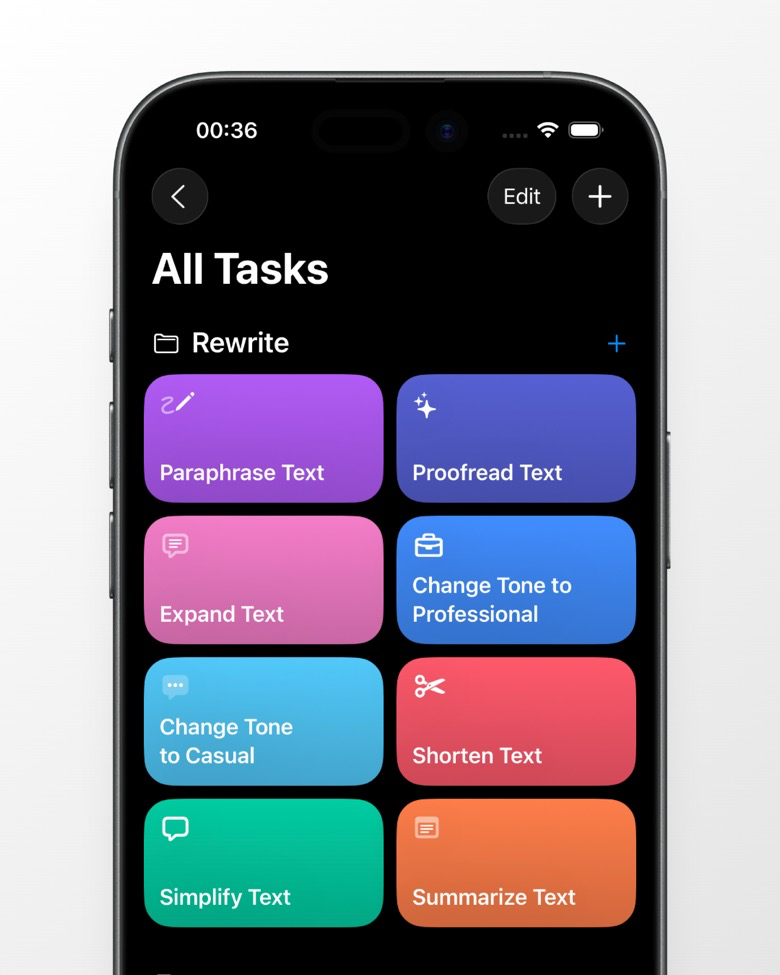
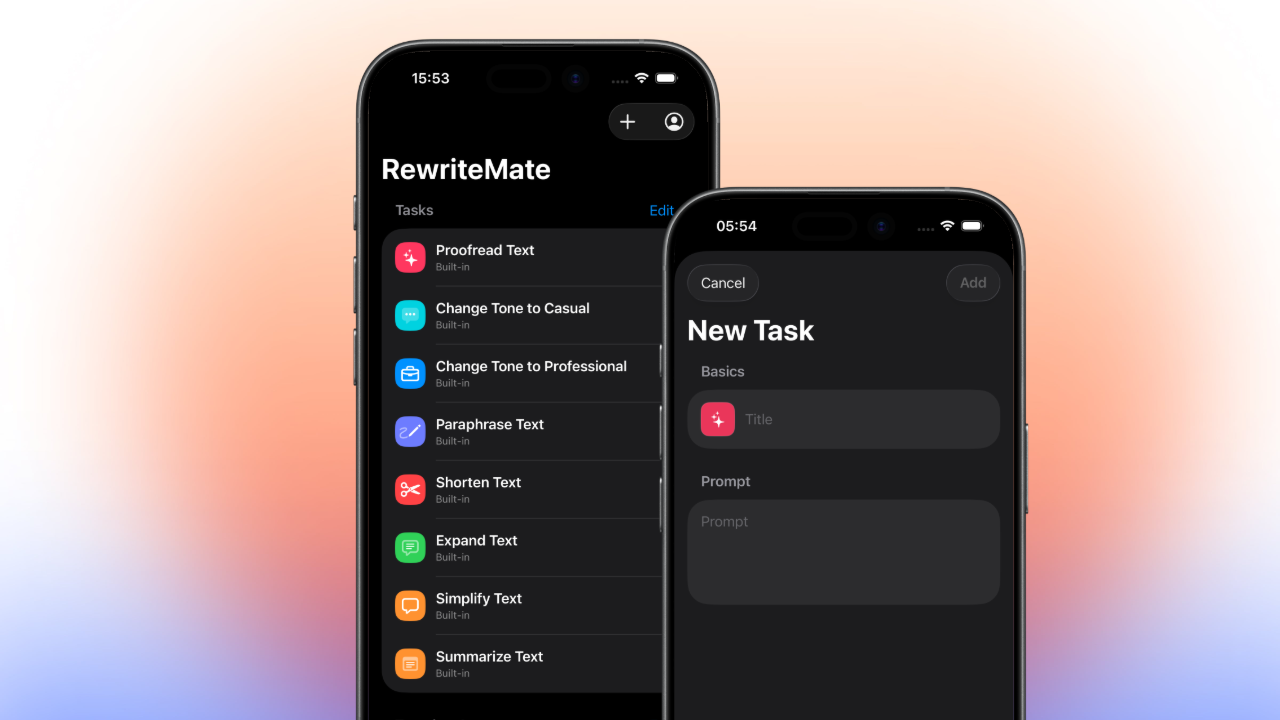
- Tone control for outbound and follow-up: Use commands like Proofread, Rewrite, Shorten, Expand, and Translate to match prospect context and channel expectations.
- Flexible output actions at send time: Choose Replace when refining selected text, Insert when adding at cursor, or Copy when you need quick reuse across tools.
Conclusion
For mobile-first selling, the real ROI comes from removing workflow friction, not adding more writing dashboards. When reps can edit and improve messages directly where they type, they protect focus, reduce delays, and keep communication quality high across every touchpoint.
If your team relies on fast, high-stakes outreach, the RewriteMate keyboard extension offers a calmer and more reliable path to better mobile sales communication workflow.

Felix Tran
Indie Developer & RewriteMate Founder