Email Writing Tips for Modern Workflows
Write professional emails that get read, understood, and replied to. Then use RewriteMate to proofread, adjust tone, and polish every message before you hit send — directly from your keyboard.
AI keyboard for iOS and macOS. Free to try.
The Structure of a Great Email
Subject Line
Make it specific and actionable. Bad: Meeting. Good: Project Update — Q3 Review on Thursday at 2pm.
Greeting
Use the recipient's name. Hi Sarah is better than To Whom It May Concern.
Opening Line
State your purpose in the first sentence. I'm writing to follow up on our conversation about...
Body
Keep it short. One topic per paragraph. Use bullet points for multiple items.
Call to Action
Tell the reader exactly what you need and by when. Please review the attached proposal and share your feedback by Friday.
Sign-Off
Match your sign-off to your relationship. Best regards for formal, Thanks for casual, Cheers for familiar.
The Mobile Friction Problem
Most professionals know what makes an email great, but writing them on a mobile device is painful. Copying a rough draft out of the iOS Mail app, opening a web browser tool, typing an AI instruction, and copying it back completely kills your momentum. True productivity requires assistance that lives right inside your message fields.
Email Tone Adjustments
See how shifting the focus changes the impact of a fast mobile draft without altering the core information:
The Urgent Client Pivot
Needs authority mixed with clear reassurance.
Draft: Hey, we are behind on the design layout. Friday isn't happening, maybe next Monday?
✨ I want to share a quick update on your project layout. To ensure the design meets our standards, we are shifting delivery to Monday morning.
Assertive Scope Management
Saying no firmly without sounding confrontational.
Draft: We can't add that feature for free, it's not in the contract we signed.
✨ That feature falls outside our current scope of work. I can put together a separate estimate for that addition if you'd like to proceed.
Internal Follow-Up
Polite nudging that doesn't feel micromanaged.
Draft: Need those asset numbers ASAP so I can finish the budget deck.
✨ When you have a moment, please share the final asset metrics. I'm compiling the budget deck for review.
Polite Professional Boundary
Declining a calendar invitation cleanly.
Draft: Too busy on Thursday, can't make that meeting time work.
✨ I have an existing commitment at that time on Thursday. Could we find a slot later in the week instead?
Custom Macros for Repetitive Writing
Instead of retyping complex instructions on your iPhone, you can save specific custom instructions as personal shortcuts right on your keyboard interface.
The Executive Polish
Custom saved layout chip
Raw Notes to Bullet Points
Custom saved layout chip
Common Email Mistakes
Too long
Respect your reader's time. If your email is more than five sentences, consider whether a call would be better.
No clear ask
Every email should have one clear action the reader needs to take. If you aren't sure what it is, keep drafting.
Wrong tone
A message that works for your team may feel too casual for a client. When in doubt, lean professional.
Typos and errors
Proofread before you send. A single typo can undermine your credibility.
Write Better Emails with AI
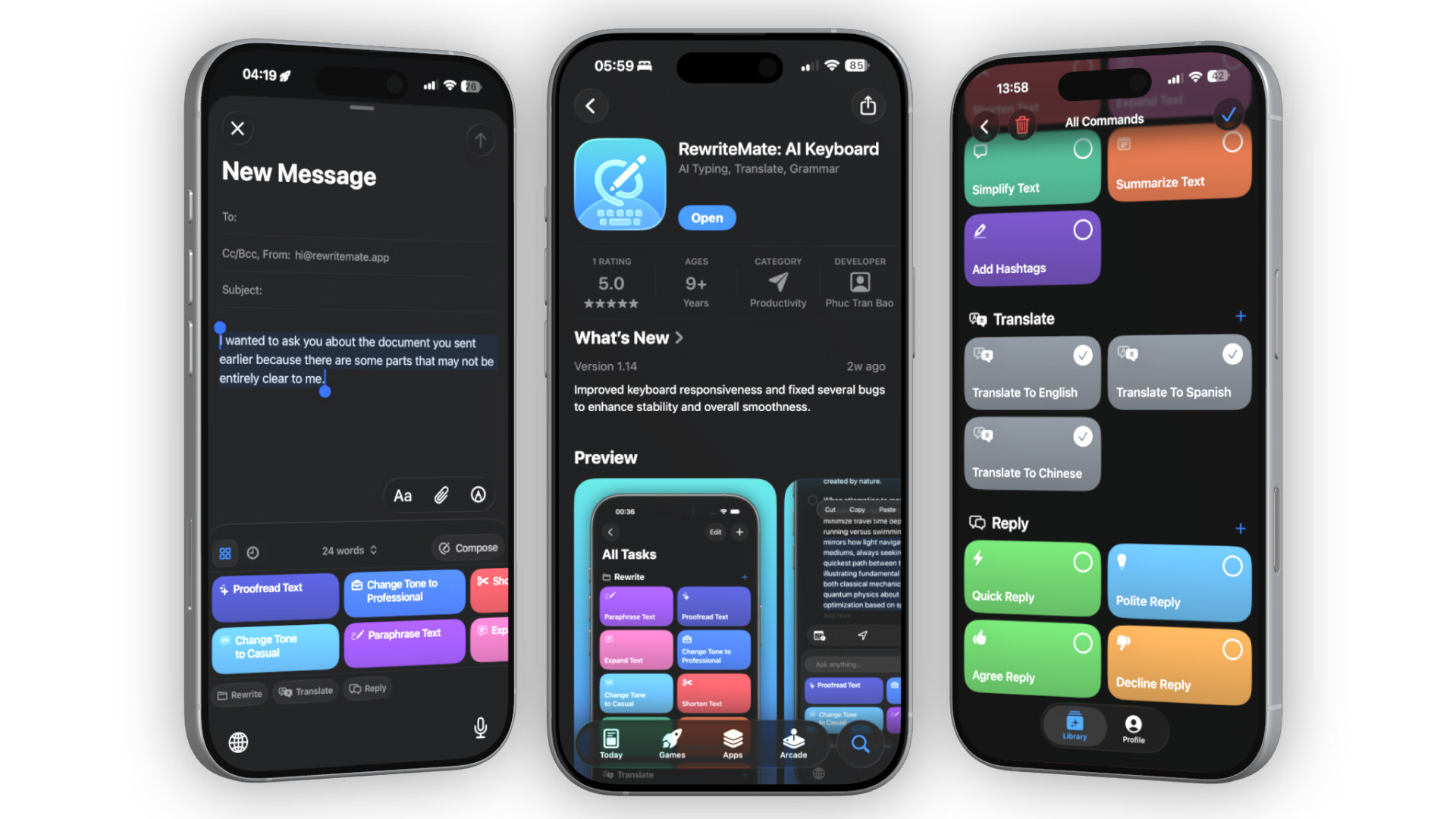
RewriteMate proofreads, adjusts tone, and rewrites emails directly inside Mail, Gmail, Outlook, or any app — without switching screens.
Download RewriteMate FreeFrequently Asked Questions
How long should a professional email be?▾
Keep it as short as possible while including all necessary information. Ideally 3-5 sentences. If you need more, consider attaching a document or scheduling a call.
How do I write a cold email that gets replies?▾
Keep it brief, personalize the first line, state your value clearly, and end with a low-friction ask. Under 100 words performs best.
Can RewriteMate help me write emails?▾
Yes. RewriteMate works inside your email app on iPhone and Mac. Select text, choose a command — proofread, change tone, shorten, or quick reply — and the AI improves it instantly.
Does the keyboard store my private email text?▾
No. Your data privacy is guaranteed. RewriteMate processes text on demand only when you trigger an editing macro. Keystrokes are never logged, tracked, or retained on servers.
Is RewriteMate free?▾
Yes. RewriteMate has a free tier with powerful commands including proofreading, tone adjustment, and paraphrasing. Upgrade to Pro for unlimited use.