
November 9, 2026
How to Ask a Client for Missing Information Before Starting a Project
If a client has not sent something you genuinely need before starting, make one specific request: name the missing file or answer, explain which next step depends on it, say what format or response will work, and ask for a date only if one is agreed or needed. Keep the tone neutral. Avoid a vague “I’m still waiting,” a long questionnaire, or a made-up deadline that could change the project terms.
Before you write, decide whether the item is truly required or merely helpful. If you can begin without it, label it optional and continue with the agreed work. If it is necessary, ask for that item alone—or group a few related items in a short checklist—so the client knows exactly what to do next.
First decide what is actually missing
“I need more information” is hard to act on because it does not tell the client what to send. Convert that general feeling into a named item or answer:
- the current logo file, not just “the branding”;
- the final product name or approved spelling, not “the details”;
- a target audience or tone decision, not “some context”;
- a source document or access permission, not “everything you have”;
- a choice between two real options, not an open-ended request to explain the whole project again.
Then ask yourself whether the item is required for the next task or just useful. Upwork’s Project Catalog guidance makes this distinction explicitly: a mandatory requirement is one a project cannot begin without, while an optional requirement is helpful but not essential. Upwork also describes its own Project Catalog timing rules. Those rules apply to that platform workflow; do not assume they set the start date or obligation for a different platform, agreement, or freelance relationship. (Upwork: How to set and manage project requirements)
Fiverr’s official order guide likewise says that its order requirements are submitted before that order officially begins, and that missing or unclear requirements should prompt targeted questions. These are platform-specific processes, not universal contract rules. If your project is managed elsewhere, check that service’s current terms and your own agreement before telling a client that a deadline pauses, resets, or changes. (Fiverr: A freelancer’s guide to the order process)
For your own message, use this simple test: “Could the client read this once and know exactly what to send or answer?” If not, replace broad nouns with the precise item, and separate anything optional from anything that actually blocks the next task.
A simple structure for the request
Use four parts, in this order:
- Orient them: mention the project or the task you are about to begin.
- Name the missing input: identify a file, decision, or answer; if there are several, use a short list.
- Explain the dependency: say what work the input lets you do, without implying blame.
- Make the response easy: specify an agreed format or channel and ask one clear question. Add a response date only when it is real and appropriate.
For example, “I still need the logo” is vague if there may be several versions. “Could you send the approved logo file in the format listed in our brief? I need that version to prepare the first layout” is clearer. If your project has no agreed file format, ask which version the client approves instead of inventing a technical requirement.
When multiple items are needed, group them only if the client can reasonably gather them together. If one answer is urgent but the others are not, separate the essential blocker from optional background so the recipient is not faced with a large intake form.
Copyable messages for common situations
These examples use fictional project details. Replace bracketed text with facts you have checked, and delete any line that does not match your agreement or process.
You need one file to begin
Hi [Name], I’m ready to start [project/task]. Could you send the approved [specific file] using [the agreed format or method]? I need that version to [next task]. If you don’t have it, let me know and I’ll confirm the next step with you.
This message identifies one dependency and leaves room for the client to explain if the file is unavailable. It does not presume the client has ignored a previous request or promise that the schedule will change.
You need a decision, not another document
Hi [Name], before I draft [deliverable], could you confirm whether you prefer [option A] or [option B]? That choice determines [specific part of the work]. If neither fits, tell me what you’d like changed and I’ll check it against the agreed scope.
Use this when the work can proceed after one clear decision. Keep the options real and balanced; do not present a preferred choice as if the client already approved it.
You need several related inputs
Hi [Name], to prepare the first [deliverable], could you share these items from our kickoff list?
- [Required file or answer]
- [Required file or answer]
- [Optional reference, if available]
The first two let me [next task]. The reference is optional and would only help me understand your preference. Is there a convenient date for you to send the required items?
Only use a checklist if each line is genuinely required or useful. Labeling one item optional prevents it from sounding like a hidden condition for beginning work.
Website-copy example
Suppose a freelance writer has a confirmed assignment for a service page but needs the client’s intended audience and an approved product name. A concise request could be:
Hi Priya, before I draft the service page, could you confirm the primary audience and the exact product name you want used? Those details affect the opening and terminology. If you have a current style guide, you can include it too, but I can use the tone we agreed if there isn’t one.
The note distinguishes necessary answers from a helpful extra. Upwork’s Project Catalog guide uses similar examples of asking clients for audience, tone, keywords, and a style guide, but those examples are guidance for its platform—not a universal checklist for every writing project. (Upwork requirements examples)
Design-file example
For a design task, the missing item might be a final logo or color choice:
Hi Marcus, I can prepare the first layout once I have the approved logo file and confirmation that the brand colors in the brief are current. Could you send the file in [agreed format] and confirm the colors? If the logo is still being finalized, let me know which version you want me to use for this stage.
The bracketed format should come from your project requirements or a technical need you can explain—not from a guess. If choosing a substitute would change the deliverable, pause to confirm before proceeding.
If you are not sure whether the item is part of the agreed work
Sometimes the client has not omitted an input; the requested work may simply have changed. For instance, you may be asked to gather new research or create assets when the agreement only covered writing from supplied materials. Do not quietly add that work, refuse it as if the scope is obvious, or send a request that disguises a new task as a missing requirement.
Separate the two questions:
- “What information or file do I need to do the agreed task?”
- “Is this additional research, asset creation, or decision-making included in the agreed task?”
If the second question is unclear, describe the difference neutrally and ask how the client wants to handle it. Avoid giving legal interpretations of a contract. For wording when a client requests work outside the agreed scope, see how to reply to an out-of-scope client request.
If the client still has not replied
Do not send the same broad request repeatedly. First check what you already agreed about the input, channel, and next contact. If a follow-up is appropriate, refer to the exact item and ask whether the client can provide it or whether the plan needs to change:
Hi [Name], I’m following up on [specific item] for [project]. Is [date/option] still workable for sending it, or should we discuss a different next step? I haven’t changed the schedule; I’d like to confirm how you want to proceed.
The last sentence is only suitable if it is true. If the agreement, platform, or a prior conversation defines what happens when information is missing, follow that process and quote it accurately. Do not tell the client that a delivery date has automatically moved unless you have verified that rule applies to the work.
If the missing input blocks a team handoff or internal status update, keep that message separate from the client request: explain the dependency and the decision needed without blaming the client. The project-blocker update guide covers that internal message.
Review the message before sending
On your phone, scan the draft for these details:
- Is the missing item named precisely?
- Have you said why it is needed, without exaggerating the consequence?
- Are required and optional items clearly separated?
- Is the requested format or answer based on the brief, platform, or an actual technical need?
- Is any date already agreed—or is it only a proposed date?
- Have you avoided claims about pausing work, changing delivery dates, fees, or contract terms that you have not verified?
If the request contains sensitive documents or access details, use the channel and handling process already approved for the project. This article does not determine whether a particular channel is secure or appropriate for confidential material; follow your client agreement, platform guidance, and applicable organizational policy.
Make repeat requests easier with a saved writing instruction
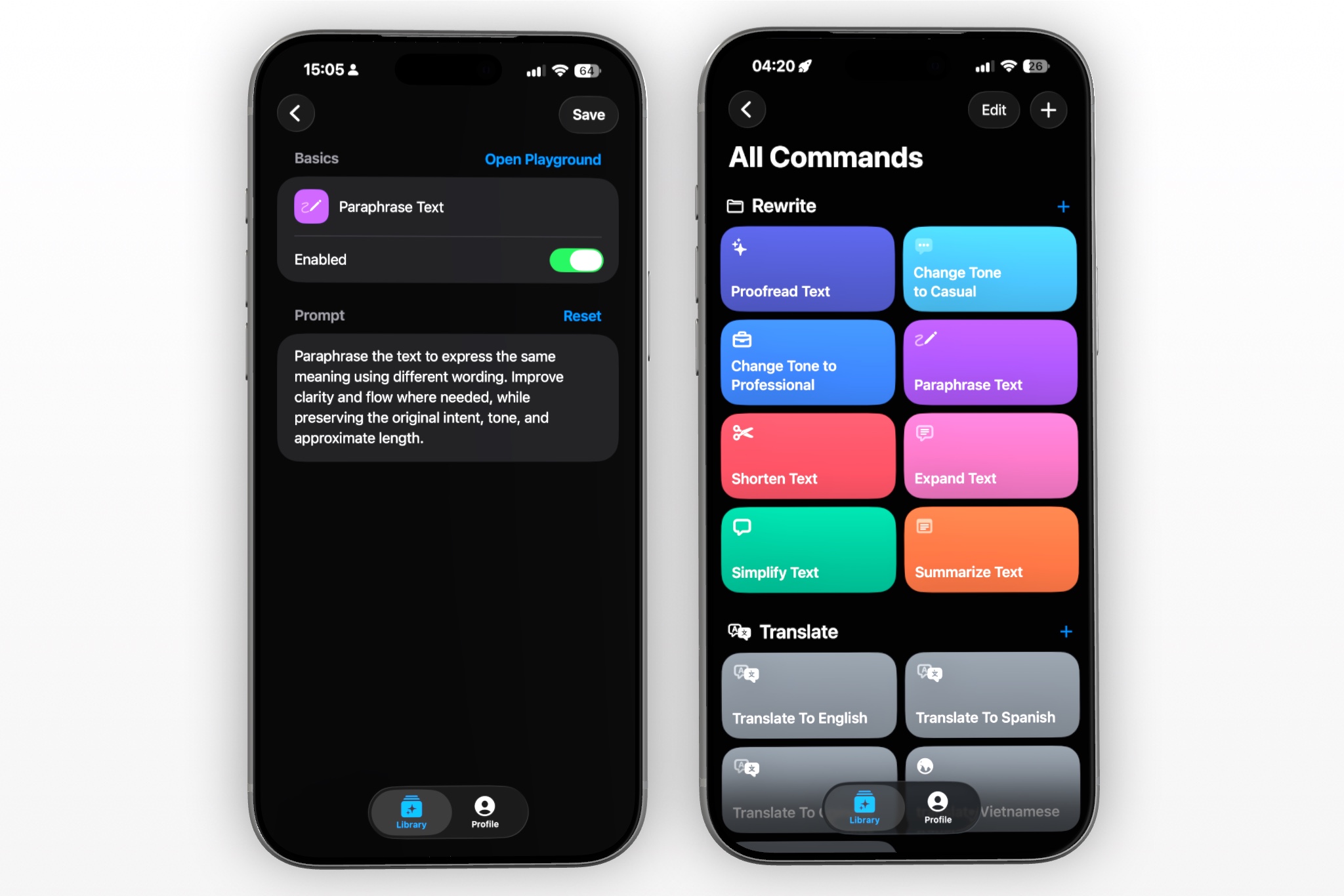
If you regularly turn rough notes into client-ready requests, RewriteMate’s custom commands let you save your own writing instruction as a keyboard shortcut. Its official guide explains how custom prompts can be created and used from the keyboard. Use the command as a wording aid; you still decide which inputs are required and verify every detail against the project. (RewriteMate Custom Command Recipes)
You could adapt a prompt such as:
Rewrite this as a concise, neutral message asking a client for the information below. Preserve the supplied project name, item, format, dates, scope, and commitments exactly. Do not invent a deadline, consequence, policy, or contract term. Separate required items from optional context. Explain why each required item is needed and ask one clear next-step question. If a fact is missing, leave a bracketed placeholder rather than guessing.
Try it first with fictional details, then check every generated name, file, format, date, promise, and scope statement against the actual project information before sending. RewriteMate can help draft or transform text, but you remain responsible for deciding what is truly required and whether the final wording matches the agreement.
Frequently asked questions
How do I politely ask a client for missing information?
Name the exact file or answer, explain what it enables you to do, and give one clear way to respond. Keep optional background separate from items that genuinely block the next task.
Should I give the client a deadline?
Use a date the client has agreed to, or clearly ask whether a proposed date works. Do not invent an ultimatum or suggest a schedule change unless the project agreement or platform supports it.
How many missing items should I request in one message?
Group a few related items if the client can gather them together. If one is essential and the rest are optional, make that distinction visible. A short list is easier to act on than “send everything you have.”
What if I can start without the missing file?
If the file is only helpful, say it is optional and continue with the agreed work. Do not call an item mandatory merely because it would make the task easier for you.
What if the missing information changes the scope?
Pause and clarify whether the additional research, asset, or task is part of the agreement before proceeding. Keep the message factual and consult the agreement or a qualified professional if you need help interpreting contractual terms.
Can a writing assistant decide what I need from the client?
No. A writing assistant can help organize details you provide, but it cannot know which inputs are required under your project agreement. Verify every item, date, format, and commitment yourself before sending.
Related articles
Keep reading
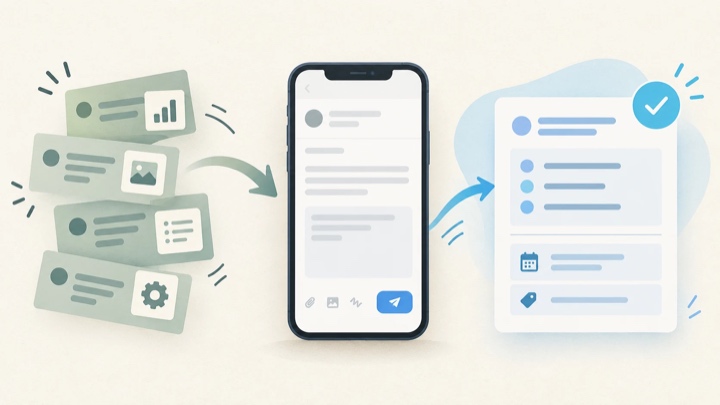
How to Reply When a Client Requests Work Outside Scope
Respond to an extra-work request without sounding defensive or accidentally agreeing to unpaid work. Check the agreed scope, clarify uncertainty, and offer a calm next step you can stand behind.
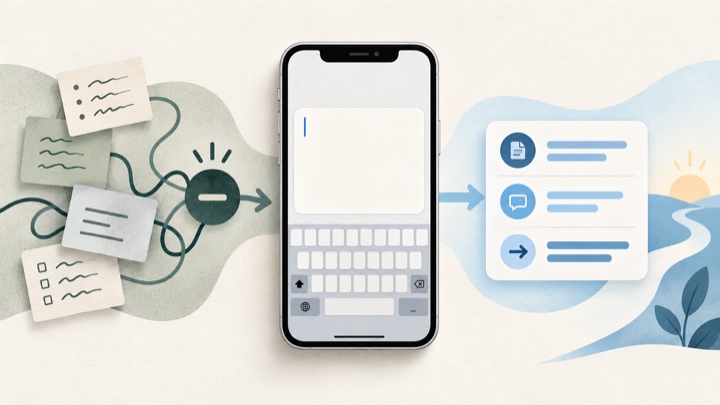
How to Write a Project Blocker Update Without Blame
Tell your team what is blocked, what is still moving, and exactly what would unblock the work. Use neutral, fact-checked templates that separate confirmed impact from guesses.

Felix Tran
RewriteMate Dev & Editorial Lead
Write about everyday workflows, systems that help ideas move faster, from first draft to finished work.