July 20, 2026
Best Grammar Checker Keyboard for iPhone (2026 Guide)
If you've ever sent an embarrassing typo in a work email or wished your iPhone could fix awkward sentences—not just misspelled words—you're not alone.
Apple's built-in keyboard is excellent at autocorrecting spelling mistakes, but grammar is another story. It won't tell you when a sentence sounds unnatural, uses the wrong tense, or could be clearer.
That's why AI-powered grammar keyboards have become increasingly popular. Instead of only correcting spelling, they proofread entire sentences, improve clarity, rewrite messages, and adjust tone—all while you type.
Whether you're replying to clients, writing emails, chatting in WhatsApp, posting on LinkedIn, or finishing a school assignment, a dedicated AI grammar keyboard can save time and help you sound more confident.
In this guide, we'll compare the best grammar checker keyboards for iPhone and explain what features actually matter.
What Is a Grammar Checker Keyboard for iPhone?

A grammar checker keyboard is an iPhone keyboard extension that analyzes your writing while you're typing and suggests improvements beyond simple spelling corrections.
Unlike traditional autocorrect, modern AI keyboards can:
- Fix grammar mistakes
- Rewrite awkward sentences
- Improve sentence clarity
- Adjust tone
- Make writing sound more natural
- Translate text into other languages
- Generate entirely new text when needed
Instead of copying text into another app, everything happens directly inside the keyboard.
For anyone who writes frequently on their phone, this makes a significant difference.
Why More iPhone Users Are Switching to AI Grammar Keyboards
People write far more on their phones today than they did a few years ago.
Daily tasks now include:
- Work emails
- Slack messages
- WhatsApp conversations
- LinkedIn posts
- Instagram captions
- Customer support replies
- College assignments
- Online dating messages
These situations often require more than spellcheck.
AI grammar keyboards help users:
- write more professionally
- sound more natural
- avoid grammar mistakes
- save editing time
- communicate with confidence
Instead of stopping to copy text into ChatGPT or another writing tool, improvements happen exactly where you're already typing.
Can an iPhone Keyboard Check Grammar While You Type?
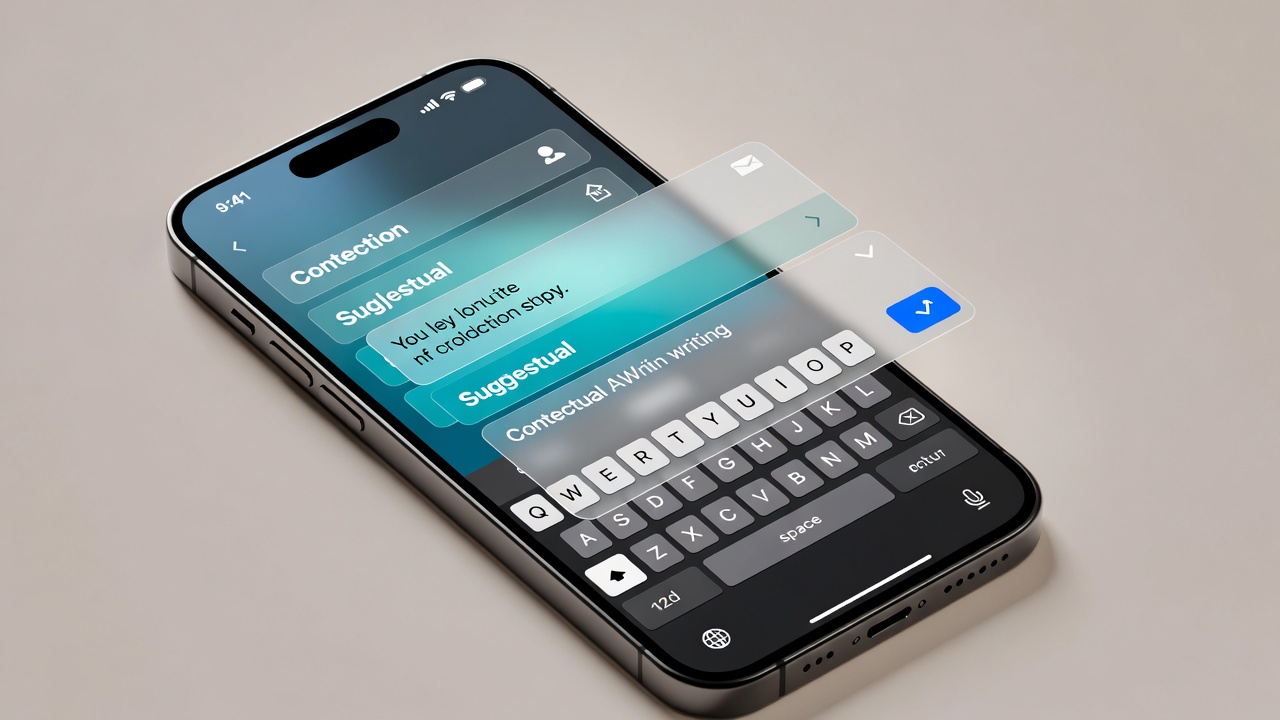
Yes—but not with Apple's default keyboard alone.
Apple's keyboard primarily focuses on:
- autocorrect
- spelling
- predictive text
It doesn't fully rewrite sentences or provide contextual grammar suggestions.
AI keyboards use language models to understand the meaning of your sentence instead of checking words individually.
That allows them to:
- rewrite unclear sentences
- fix grammar automatically
- improve readability
- make writing sound more natural
What Makes a Great Grammar Keyboard?
Not every grammar keyboard offers the same experience.
Here are the features worth looking for.
Real-Time Grammar Correction
The best keyboards identify grammar issues as soon as you've written your sentence.
Instead of pointing out mistakes later, they let you fix everything with one tap.
AI Proofreading
Modern proofreading isn't just about commas.
An AI proofread keyboard can improve:
- sentence flow
- readability
- grammar
- clarity
- punctuation
- word choice
Tone Adjustment
Sometimes the grammar is correct—but the tone isn't.
AI keyboards can instantly make writing:
- professional
- friendly
- formal
- casual
- persuasive
This is especially useful for work emails and client communication.
Sentence Rewriting
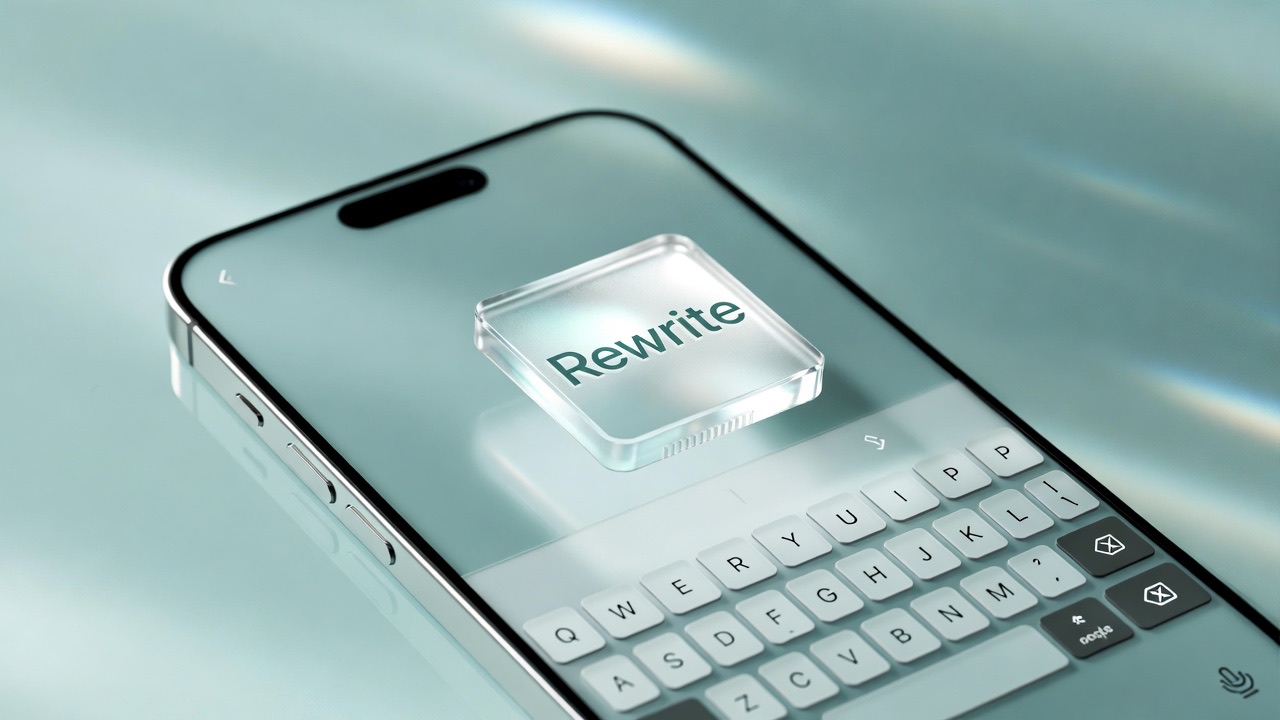
Good writing isn't always about fixing mistakes.
Sometimes you simply want to say something better.
AI rewriting can:
- simplify long sentences
- remove repetition
- improve clarity
- make messages more concise
Translation
Many AI keyboards combine proofreading with translation.
This makes them useful for multilingual communication without switching apps.
Works Everywhere
One of the biggest advantages of a keyboard extension is compatibility.
The best keyboards work inside:
- Messages
- Slack
- Discord
- Notes
- Safari
- Notion
- Gmail
- almost every text field on iPhone
Privacy
Since your writing may contain sensitive information, choose apps with transparent privacy practices.
Look for keyboards that only process text when you explicitly request AI assistance rather than constantly monitoring everything you type.
Best Grammar Checker Keyboards for iPhone
RewriteMate
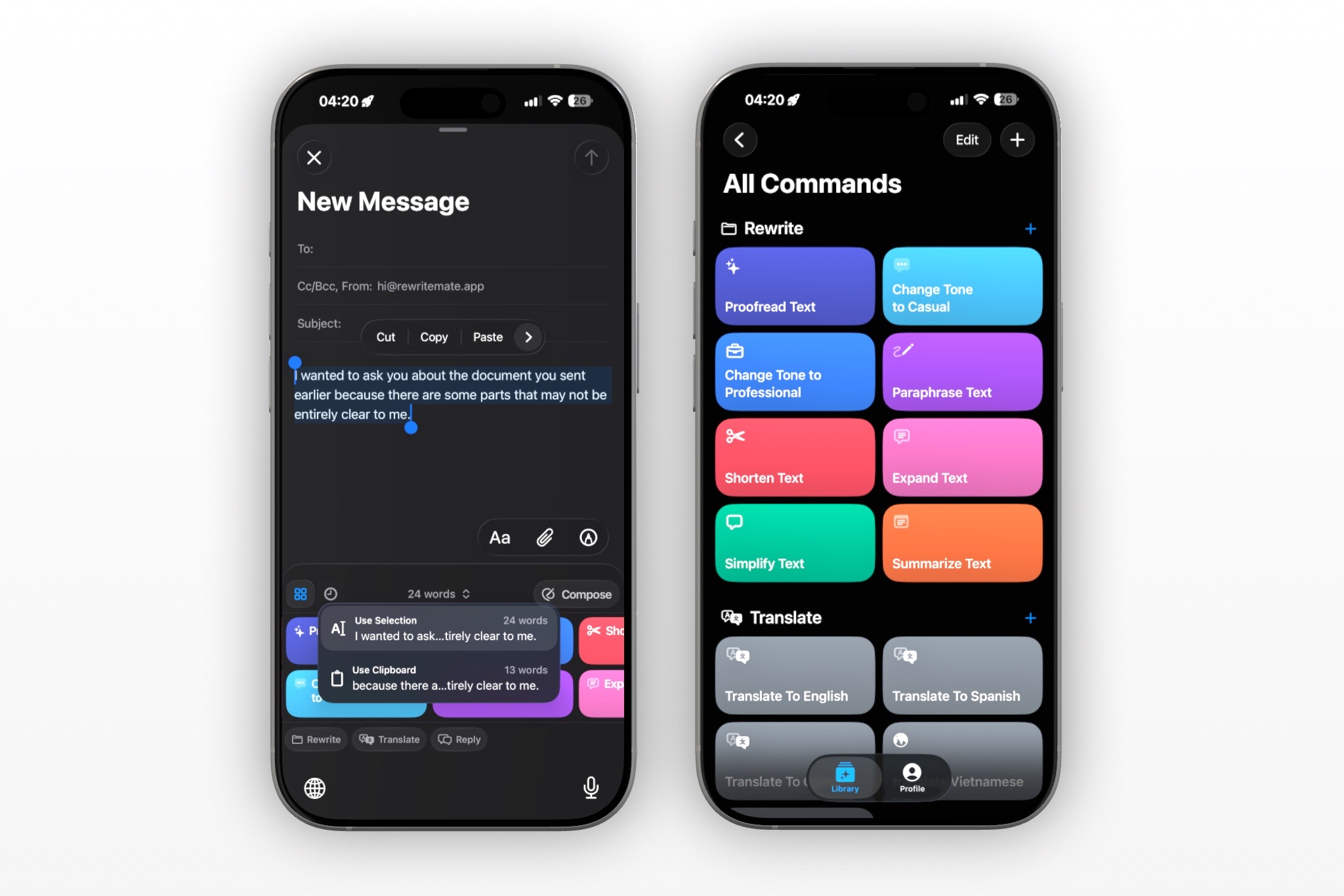
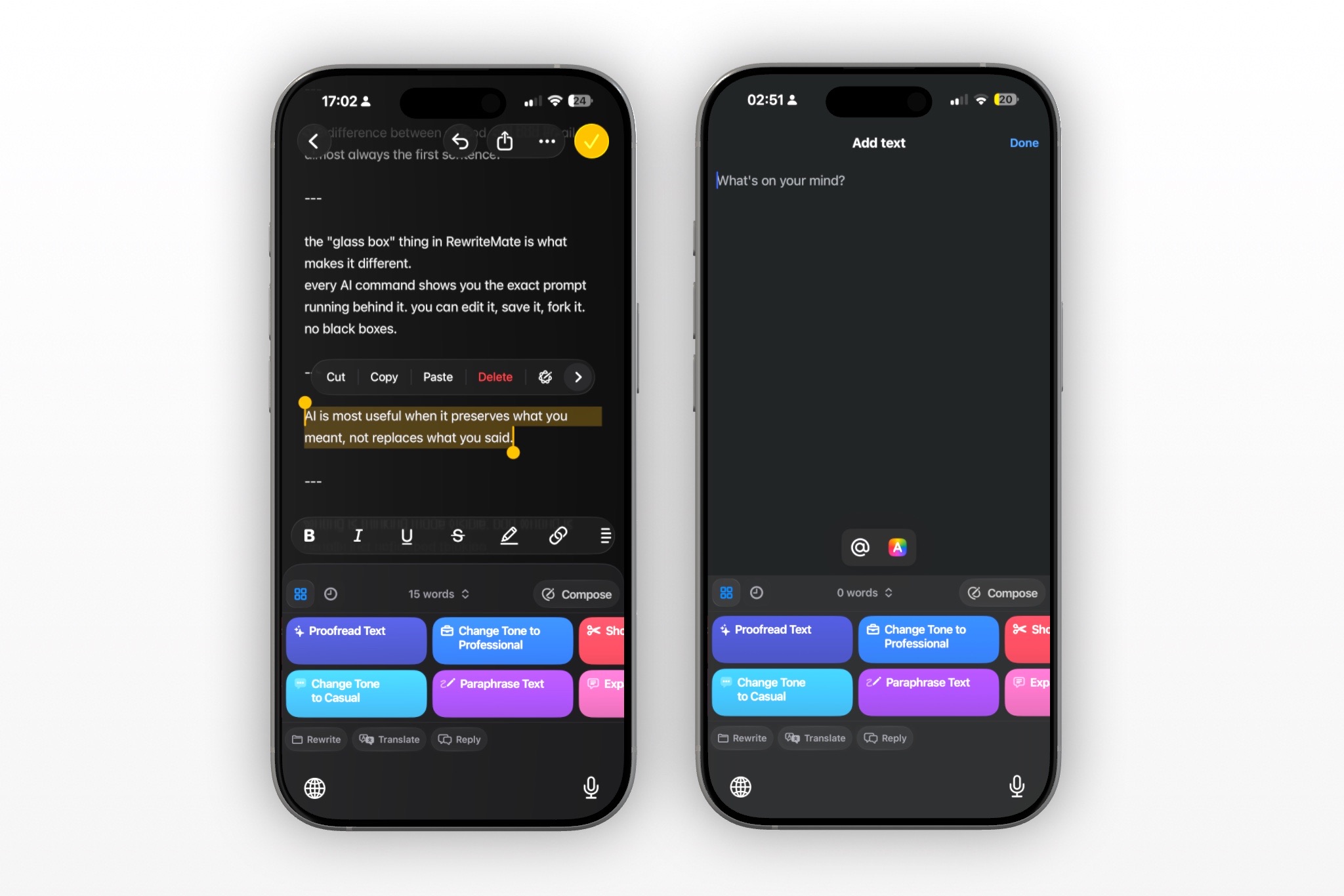
If your goal is more than fixing grammar, RewriteMate is one of the most capable AI keyboards available for iPhone.
Instead of acting as a basic spellchecker, it works as a complete AI writing assistant directly inside your keyboard.
Key features include:
- Grammar correction
- AI proofreading
- Sentence rewriting
- Tone adjustment
- Translation into 100+ languages
- Custom AI commands
- Multiple AI model options
- Insert, Replace, or Copy results with one tap
Unlike standalone writing apps, RewriteMate works without forcing you to leave the app you're already using.
Whether you're writing in Mail, Messages, Slack, WhatsApp, LinkedIn, or Notion, you simply select text, choose a command, and replace it instantly.
Another standout feature is custom commands. Instead of relying only on predefined prompts, you can create reusable AI actions tailored to your own writing workflow.
If you're looking for an AI writing assistant that does far more than grammar correction, RewriteMate offers one of the most complete experiences available for iPhone.
Grammarly Keyboard
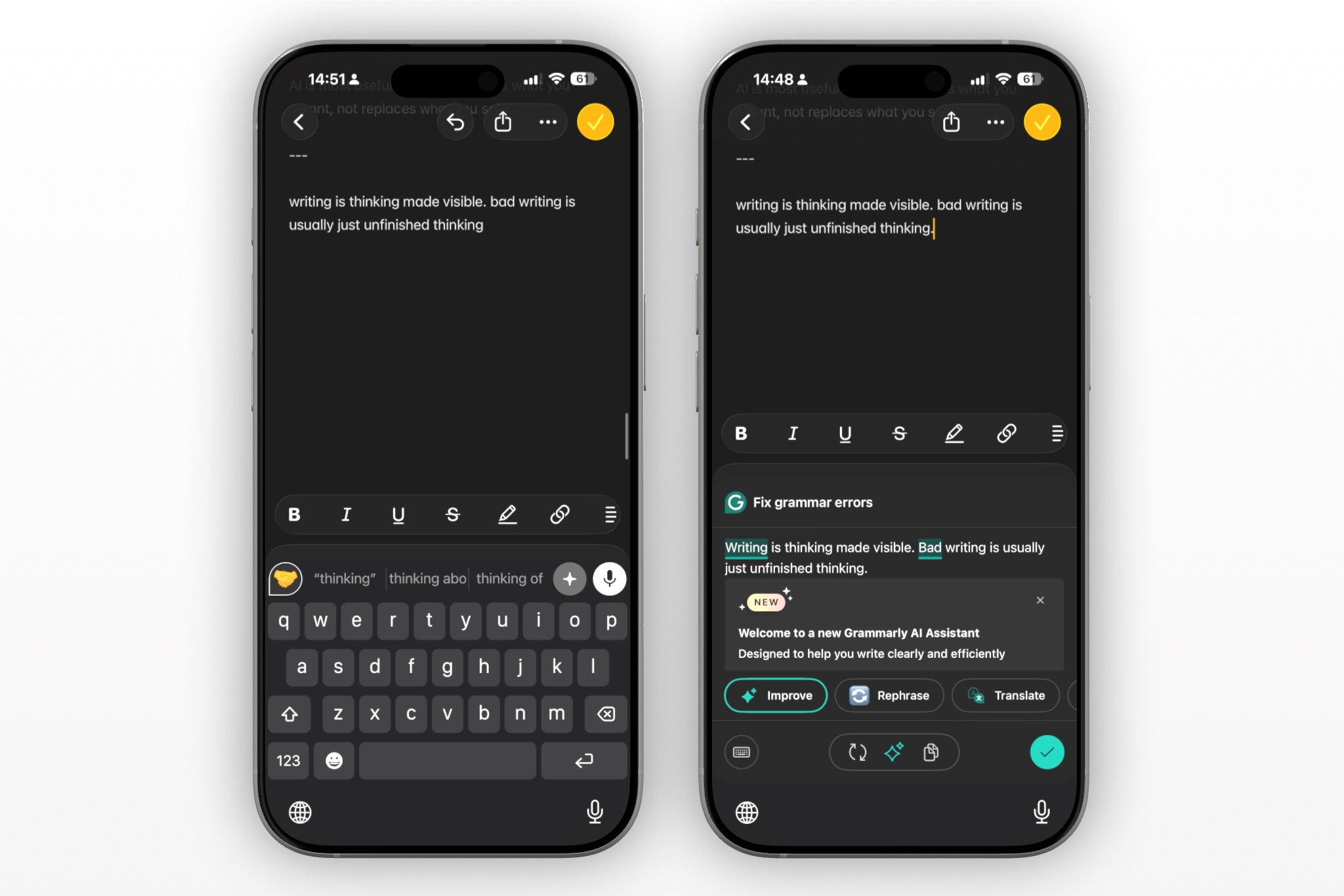
Grammarly remains one of the most recognizable grammar tools.
Strengths include:
- strong grammar checking
- spelling correction
- punctuation suggestions
However, compared with newer AI keyboards, it offers fewer customization options and less flexibility for personalized workflows.
If you're deciding between the two, see our detailed comparison:
→ RewriteMate vs Grammarly
Microsoft SwiftKey AI
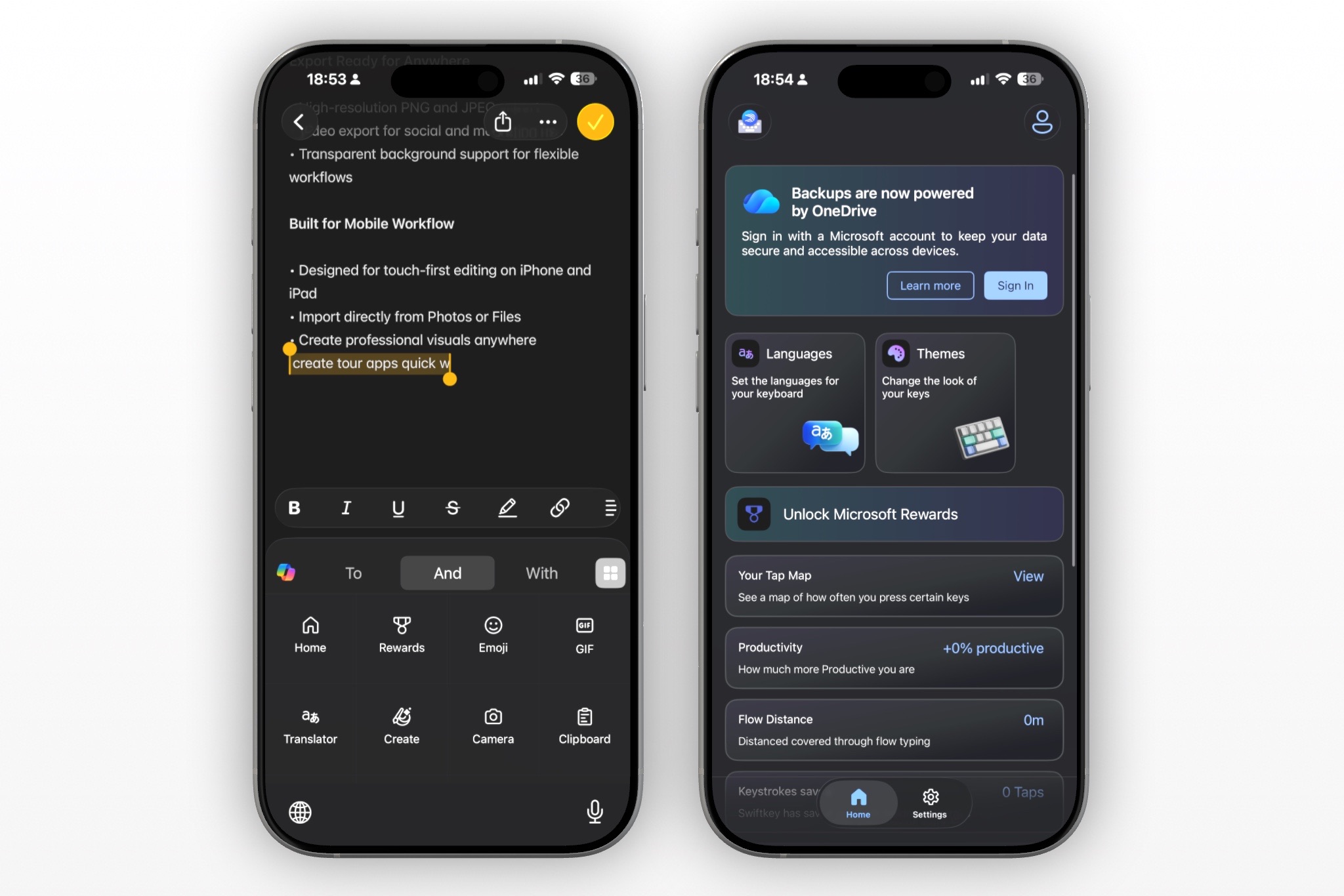
SwiftKey combines Microsoft's keyboard with AI writing assistance.
Pros:
- prediction engine
- multilingual typing
- AI integration
Cons:
- grammar tools are less workflow-focused than dedicated AI keyboards
- fewer writing-specific commands
Apple Writing Tools
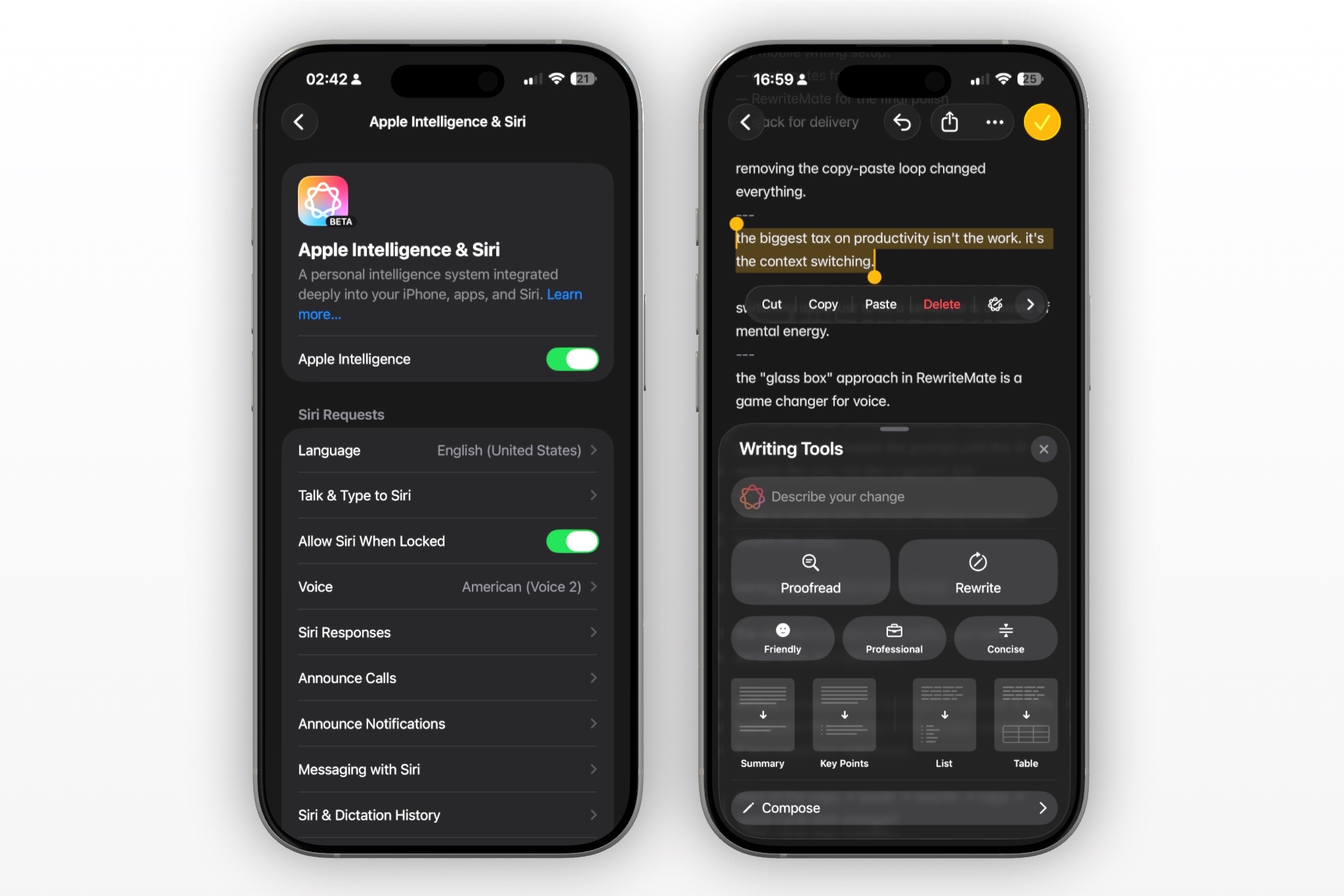
Recent versions of iOS include Apple Writing Tools on supported devices.
They can:
- proofread text
- rewrite paragraphs
- summarize writing
However, availability depends on compatible hardware and supported apps.
Many users still prefer dedicated AI keyboards because they work consistently across more apps and offer significantly more customization.
Comparison Table
| Feature | RewriteMate | Grammarly | SwiftKey AI | Apple Writing Tools |
|---|---|---|---|---|
| Grammar correction | ✅ | ✅ | ✅ | ✅ |
| AI rewriting | ✅ | Limited | ✅ | ✅ |
| Tone adjustment | ✅ | ✅ | Limited | Limited |
| Translation | ✅ | ❌ | ✅ | Limited |
| Custom AI commands | ✅ | ❌ | ❌ | ❌ |
| Multiple AI models | ✅ | ❌ | ❌ | ❌ |
| Works inside most apps | ✅ | ✅ | ✅ | Limited |
| Best for | Everyday AI writing | Grammar | Typing | Apple ecosystem |
Why AI Proofreading Beats Traditional Grammar Checkers
Traditional grammar tools focus on identifying errors.
AI proofreading goes much further.
Instead of asking:
"Is this sentence grammatically correct?"
AI also asks:
- Is this easier to understand?
- Is the tone appropriate?
- Could this sound more natural?
- Is there a better way to express this idea?
That's why many people now prefer an AI proofread keyboard over a traditional grammar checker.
Best Grammar Keyboard for Non-Native English Speakers
If English isn't your first language, grammar mistakes are often only part of the challenge.
Many sentences are technically correct but still sound unnatural.
AI keyboards help by:
- improving fluency
- making writing sound native
- simplifying awkward wording
- increasing confidence
For a deeper guide, read:
→ Best AI Writing Tools for Non-Native English Speakers
How to Fix Grammar While Typing on iPhone
Getting started only takes a few minutes.
- Install an AI keyboard.
- Enable the keyboard in iPhone Settings.
- Open any app.
- Write normally.
- Select your text.
- Tap Proofread.
- Replace the original sentence with the improved version.
See our complete walkthrough:
→ How to Fix Grammar While Typing on iPhone
Who Should Use an AI Grammar Keyboard?
An AI grammar keyboard is valuable for almost anyone who writes frequently.
It's especially useful for:
- Students writing essays
- Professionals sending emails
- Founders communicating with customers
- Customer support teams
- Content creators
- Freelancers
- Non-native English speakers
- Sales teams
- Recruiters
- Anyone who wants to sound more polished
Frequently Asked Questions
What is the best grammar checker keyboard for iPhone?
If you only need grammar correction, Grammarly remains a solid choice. If you also want AI rewriting, tone adjustment, translation, and customizable workflows, RewriteMate offers a broader writing experience.
Does iPhone have a built-in grammar checker?
Apple includes spelling correction and limited writing assistance, but it isn't a full AI grammar checker like dedicated keyboard apps.
Can AI fix grammar while typing?
Yes. AI keyboards analyze complete sentences and can proofread, rewrite, and improve your writing directly inside most iPhone apps.
Is Grammarly free on iPhone?
Grammarly offers a free version with basic grammar suggestions, while advanced AI features typically require a subscription.
What's the best AI writing assistant for iPhone?
It depends on your workflow. If you want an AI assistant that works directly from the keyboard across virtually any app, RewriteMate is one of the most flexible options available.
Can AI rewrite entire sentences?
Yes. Modern AI keyboards can rewrite paragraphs, improve clarity, simplify writing, and adjust tone—not just fix grammar mistakes.
Is it safe to use an AI grammar keyboard?
Choose providers with clear privacy policies and on-demand text processing. Reputable AI keyboards only process text when you request assistance rather than continuously collecting everything you type.
Write better everywhere
Rewrite, rephrase, and refine text instantly without switching apps.
Final Verdict
If you're simply looking for a grammar checker, there are several capable options available for iPhone.
But if you want a keyboard that can do much more—proofread, rewrite, change tone, translate, and help you write confidently across every app—an AI writing assistant offers far greater value.
RewriteMate stands out because it combines grammar correction with AI-powered writing tools inside a keyboard that works wherever you type. Instead of switching between apps or copying text into separate editors, you can improve your writing with a single tap and continue your conversation without breaking your flow.
If better writing is part of your daily routine, it's worth choosing a keyboard that helps you do more than fix grammar.
Related articles
Keep reading
RewriteMate vs Grammarly Keyboard: Which Is Better for Mobile Writing?
Compare RewriteMate vs Grammarly Keyboard to see which iPhone writing assistant fits your workflow. Learn the differences in AI rewriting, grammar checking, customization, pricing, and everyday mobile writing.
Grammarly Alternative iPhone: RewriteMate vs Grammarly
A head-to-head comparison of the best AI writing keyboards for iOS, highlighting why custom prompts beat locked presets.
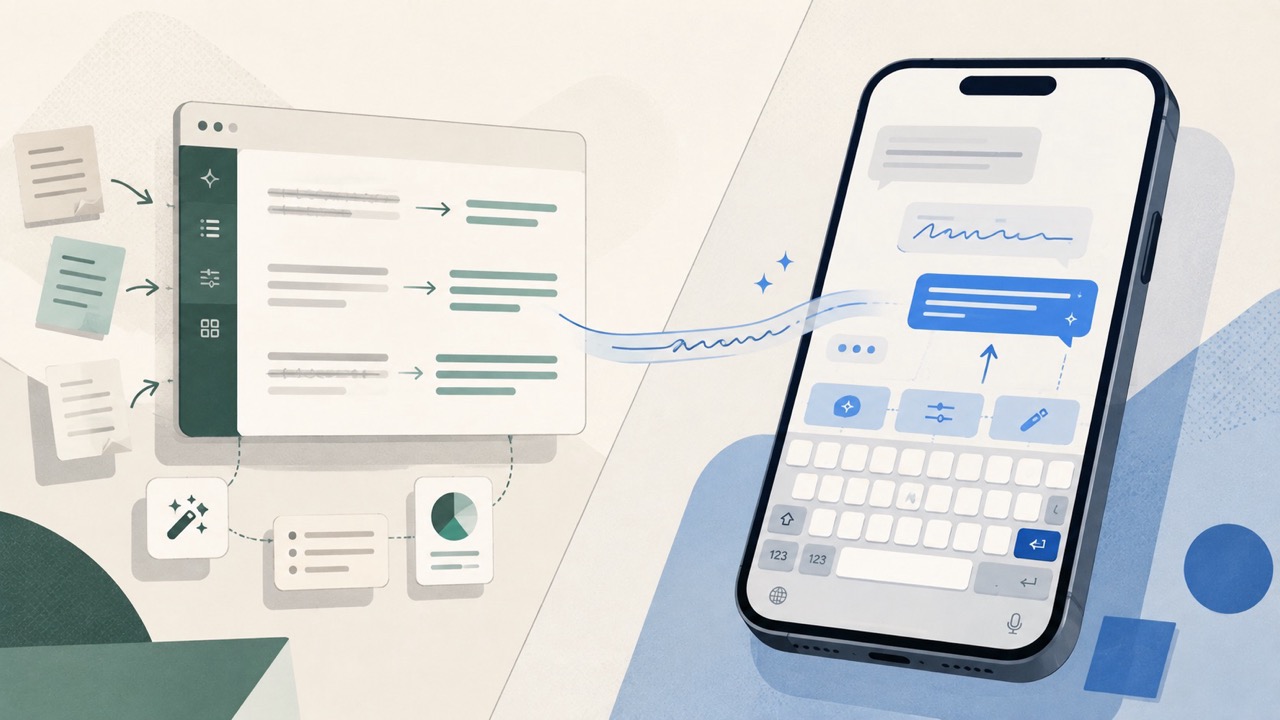
QuillBot vs RewriteMate for iPhone: Which AI Keyboard Fits Your Writing?
Compare QuillBot and RewriteMate on iPhone for paraphrasing, grammar, tone changes, translation, custom workflows, and everyday writing without app switching.

Felix Tran
RewriteMate Dev & Editorial Lead
Write about everyday workflows, systems that help ideas move faster, from first draft to finished work.