July 12, 2026
AI Keyboard vs AI Writing App: What's the Difference? (And Which Is Better for iPhone?)
AI writing tools have become part of everyday life. Whether you're replying to emails, polishing LinkedIn posts, or rewriting text messages, AI can help you write faster and with more confidence.
Most people are familiar with standalone AI writing apps like ChatGPT or Grammarly. But a newer category of tools is changing how people write on iPhone: AI keyboards.
Although both improve your writing, they solve different problems.
If you're wondering about the difference between an AI keyboard vs AI writing app, this guide will help you understand which fits your workflow—and why many iPhone users are choosing AI keyboards for everyday communication.
What Is an AI Writing App?
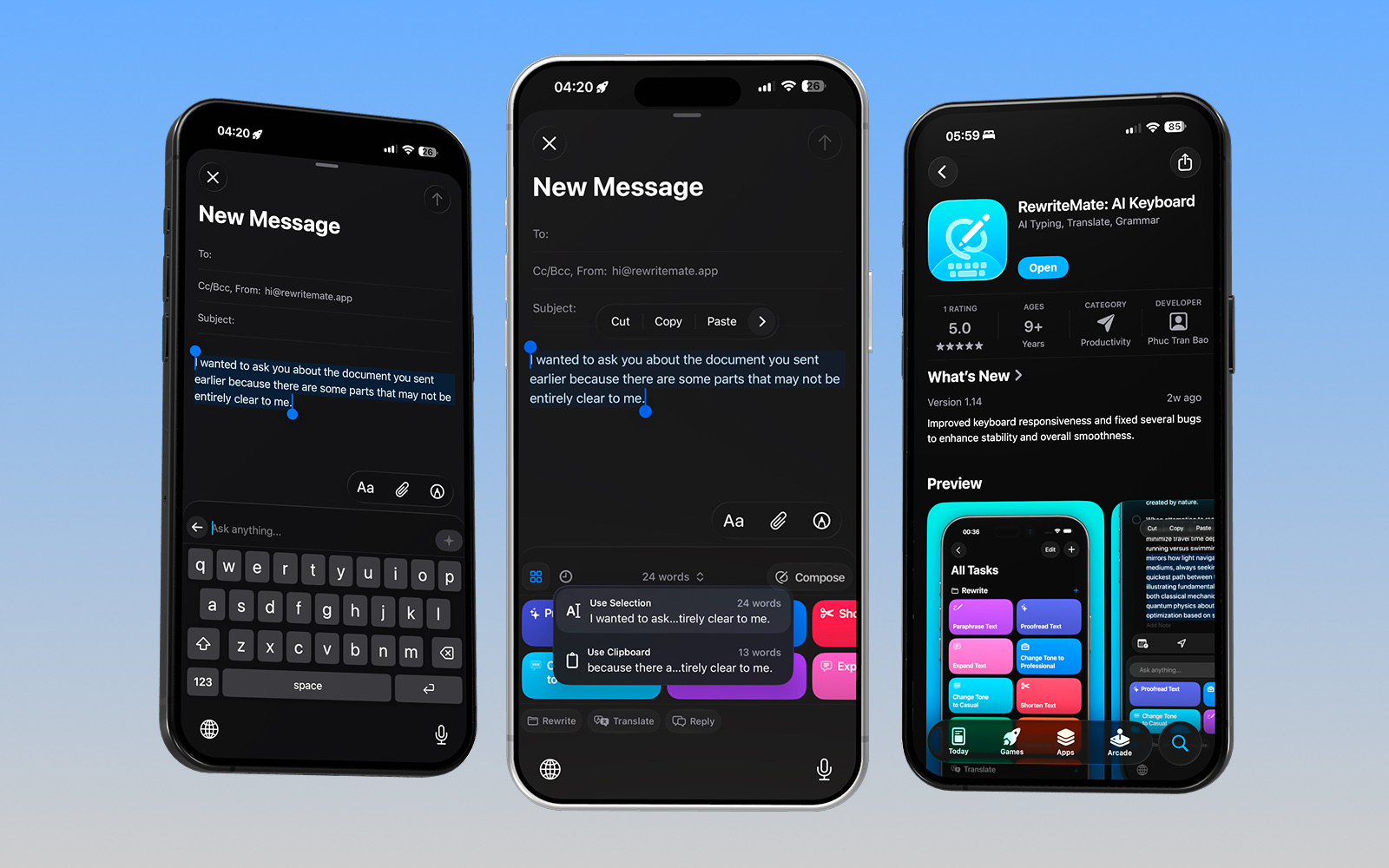
An AI writing app is a standalone application where you create, edit, or improve text.
Typically, the workflow looks like this:
- Open the AI app.
- Paste or type your text.
- Enter a prompt.
- Wait for the response.
- Copy the result.
- Return to your original app.
- Paste the revised text.
Popular examples include:
- ChatGPT
- Grammarly
- Claude
- Jasper
These apps excel at producing long-form content, brainstorming ideas, summarizing information, or helping you start from a blank page.
If you're writing a blog post, report, or proposal, a dedicated AI writing app is often the best choice.
What Is an AI Keyboard?
An AI keyboard works differently.
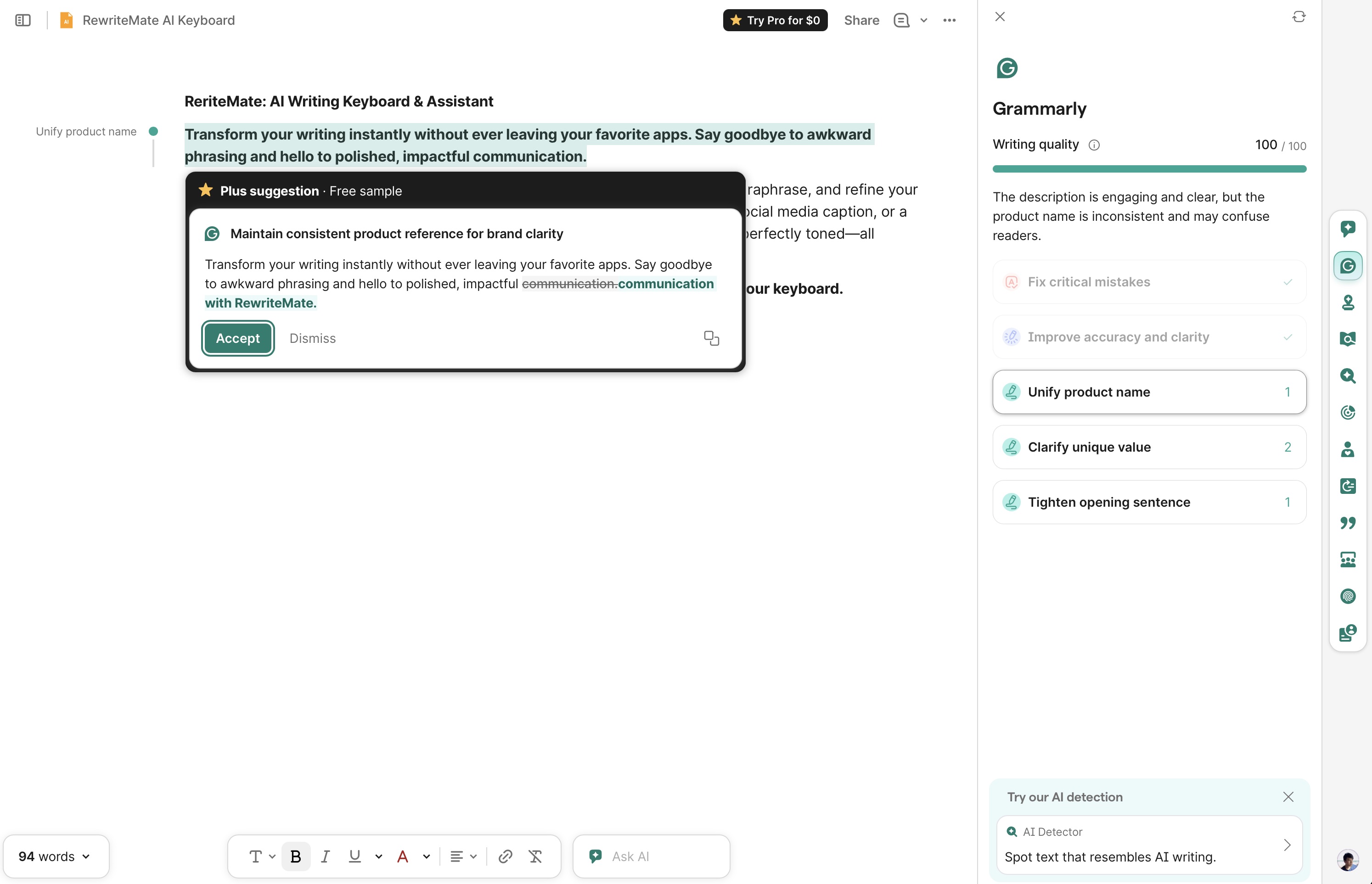
Instead of opening a separate app, the AI is built directly into your keyboard.
That means you can improve your writing anywhere you type, including:
- Messages
- Notes
- Slack
- Discord
- X
- Safari
- Notion
- Almost any iPhone app
Rather than copying and pasting text between apps, you simply select your text, choose an AI command, and continue writing.
Common AI keyboard features include:
- Grammar correction
- Proofreading
- Paraphrasing
- Tone adjustments
- Translation
- Summarization
- Quick replies
The biggest difference isn't the AI model.
It's where the AI lives.
AI Keyboard vs AI Writing App
| Feature | AI Writing App | AI Keyboard |
|---|---|---|
| Works inside every app | ❌ | ✅ |
| Requires copy and paste | Usually | No |
| Rewrite existing text | ✅ | ✅ |
| Generate long-form content | ⭐ Excellent | Good |
| Quick replies | Limited | Excellent |
| Grammar correction | ✅ | ✅ |
| Translation | ✅ | ✅ |
| Workflow speed | Slower | Faster |
| Stay in current app | ❌ | ✅ |
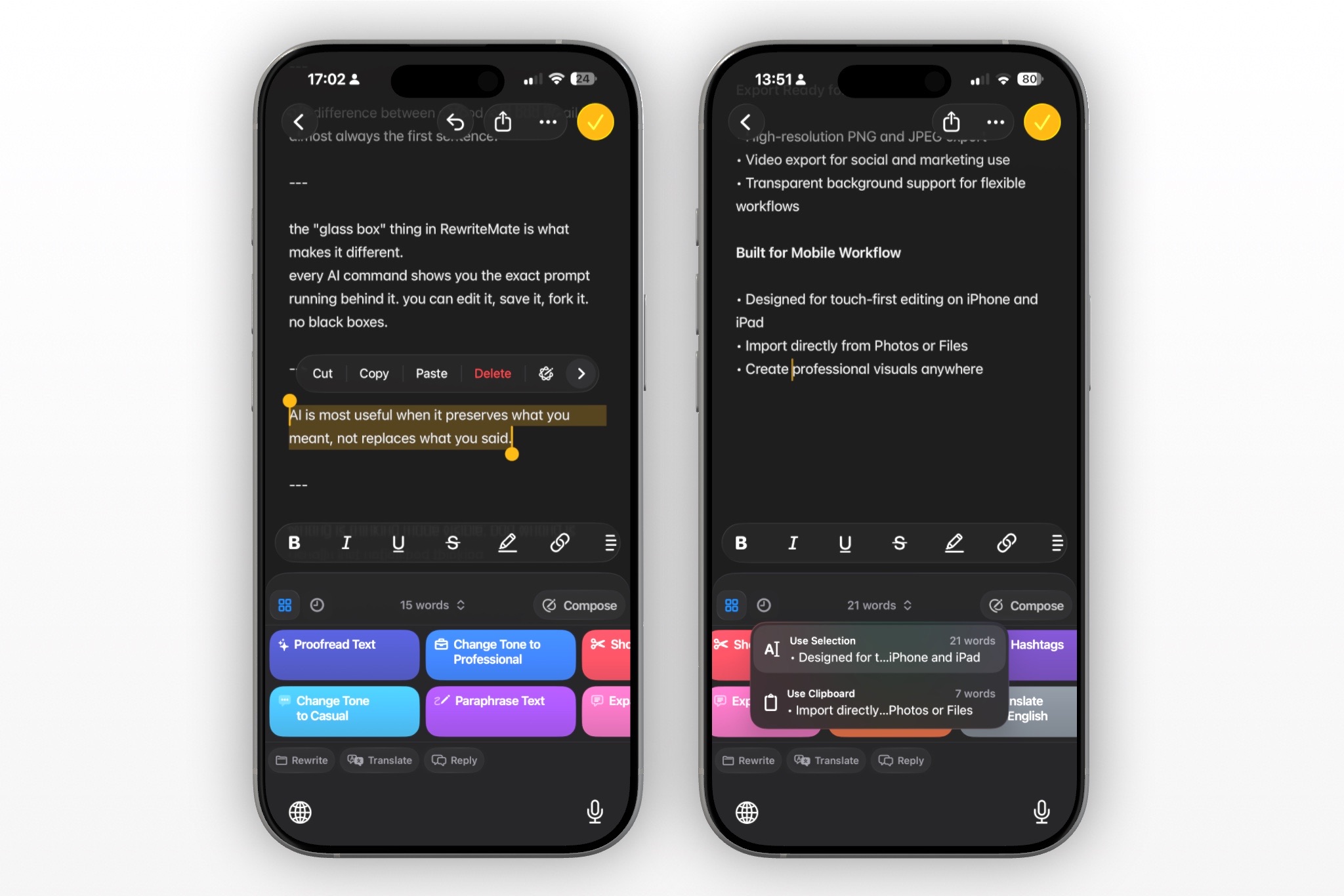
Both categories can improve your writing.
The real difference is how much friction exists between your thought and your finished message.
ChatGPT vs AI Keyboard
Many people compare ChatGPT vs AI keyboard, but they actually complement each other.
ChatGPT Is Best For
- Brainstorming
- Writing articles
- Coding
- Research
- Learning
- Creating content from scratch
Because ChatGPT provides a conversational interface, it's ideal when you're exploring ideas or developing longer pieces of writing.
AI Keyboards Are Best For
Daily communication.
For example:
- Replying to emails
- Improving text messages
- Making Slack messages more professional
- Fixing grammar before sending
- Translating conversations
- Changing tone instantly
Instead of switching between apps dozens of times each day, the AI is already where you're typing.
For many users, ChatGPT remains their creative workspace, while an AI keyboard becomes their everyday writing assistant.
Which Is Better for Everyday Writing on iPhone?
If you're searching for the best AI writing assistant for iPhone, your workflow matters more than the AI itself.
Think about how often you write:
- Emails
- Text messages
- Social media captions
- Customer support replies
- LinkedIn comments
- Notes
- Work chats
These are usually short pieces of writing that need polishing—not complete rewrites.
An AI keyboard removes unnecessary steps by letting you improve text without interrupting your workflow.
That makes it especially useful for professionals, students, and anyone who spends hours communicating from their iPhone.
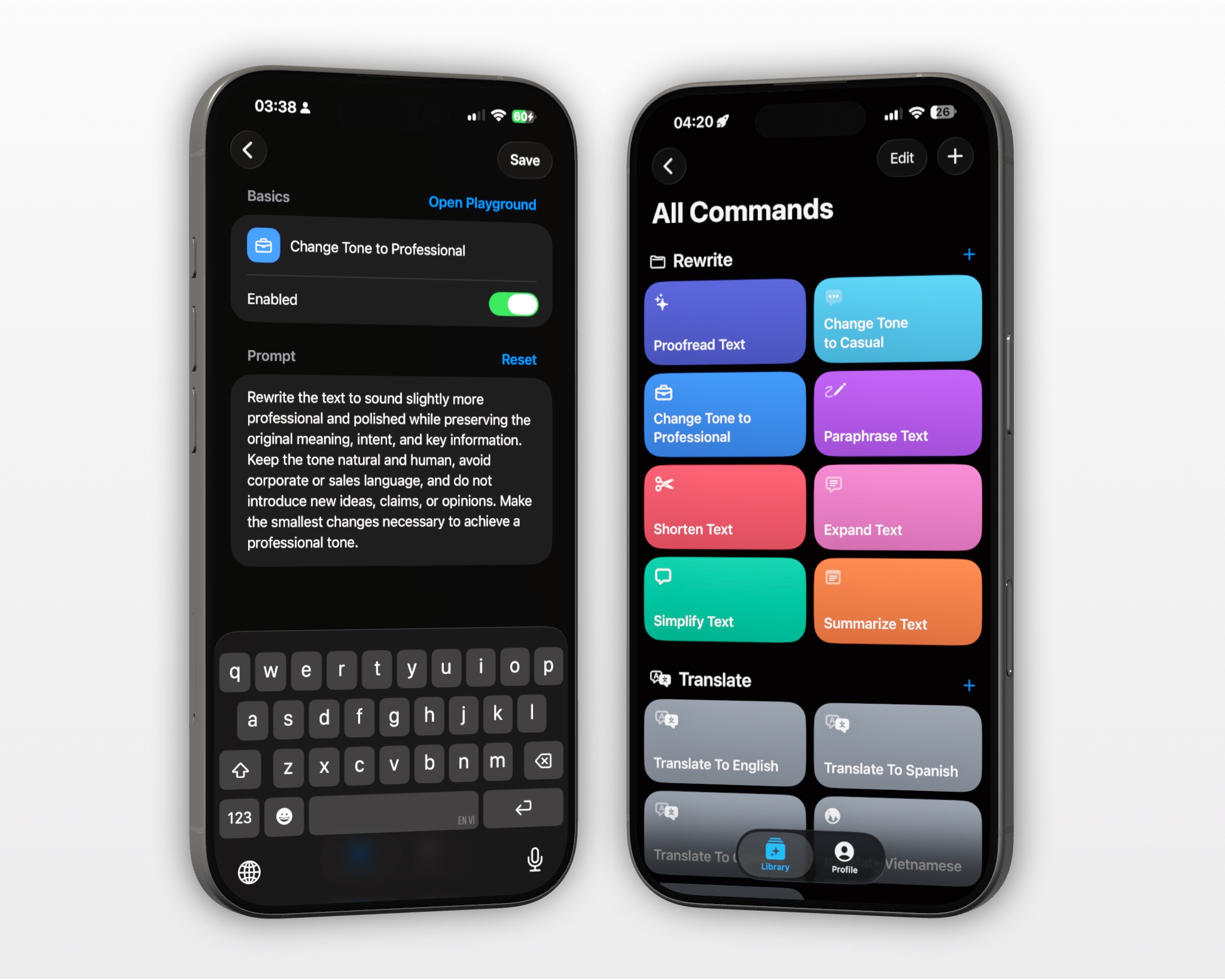
The Hidden Cost of Copy-and-Paste
Standalone AI apps introduce small interruptions every time you edit text.
A typical workflow looks like this:
- Leave your current app.
- Open an AI writing app.
- Paste your text.
- Enter instructions.
- Wait.
- Copy the result.
- Return.
- Paste again.
It doesn't seem like much.
But repeat this process twenty or thirty times a day, and those extra steps become a significant productivity drain.
With an AI keyboard, the process is much simpler:
- Select text.
- Tap a rewrite command.
- Replace the original.
Those saved seconds quickly add up.
Who Should Choose an AI Keyboard?
AI keyboards are especially valuable for people who spend most of their day editing rather than generating content.
They're ideal for:
- Professionals sending emails
- Students improving assignments
- Non-native English speakers
- Customer support teams
- Founders communicating with clients
- Sales professionals
- Social media managers
- Content creators
- Freelancers
If your work revolves around everyday communication, reducing friction can make a noticeable difference.
Why RewriteMate Takes the AI Keyboard Approach
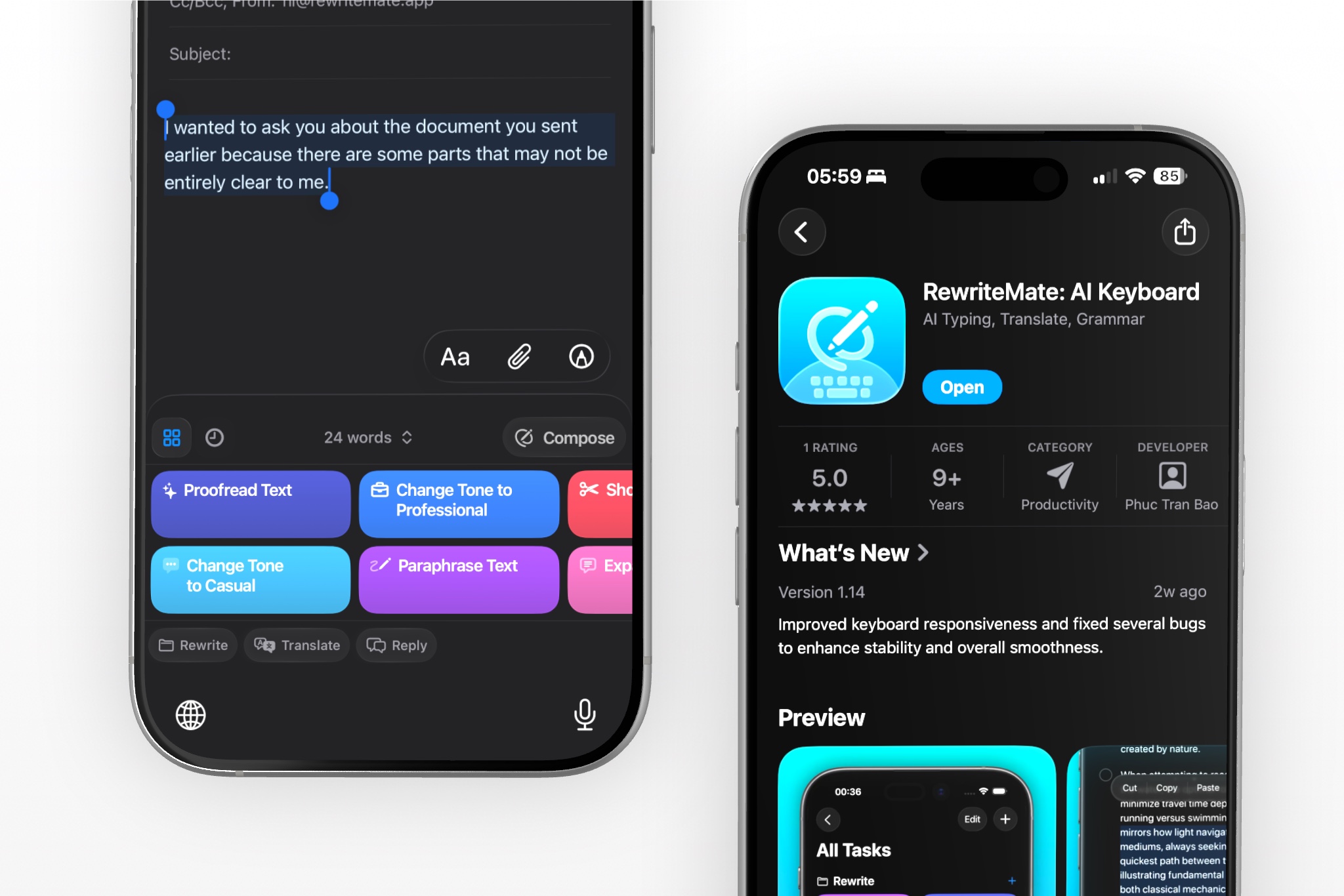
Instead of becoming another standalone AI writing app, RewriteMate focuses on helping users improve text without leaving the app they're already using.
With RewriteMate, you can:
- Proofread instantly
- Rewrite awkward sentences
- Change writing tone
- Translate text
- Summarize content
- Create custom AI commands
- Choose different AI models
- Insert improved text directly into your conversation
The goal isn't to replace tools like ChatGPT.
It's to eliminate unnecessary context switching during everyday writing.
If most of your AI usage happens while replying to messages, editing emails, or refining quick drafts, an AI keyboard can feel significantly faster than opening a separate app every time.
Which One Should You Choose?
There's no universal winner.
The best tool depends on what you're trying to accomplish.
Choose an AI writing app if you regularly:
- Write long-form articles
- Brainstorm ideas
- Research topics
- Draft reports
- Create content from scratch
Choose an AI keyboard if you mostly:
- Send emails
- Reply to messages
- Edit text throughout the day
- Rewrite existing content
- Want faster communication
- Prefer staying inside your current app
Many users eventually discover that the best setup isn't choosing one or the other.
It's using both.
A standalone AI app can handle deep work, while an AI keyboard streamlines every conversation throughout your day.
Final Thoughts
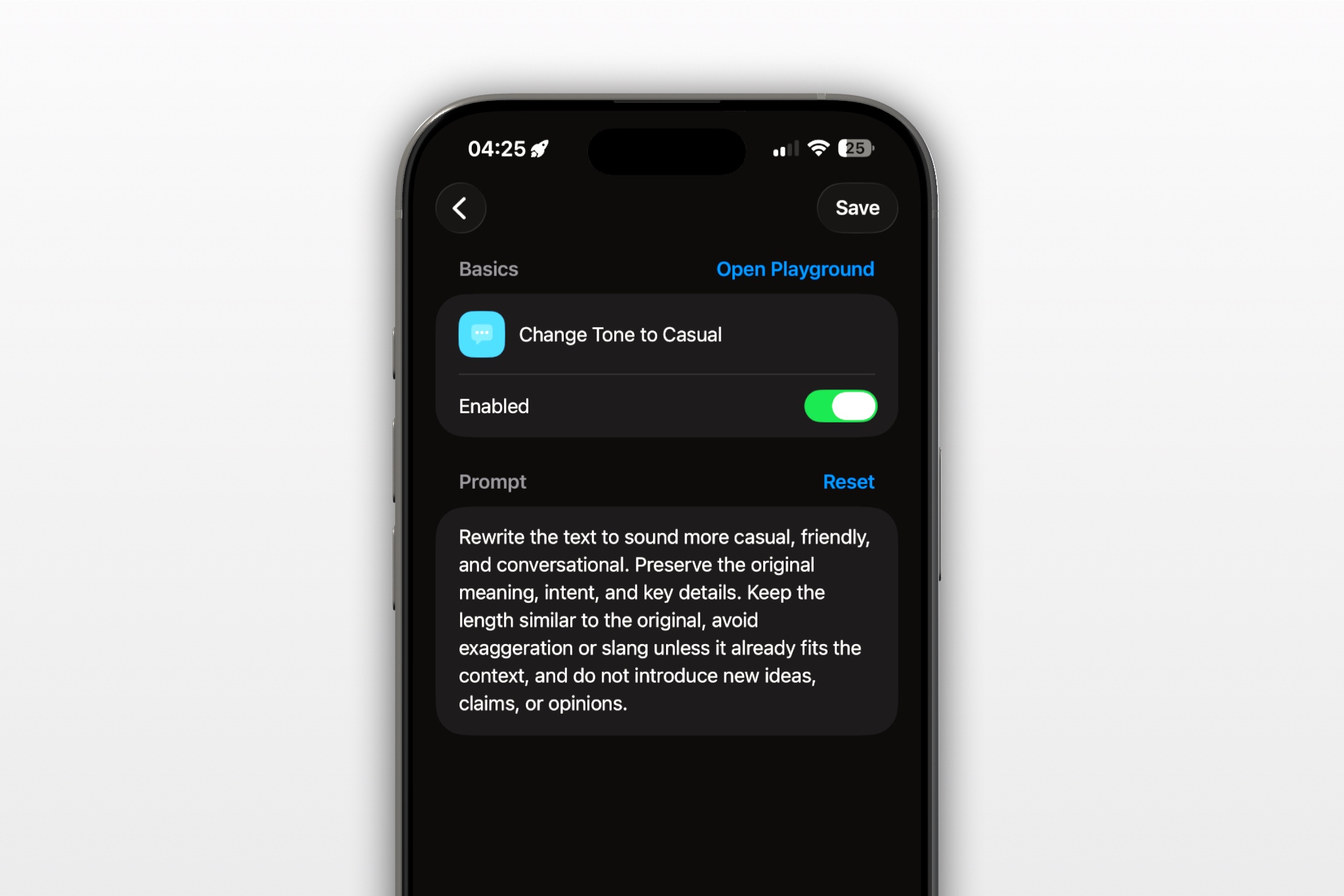
The comparison between an AI keyboard vs AI writing app isn't really about which technology is smarter.
It's about reducing friction.
If you're creating long documents, brainstorming, or researching, an AI writing app remains incredibly valuable.
But if your day is filled with emails, messages, comments, and quick edits, an AI keyboard keeps you moving without constantly breaking your focus.
As AI becomes a natural part of everyday communication, the fastest tools won't always be the ones with the most features—they'll be the ones that fit seamlessly into your workflow.
Frequently Asked Questions
Is an AI keyboard better than ChatGPT?
Not necessarily. ChatGPT is excellent for creating content from scratch, while an AI keyboard is designed to improve writing directly inside the apps you already use.
Does an AI keyboard work in every app?
Most AI keyboards work anywhere the iPhone keyboard appears, including messaging apps, email clients, browsers, note-taking apps, and social media platforms.
Can an AI keyboard replace Grammarly?
For many everyday writing tasks like grammar correction, rewriting, and tone adjustments, an AI keyboard can be an effective alternative. Dedicated grammar platforms may still offer additional document-level editing features.
What is an AI rewrite app?
An AI rewrite app is a standalone application where users paste text to improve or paraphrase it. An AI keyboard performs similar tasks directly from the keyboard without requiring users to switch apps.
Should I use both an AI writing app and an AI keyboard?
Yes. Many people use an AI writing app for brainstorming and long-form content while relying on an AI keyboard for emails, messages, and everyday communication.
Related articles
Keep reading

RewriteMate vs Grammarly Keyboard: Which Is Better for Mobile Writing?
Compare RewriteMate vs Grammarly Keyboard to see which iPhone writing assistant fits your workflow. Learn the differences in AI rewriting, grammar checking, customization, pricing, and everyday mobile writing.
10 Things You Can Do With an AI Keyboard on iPhone
From proofreading and paraphrasing to translation, quick replies, and custom prompts, here are 10 practical things you can do with an AI keyboard on iPhone without leaving the app you’re already using.
What Is an AI Keyboard? How It Works on iPhone
Learn what an AI keyboard is, how it works on iPhone, and why more people are using AI keyboard apps to rewrite, proofread, translate, and improve text without leaving the app they’re in.

Felix Tran
RewriteMate Dev & Editorial Lead
Write about everyday workflows, systems that help ideas move faster, from first draft to finished work.