July 29, 2026
Best Grammarly Alternatives for iPhone in 2026 (Compared & Reviewed)
Best Grammarly Alternatives for iPhone in 2026 (Compared & Reviewed)
If you're searching for the best grammarly alternative iphone, you're not alone.
Grammarly remains one of the biggest names in grammar correction, but many iPhone users are discovering that desktop-first writing assistants don't always deliver the best mobile experience. In 2026, AI keyboards have evolved far beyond simple spell checkers. Today's best apps rewrite emails, improve tone, fix grammar instantly, and help you write professionally anywhere on iOS.
Whether you're replying to clients, drafting LinkedIn posts, writing Slack messages, or polishing emails, the right AI writing assistant can save hours every week.
In this guide, we'll compare the best Grammarly alternatives for iPhone and help you decide which one fits your workflow.
Quick Comparison
| App | Native Keyboard | Grammar | AI Rewrite | Best For | Free Plan |
|---|---|---|---|---|---|
| RewriteMate | ✅ | ⭐⭐⭐⭐⭐ | ⭐⭐⭐⭐⭐ | Professionals | ✅ |
| Grammarly | ✅ | ⭐⭐⭐⭐⭐ | ⭐⭐⭐⭐ | Grammar checking | ✅ |
| LanguageTool | ❌ | ⭐⭐⭐⭐ | ⭐⭐⭐ | Multilingual users | ✅ |
| Microsoft SwiftKey | ✅ | ⭐⭐⭐ | ⭐⭐⭐⭐ | Microsoft ecosystem | ✅ |
| QuillBot | Limited | ⭐⭐⭐⭐ | ⭐⭐⭐⭐⭐ | Paraphrasing | ✅ |
| Apple Writing Tools | Built-in | ⭐⭐⭐ | ⭐⭐⭐⭐ | Apple Intelligence users | Included |
Why Many iPhone Users Are Looking for a Grammarly Alternative
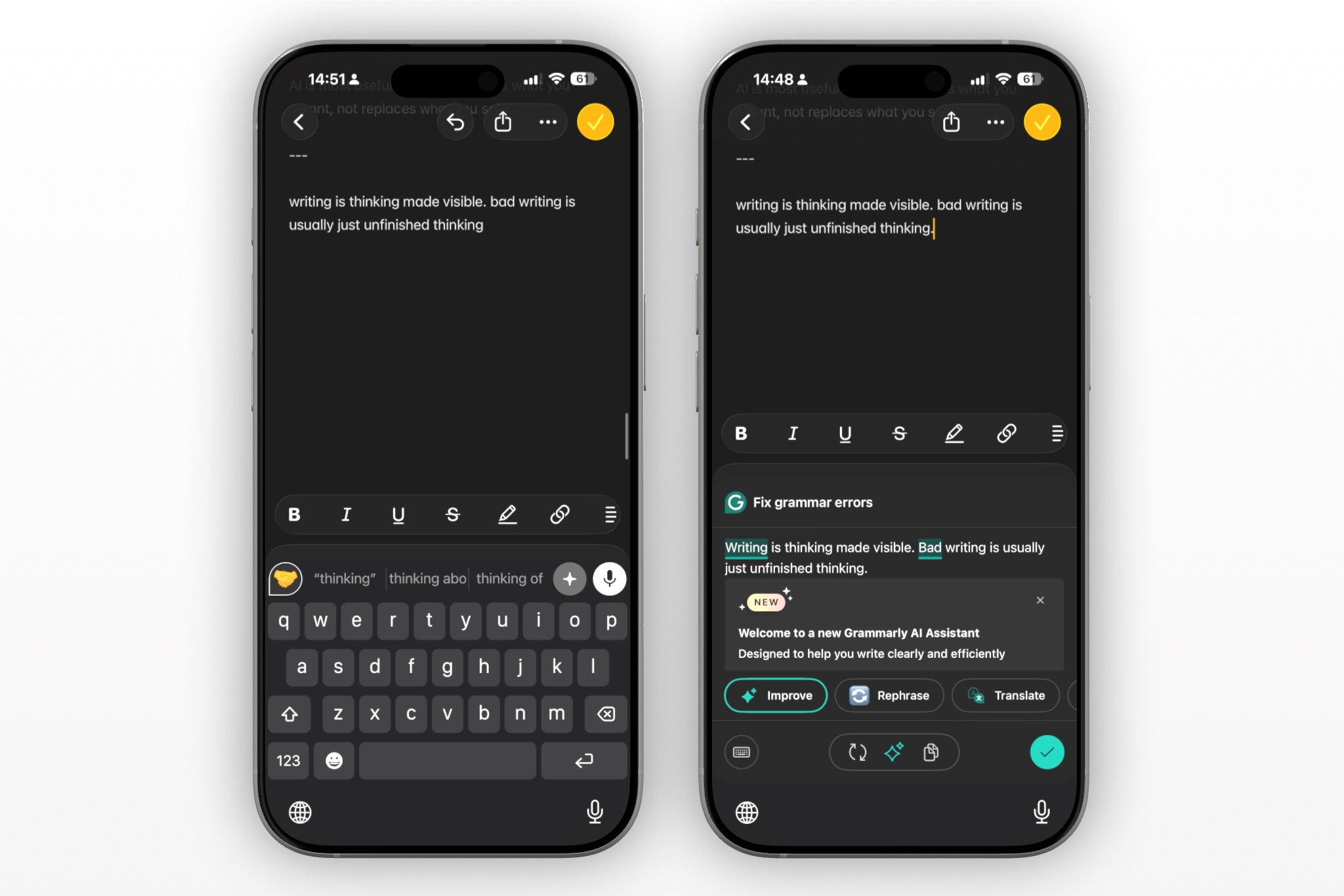
Grammarly built its reputation on browser extensions and desktop editing, but mobile writing has changed dramatically.
Today, most professionals spend hours every day writing from their phones:
- Slack
- Microsoft Teams
- Messages
- Notes
- CRM apps
Instead of switching between apps to copy and paste text into Grammarly, users increasingly prefer AI keyboards that work directly inside every app.
The ideal grammarly alternative iphone should:
- Work natively on iOS
- Offer one-tap rewriting
- Fix grammar instantly
- Improve tone
- Generate polished responses
- Feel fast enough for everyday conversations
What Makes a Great AI Writing App for iPhone?
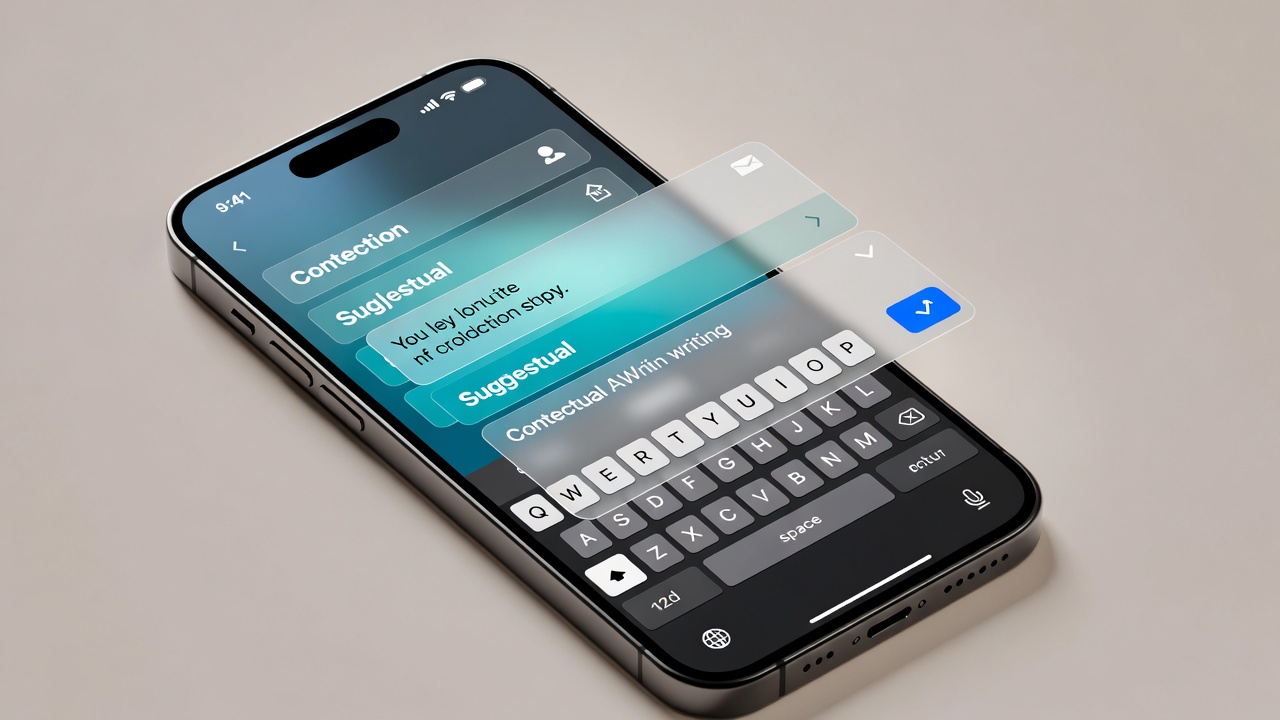
Not every grammar app iphone offers the same experience.
Here's what separates the best tools from the rest.
Native Keyboard
The best apps integrate directly into the iPhone keyboard so you never leave the app you're using.
Grammar Accuracy
Basic spell checking isn't enough anymore. Look for contextual grammar improvements that understand sentence meaning.
AI Rewriting
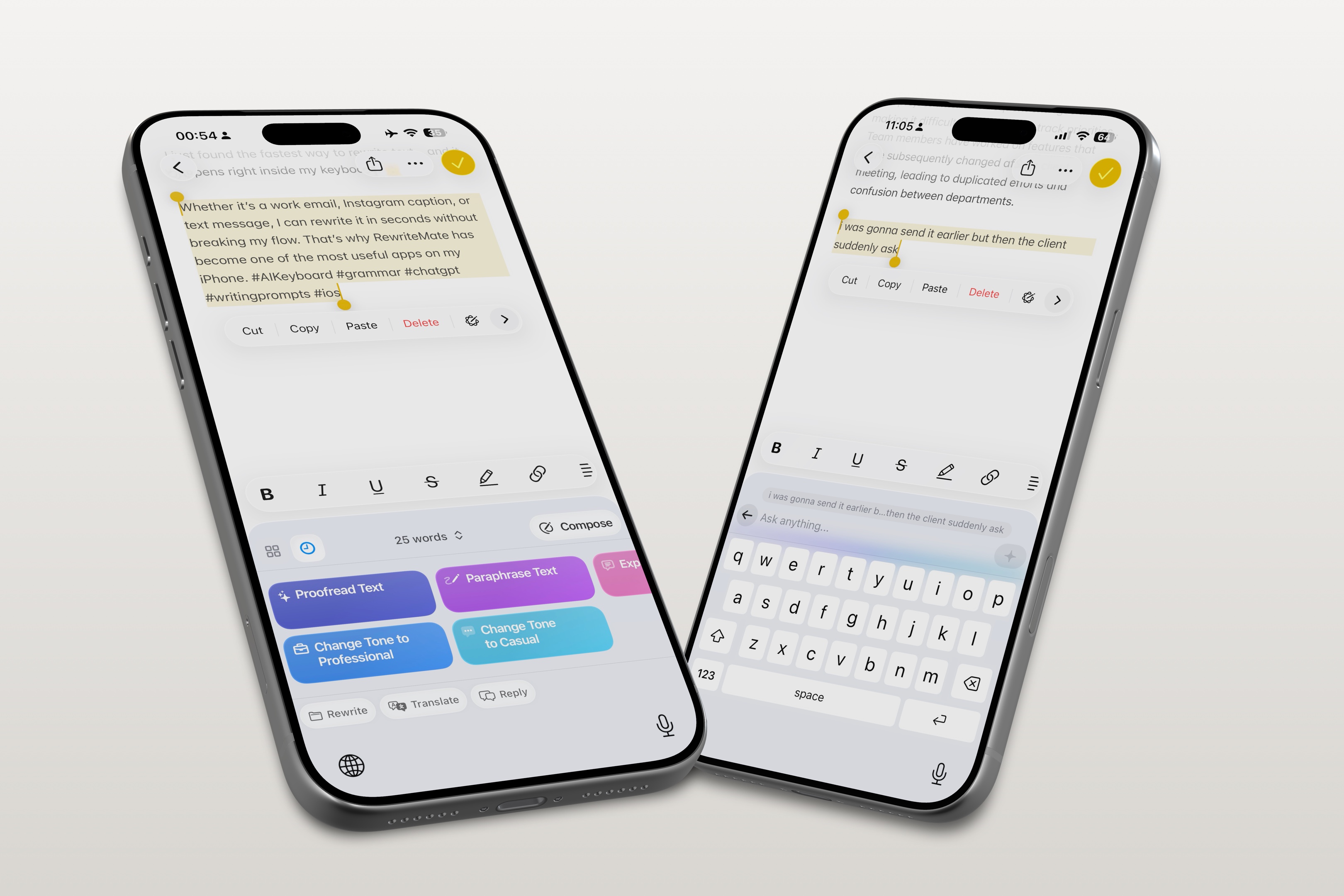
Modern AI should rewrite awkward sentences, improve clarity, shorten long paragraphs, and adjust writing style.
Tone Adjustments
Professional. Friendly. Confident. Persuasive.
One tap should completely transform your writing.
Speed
Nobody wants to wait several seconds every time they edit a message.
Privacy
Professional users often work with sensitive emails and client conversations. Privacy matters.
Best Grammarly Alternatives for iPhone in 2026
1. RewriteMate — Best Overall
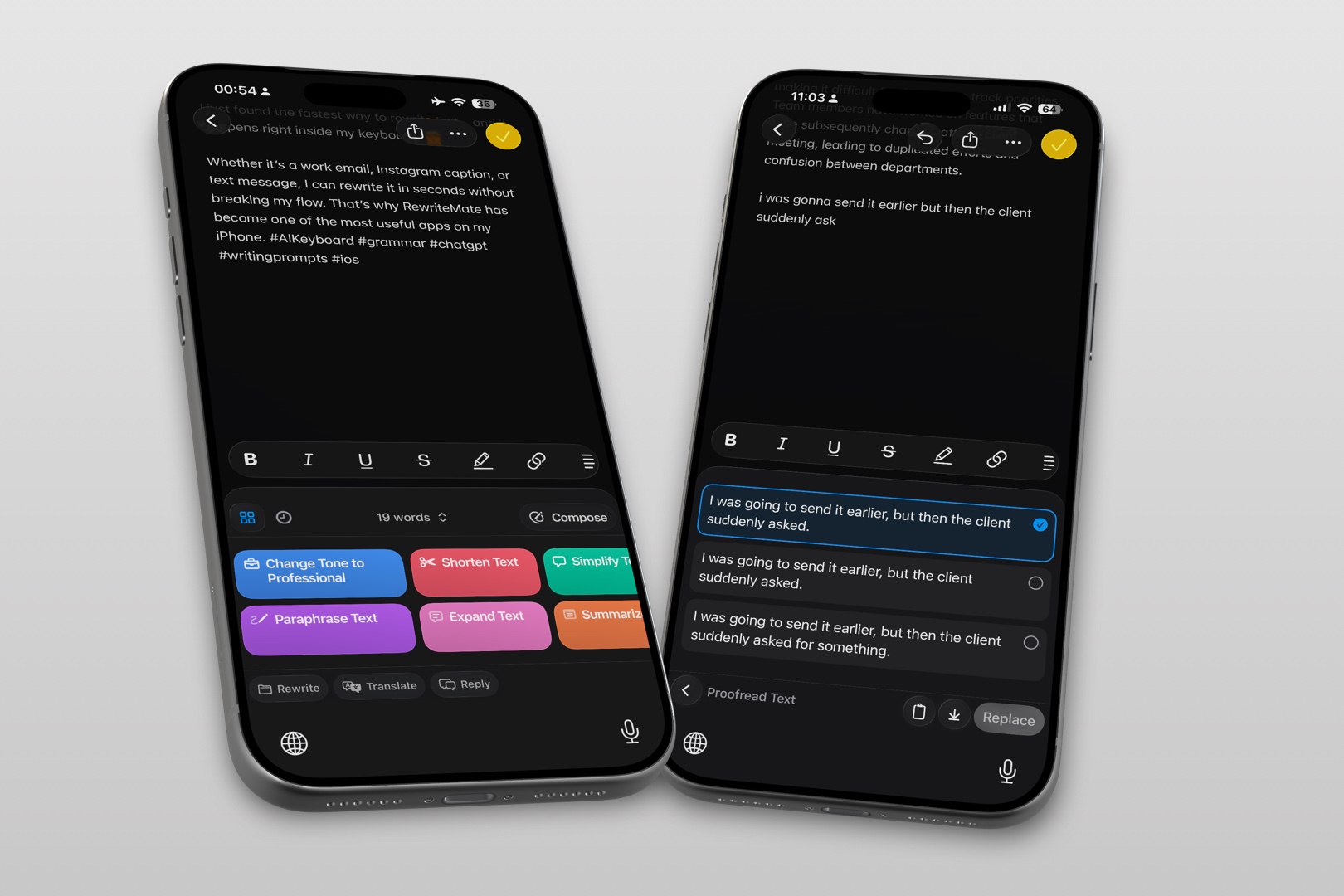
RewriteMate is designed specifically for people who primarily write on iPhone.
Instead of acting like a desktop editor squeezed onto mobile, RewriteMate works as an AI keyboard that improves your writing anywhere.
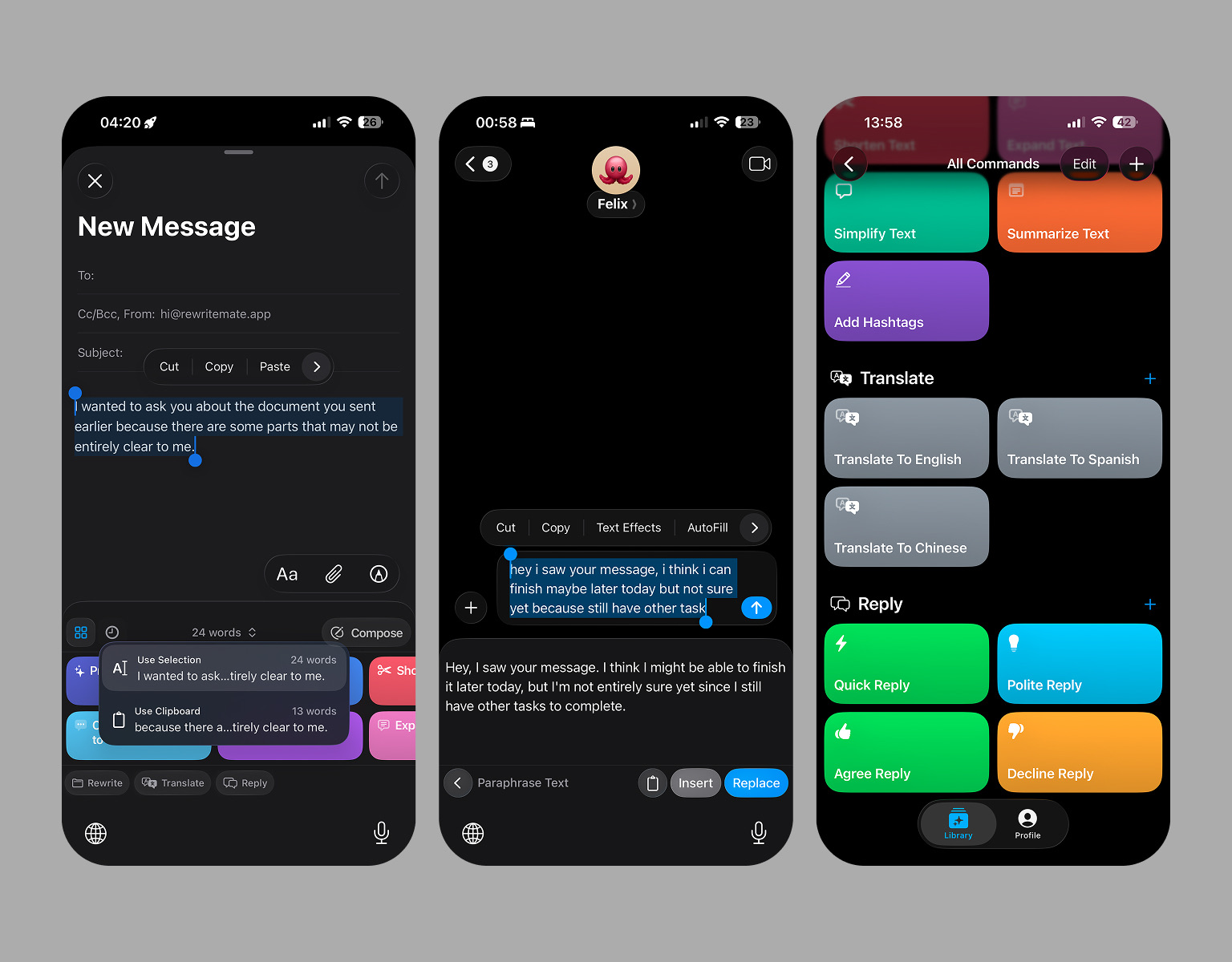
Highlights
- Native iPhone keyboard
- Instant grammar correction
- AI rewriting
- Tone transformation
- Professional email writing
- Works inside every app
- Optimized for mobile workflows
Pros
- Mobile-first experience
- Excellent rewriting quality
- Fast suggestions
- Minimal switching between apps
- Clean interface
Cons
- Focused primarily on iOS users
Best For
Professionals who spend most of their workday writing from an iPhone.
Want a deeper comparison?
2. LanguageTool
LanguageTool has become one of the strongest multilingual grammar platforms.
If you write in several languages, it deserves serious consideration.
Pros
- Supports many languages
- Strong grammar engine
- Privacy-friendly
Cons
- Less advanced AI rewriting
- Limited mobile-first features
Best For
Multilingual professionals.
3. Microsoft SwiftKey AI
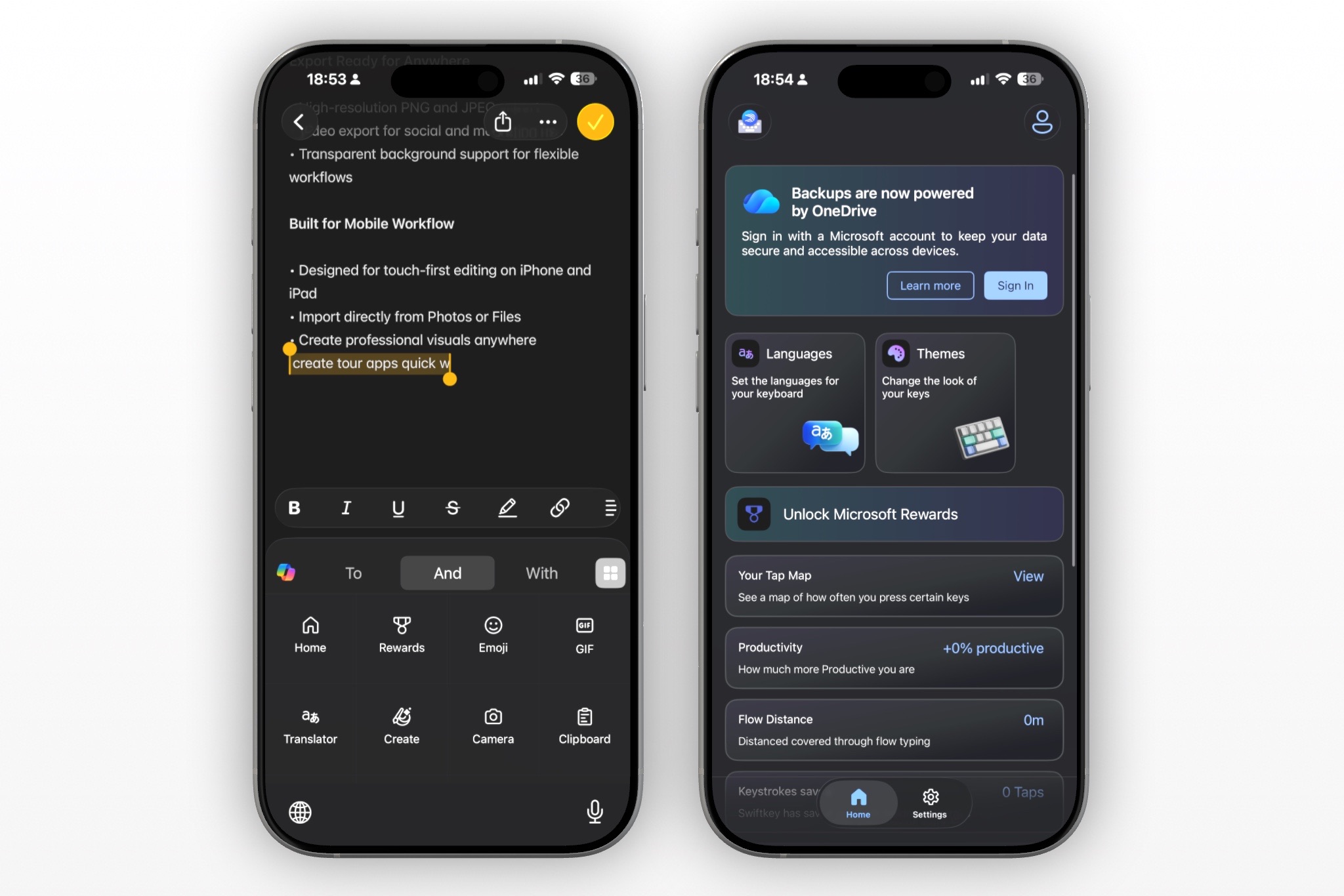
SwiftKey has evolved into a capable AI keyboard thanks to Microsoft's AI integrations.
It combines predictive typing with AI assistance.
Pros
- Excellent keyboard
- Fast predictions
- Microsoft ecosystem integration
Cons
- Grammar suggestions aren't as advanced
- AI features depend on Microsoft services
Best For
Microsoft 365 users.
4. QuillBot
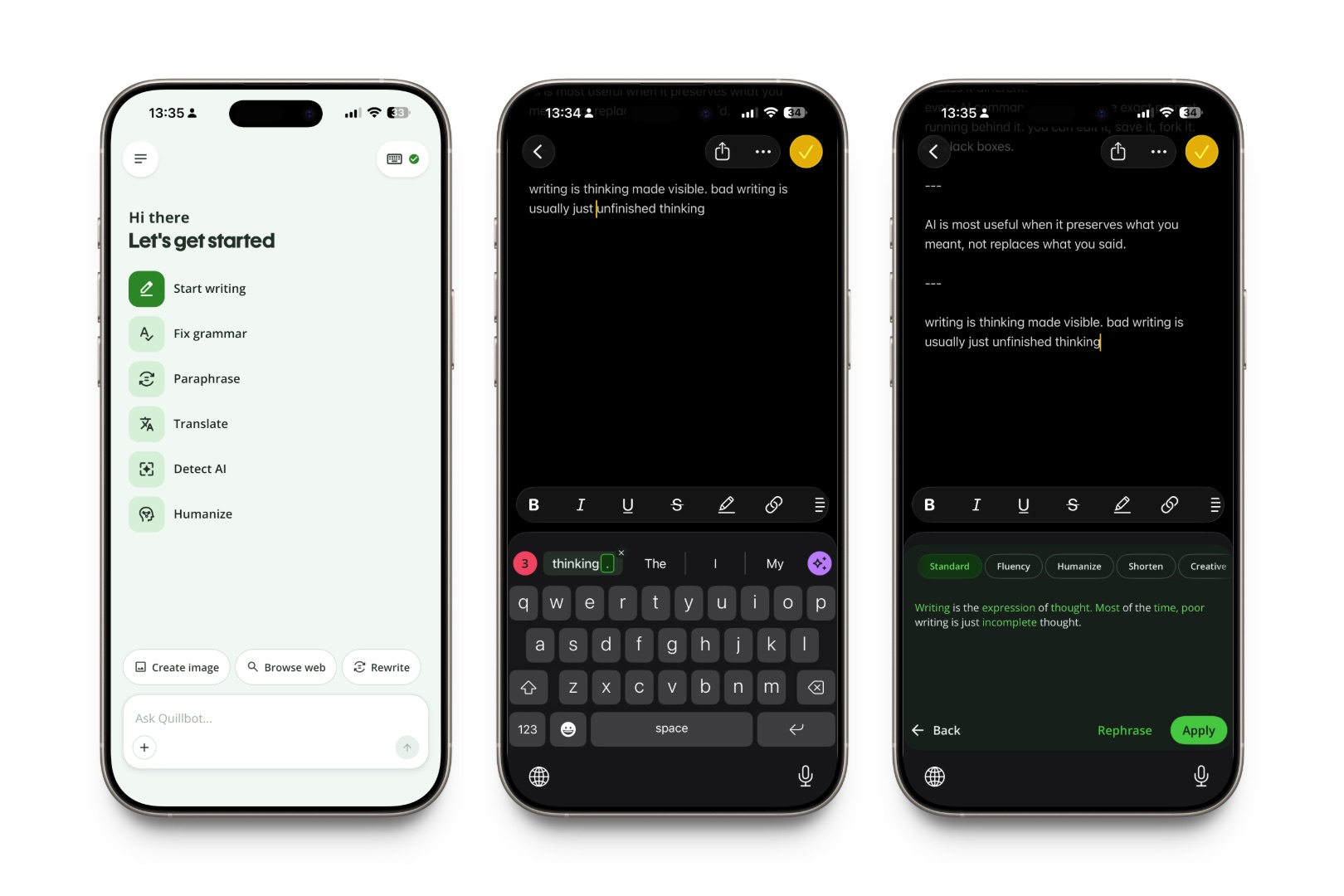
QuillBot remains one of the strongest paraphrasing tools available.
Its mobile capabilities have improved significantly.
Pros
- Excellent paraphrasing
- Strong rewriting
- Easy to use
Cons
- Less keyboard-focused
- Grammar checking isn't its strongest feature
Best For
Students and content creators.
5. Apple Writing Tools
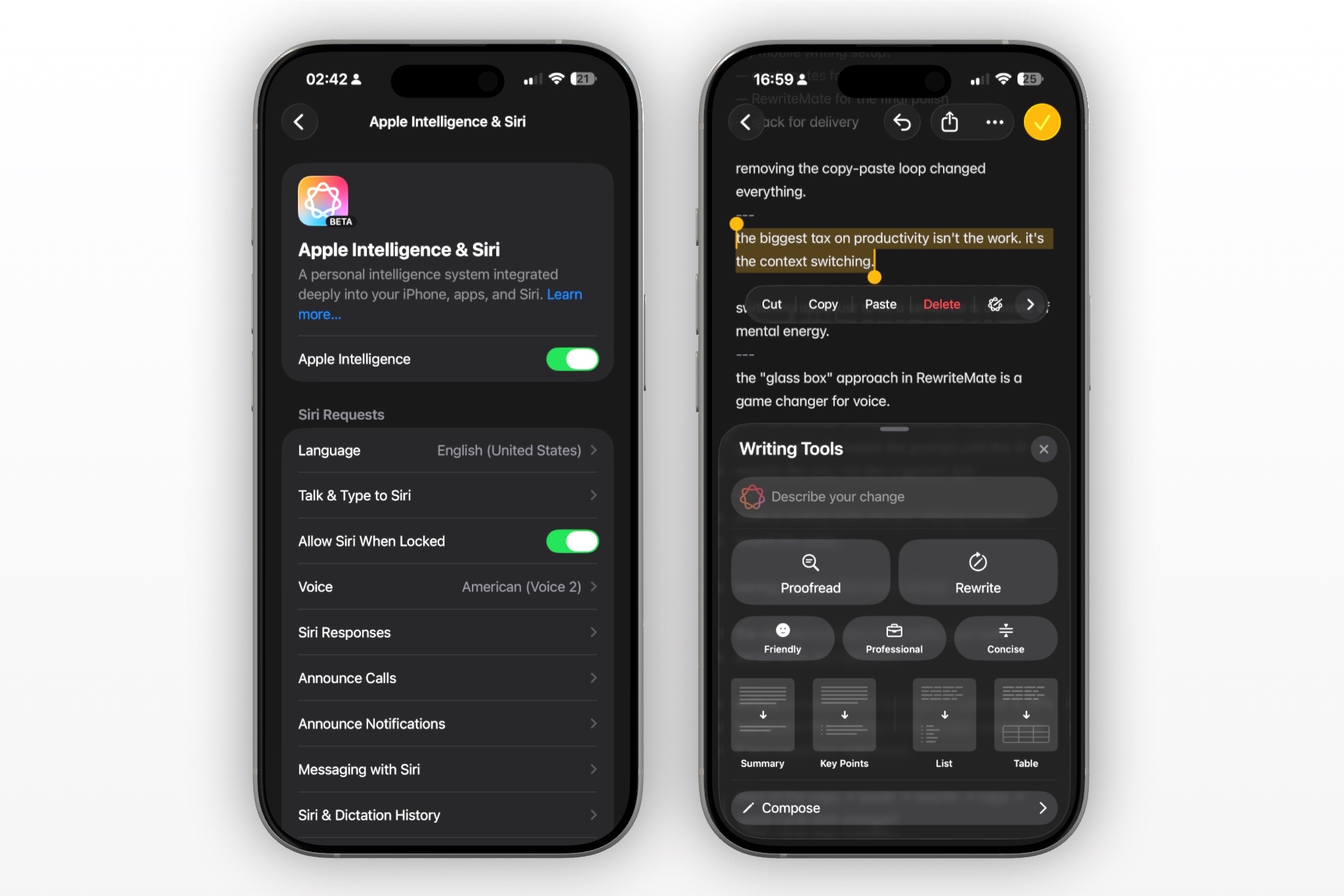
Apple's built-in Writing Tools continue improving with Apple Intelligence.
For casual users, they're surprisingly capable.
Pros
- Built into iOS
- No extra installation
- Convenient
Cons
- Limited customization
- Fewer professional writing features
- Doesn't replace dedicated AI writing assistants
Best For
Light everyday editing.
Grammarly vs RewriteMate
| Feature | RewriteMate | Grammarly |
|---|---|---|
| Native iPhone Experience | ✅ | ✅ |
| AI Keyboard | ✅ | Limited |
| Grammar Correction | ⭐⭐⭐⭐⭐ | ⭐⭐⭐⭐⭐ |
| AI Rewriting | ⭐⭐⭐⭐⭐ | ⭐⭐⭐⭐ |
| Tone Control | ⭐⭐⭐⭐⭐ | ⭐⭐⭐⭐ |
| Mobile Workflow | ⭐⭐⭐⭐⭐ | ⭐⭐⭐ |
| Professional Writing | ⭐⭐⭐⭐⭐ | ⭐⭐⭐⭐ |
If your primary device is an iPhone, RewriteMate offers a workflow that's built around mobile productivity instead of adapting desktop features to a smaller screen.
Learn more:
Which Grammarly Alternative Is Best for Different Users?
Students
QuillBot
Professionals
RewriteMate
Business Owners
RewriteMate
Content Creators
RewriteMate or QuillBot
Multilingual Users
LanguageTool
Microsoft Users
SwiftKey
Casual Writers
Apple Writing Tools
Best Grammar Keyboard for iPhone
There's an important difference between a grammar checker and an AI keyboard.
Traditional grammar apps ask you to copy text into an editor.
AI keyboards improve writing without interrupting your workflow.
If you write dozens of emails, messages, or documents every day, an AI keyboard usually delivers a much smoother experience.
Learn more here:
Best AI Writing App for iPhone
Write better everywhere
Rewrite, rephrase, and refine text instantly without switching apps.
The best ai writing app iphone depends on how you work.
If your priority is:
- Professional emails → RewriteMate
- Grammar correction → Grammarly
- Multiple languages → LanguageTool
- Microsoft integration → SwiftKey
- Paraphrasing → QuillBot
- Built-in convenience → Apple Writing Tools
For most professionals, an AI keyboard offers the fastest writing experience because it works everywhere you type.
Free vs Paid Grammarly Alternatives
Most apps offer free plans with basic grammar correction.
Premium subscriptions typically unlock:
- AI rewriting
- Tone adjustments
- Longer rewrites
- Advanced grammar
- Professional writing styles
- Unlimited usage
If you write professionally every day, upgrading often pays for itself through improved productivity.
How to Choose the Right Grammarly Alternative
Ask yourself:
- Do you mostly write on your iPhone?
- Do you need AI rewriting?
- Is grammar correction enough?
- Do you want a keyboard instead of a separate app?
- Do you write professional emails?
- Do you need multilingual support?
Choosing the right tool depends less on feature count and more on how naturally it fits into your daily workflow.
Frequently Asked Questions
What is the best Grammarly alternative for iPhone?
For professionals who primarily work from an iPhone, RewriteMate offers one of the best combinations of AI rewriting, grammar correction, and a native keyboard experience.
Is there a free grammar app for iPhone?
Yes. Grammarly, LanguageTool, QuillBot, Microsoft SwiftKey, and several AI writing apps offer free plans with optional premium upgrades.
Does Apple have its own Grammarly alternative?
Apple Writing Tools provide built-in grammar correction and AI assistance through Apple Intelligence, although they don't yet match dedicated AI writing apps for advanced editing.
Which AI keyboard works in every app?
Native AI keyboards like RewriteMate and SwiftKey work across most apps where the iPhone keyboard is available.
Should I choose an AI keyboard or a grammar checker?
If you write frequently on mobile, an AI keyboard usually provides a faster and more seamless experience because it works wherever you type.
Final Verdict
Grammarly remains an excellent writing assistant, especially for desktop users.
However, mobile-first professionals increasingly expect more than grammar correction. They want AI that rewrites, improves tone, and works instantly without disrupting their workflow.
For iPhone users, the strongest alternatives focus on native keyboard experiences rather than standalone editing.
If you spend most of your day writing from your phone, RewriteMate is one of the most complete AI writing assistants available in 2026.
Related articles
Keep reading

5 Best Grammarly Alternatives for iPhone in 2026
Grammarly's keyboard has gotten smarter — but here are five tools worth comparing if you write mostly on your iPhone.
Grammarly Alternative iPhone: RewriteMate vs Grammarly
A head-to-head comparison of the best AI writing keyboards for iOS, highlighting why custom prompts beat locked presets.

RewriteMate vs Grammarly Keyboard: Which Is Better for Mobile Writing?
Compare RewriteMate vs Grammarly Keyboard to see which iPhone writing assistant fits your workflow. Learn the differences in AI rewriting, grammar checking, customization, pricing, and everyday mobile writing.

Felix Tran
RewriteMate Dev & Editorial Lead
Write about everyday workflows, systems that help ideas move faster, from first draft to finished work.